Troubleshooting
Air Purifier Keeps Changing Fan Speed on Auto? Here's Why
Air purifier changing speed on auto? That's auto mode working — the sensor speeds up for cooking, sprays, and pets. How to adjust sensitivity or lock a manual speed.
Read moreSomething not working right — a sensor stuck on red, a noisy fan, a filter light that won't reset? Start here and fix the actual cause.
Troubleshooting
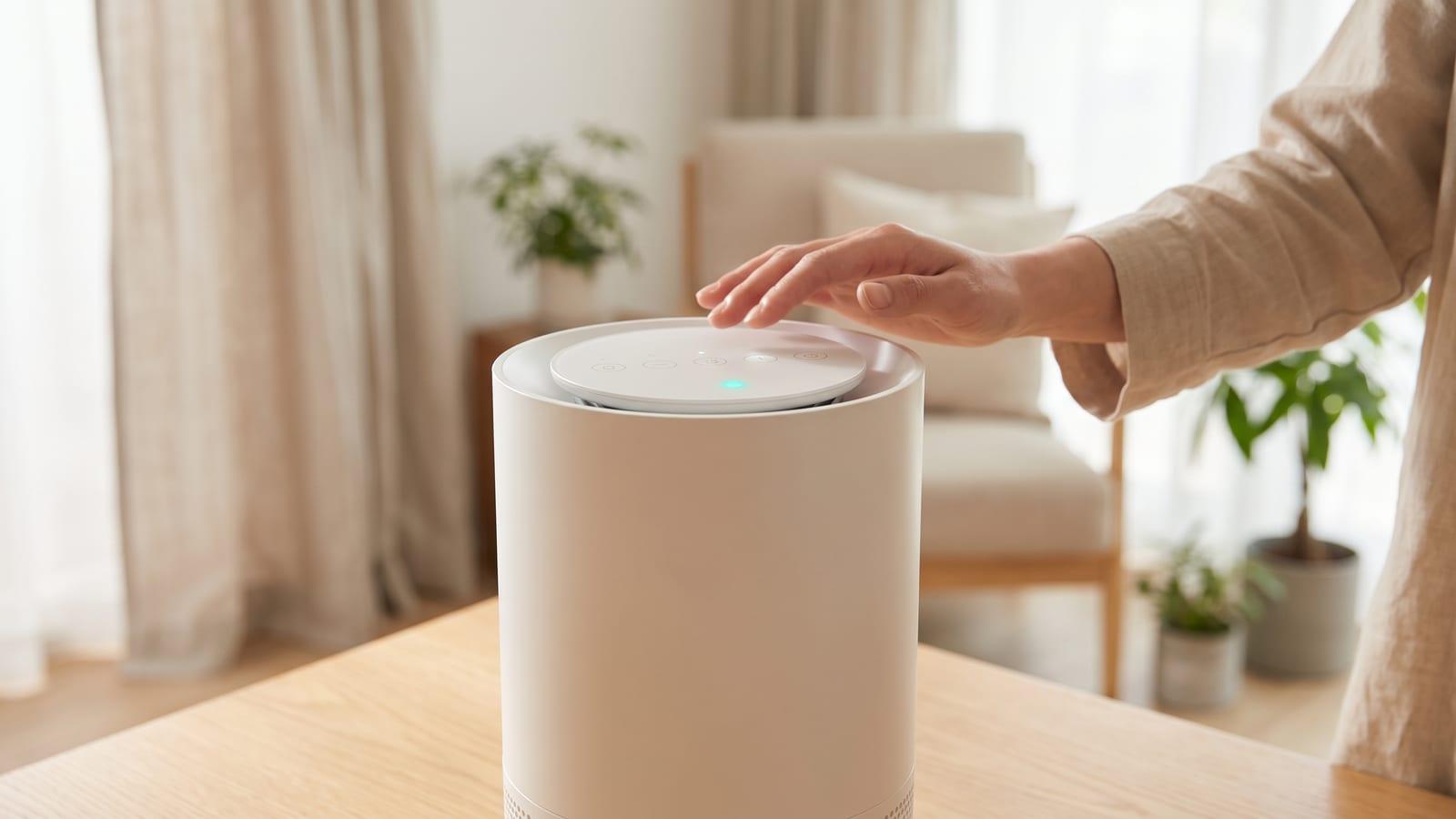
Air purifier changing speed on auto? That's auto mode working — the sensor speeds up for cooking, sprays, and pets. How to adjust sensitivity or lock a manual speed.
Read more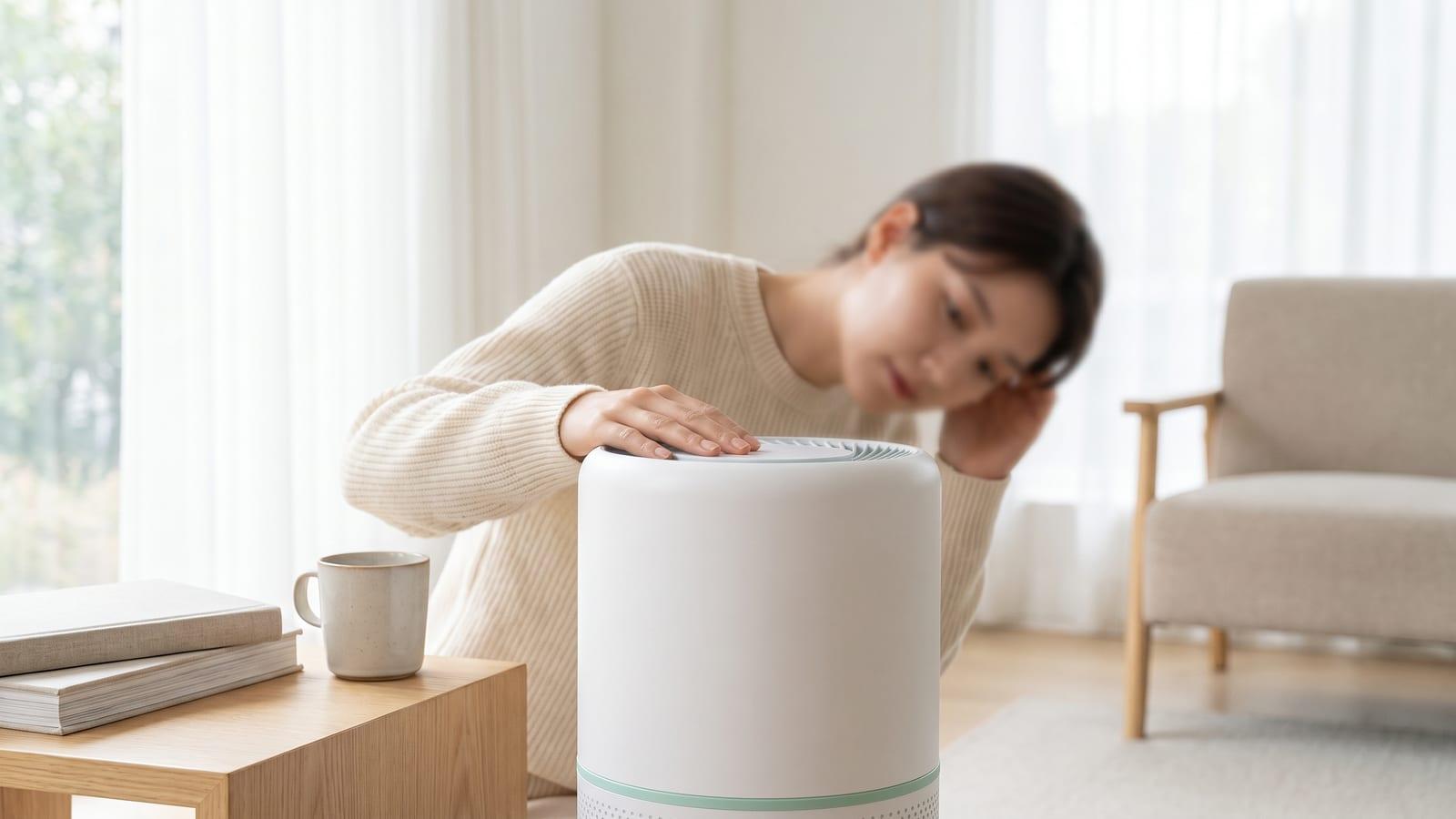
Troubleshooting
Air purifier making noise? Check for plastic still on the filter, debris in the fan, a filter seated wrong, or an uneven surface. When a rattle means a real fault.
Read more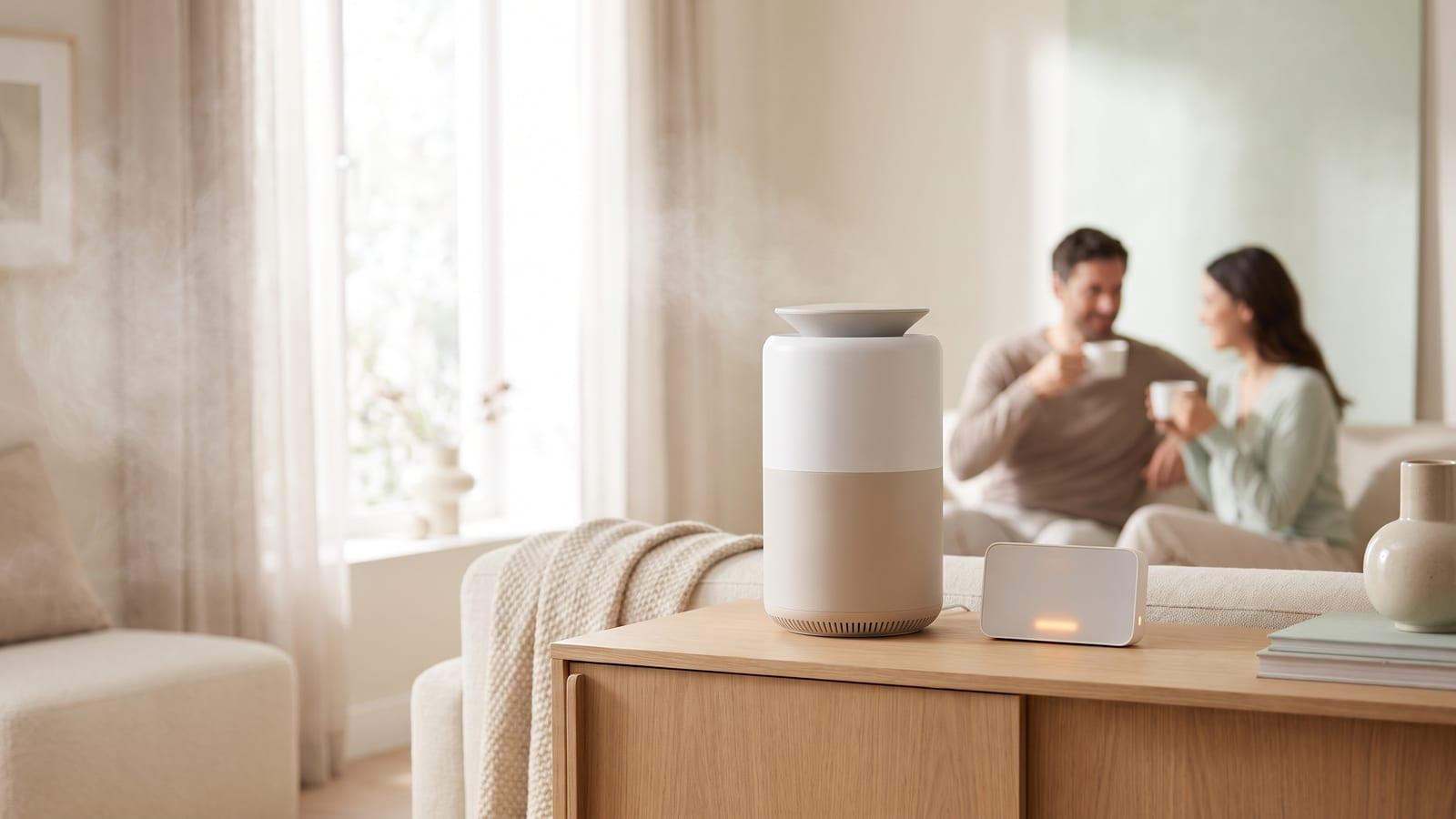
Troubleshooting
Air purifier not improving air quality? The usual fixes: unwrap the filter, match CADR to your room, close windows, and stop expecting it to clear settled dust.
Read more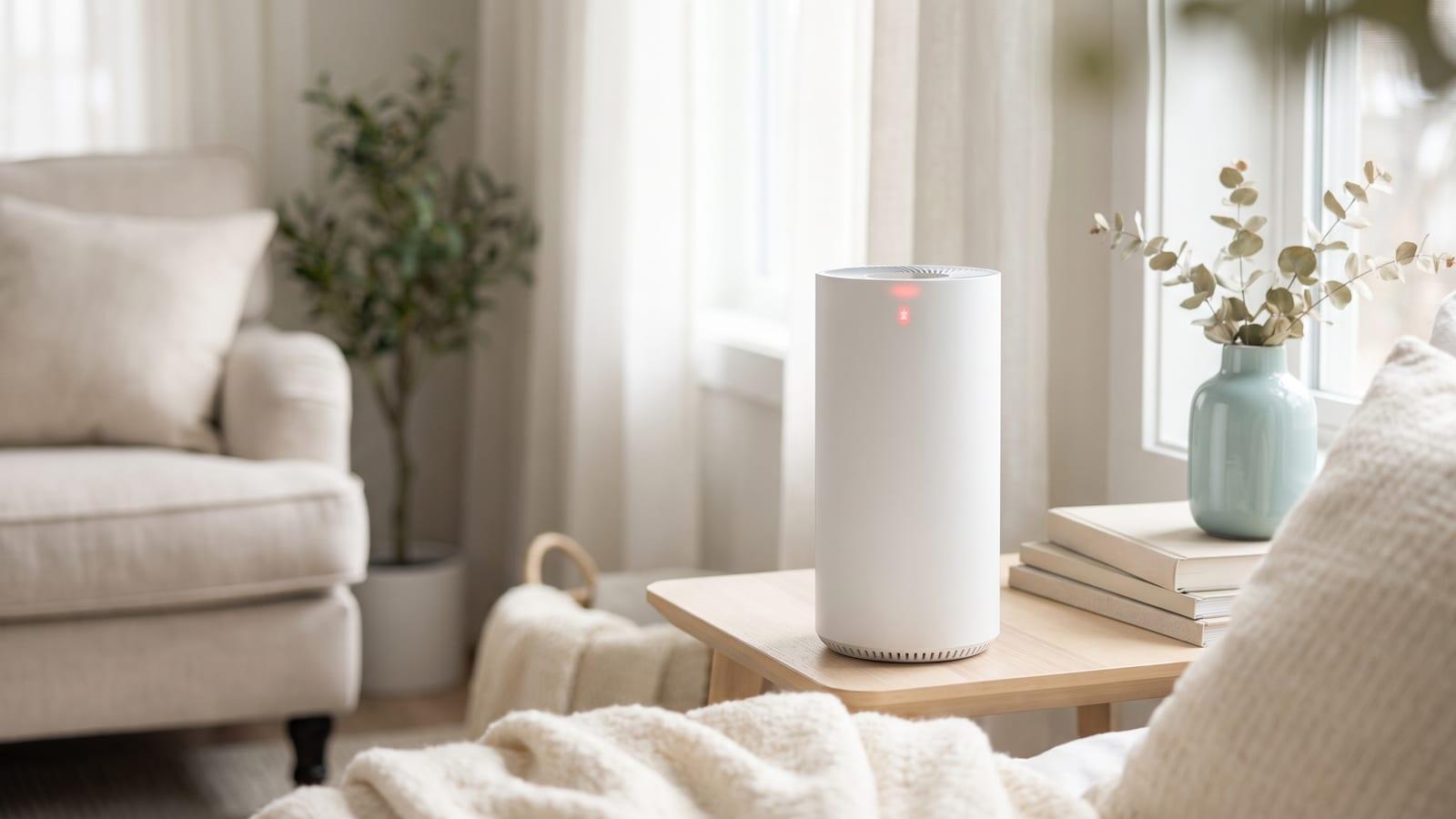
Troubleshooting
Air purifier red light won't turn off? It usually means the sensor detects poor air or the filter indicator needs resetting after a change. How to reset and clean it.
Read more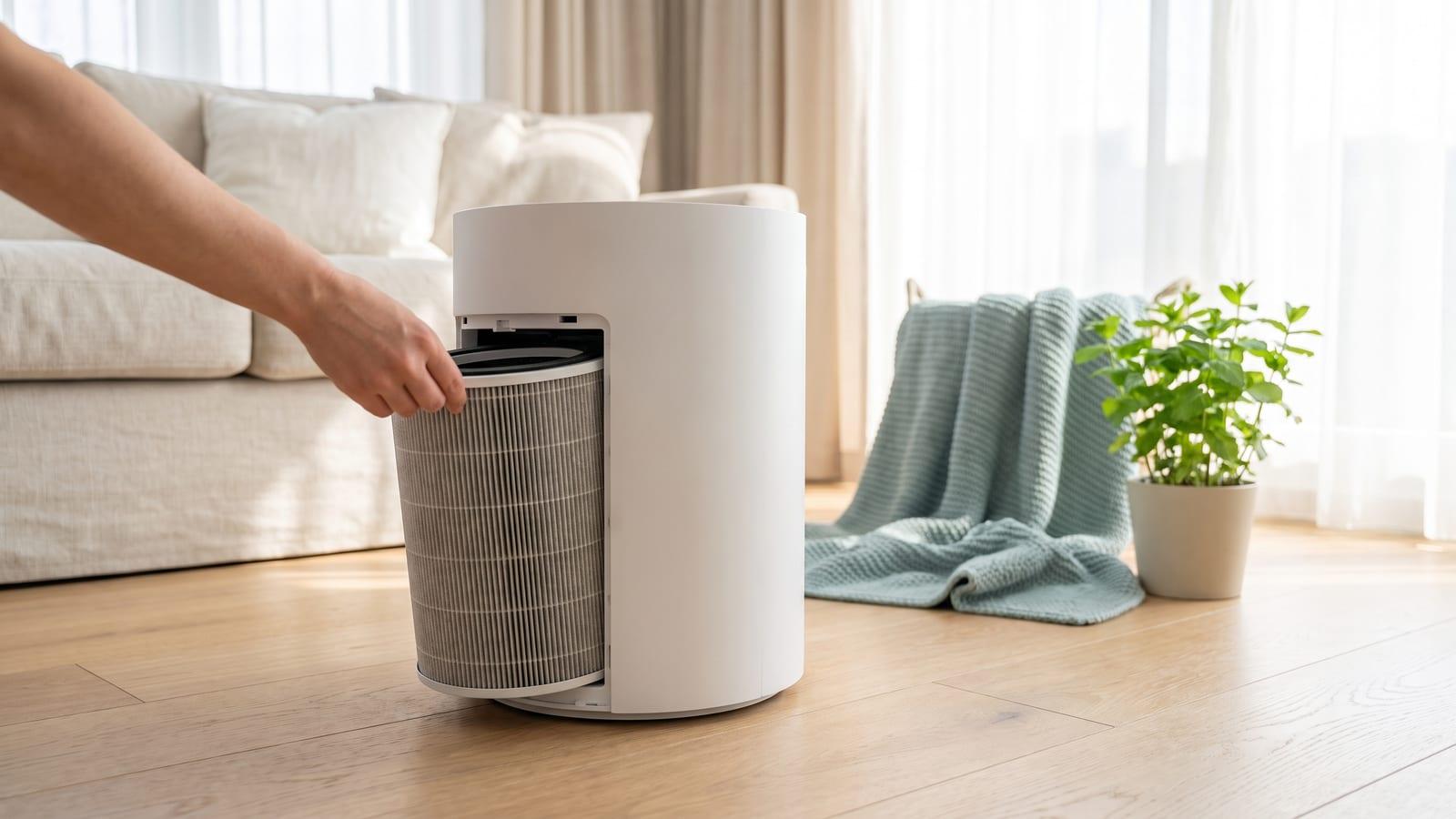
Troubleshooting
Air purifier smells bad? A new-filter plastic smell fades, musty means mold or moisture, and a burning or electrical smell means stop and unplug it now.
Read more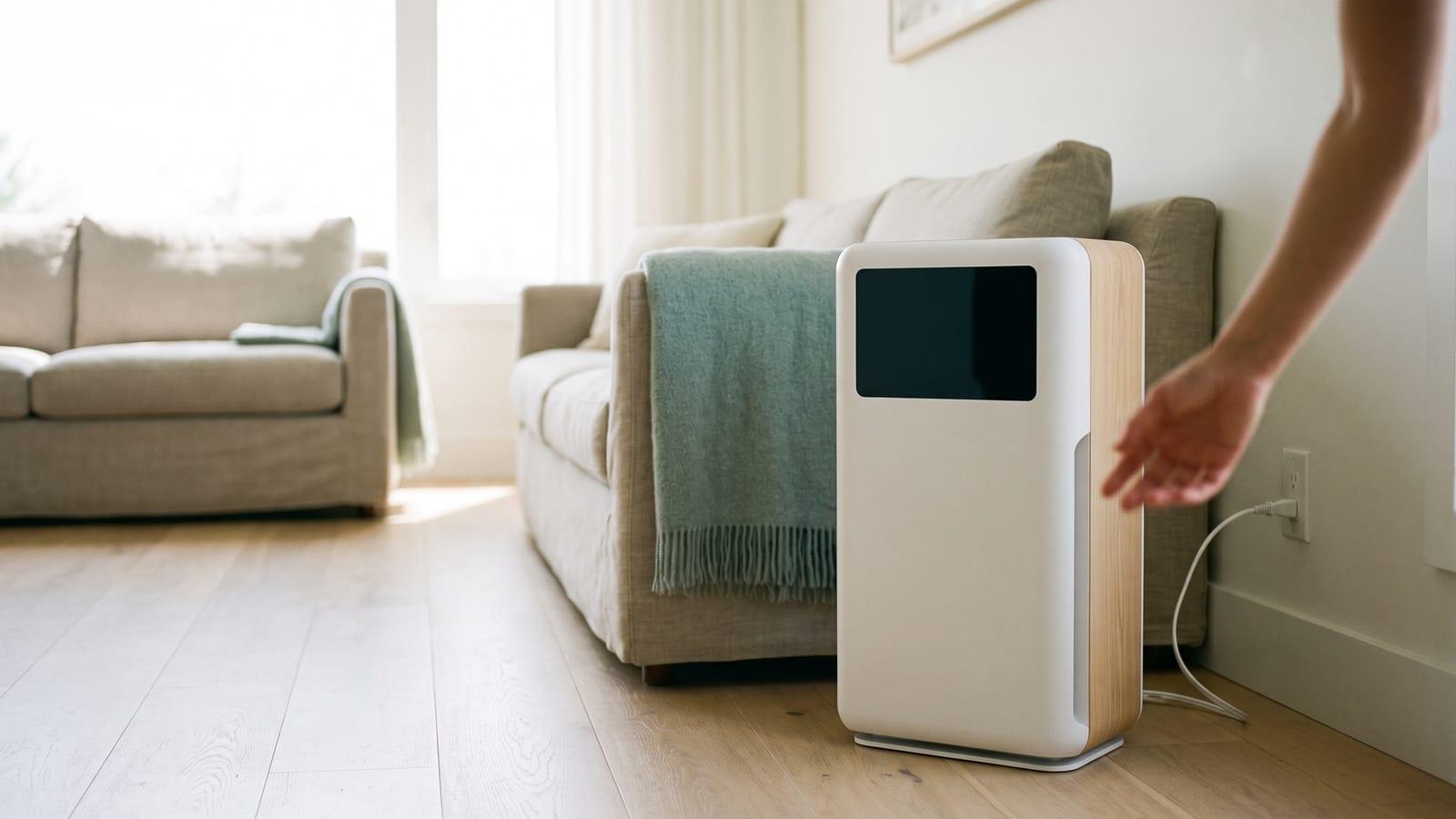
Troubleshooting
Air purifier won't turn on or keeps losing power? Check the outlet and cord, child lock, the filter-door interlock, and the surge protector before it's a real fault.
Read more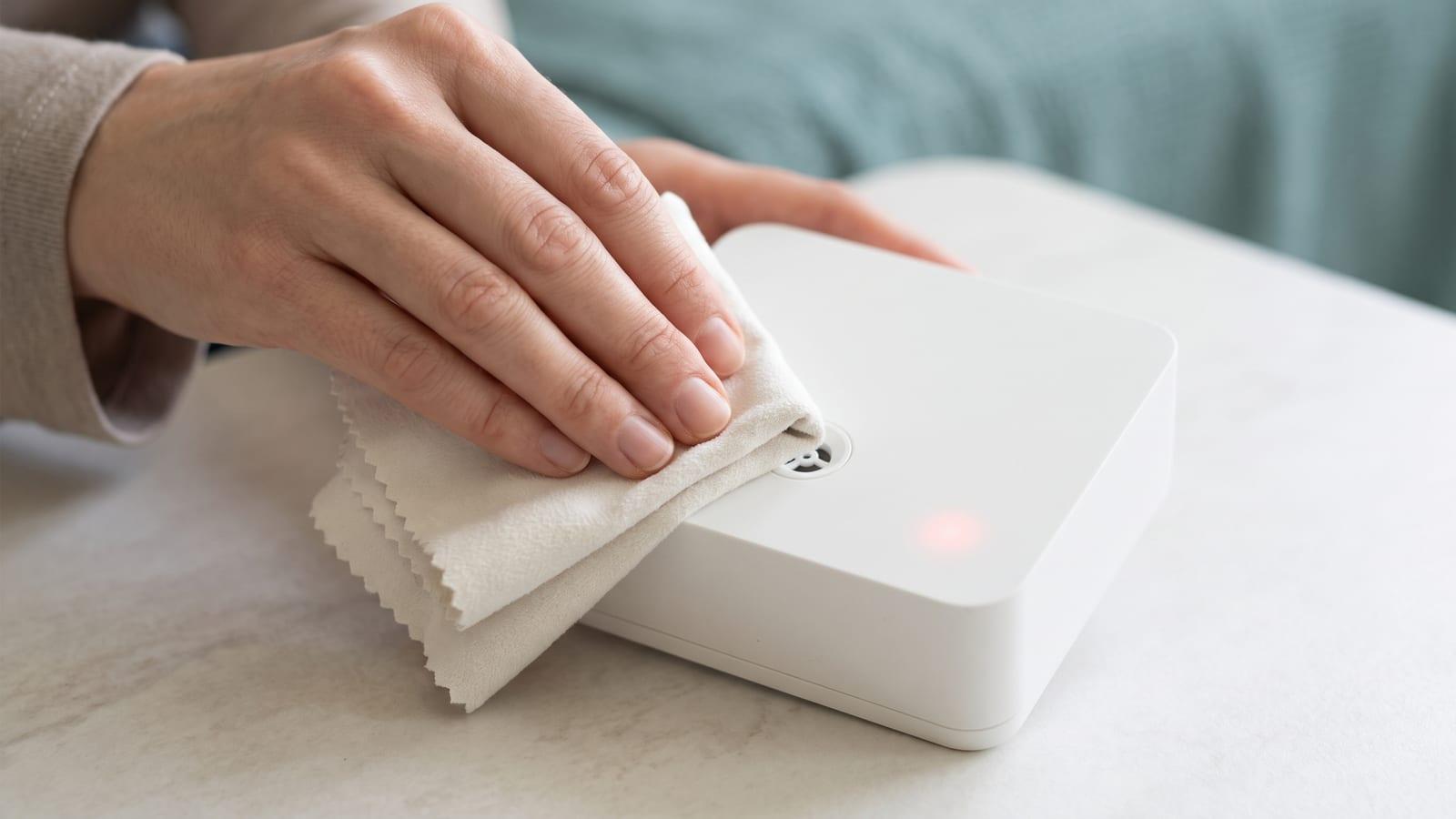
Troubleshooting
Air quality sensor always red or inaccurate? Usually a dusty sensor lens. Clean it, rule out humidity and placement, recalibrate, and know when the sensor is faulty.
Read more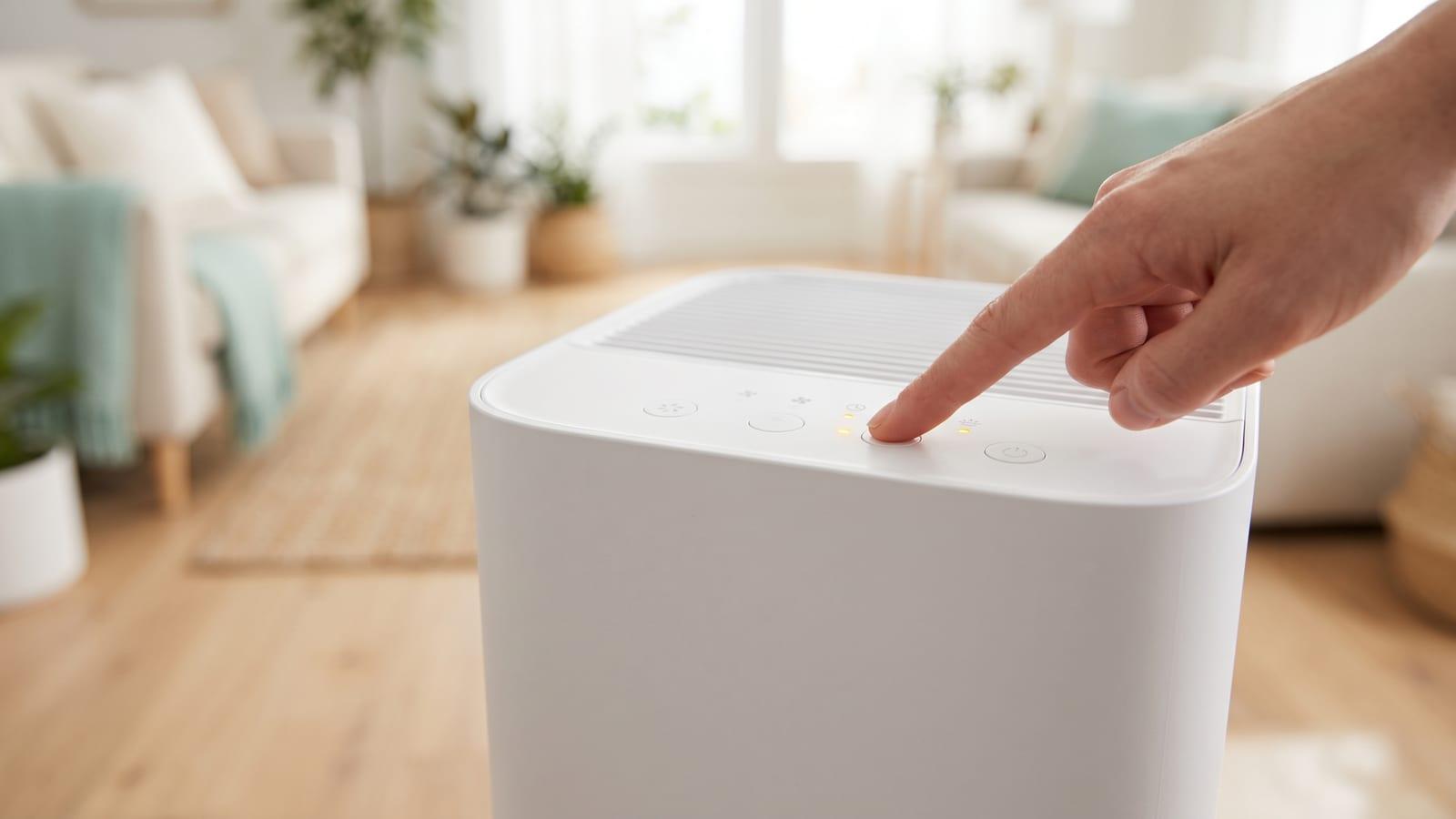
Troubleshooting
AirDoctor 5500 filter reset: fit the new filters, then hold Auto and Dim together until the Replace Filter light flashes and goes out. Fixes if it stays lit.
Read more
Troubleshooting
Blueair 211i Max filter light reset: hold the Fan Speed button about 15 seconds until every LED lights, then release. Fixes if the red light stays on.
Read more
Troubleshooting
Coway Airmega 400 filter reset: after cleaning or replacing, touch and hold Pre Wash or Max2 Change for 2–3 seconds. Steps for the 400 and 400S, plus fixes.
Read more
Troubleshooting
Coway Mighty filter light reset: fit the new filter, then hold the Filter Reset button for 2 seconds. How to clear the Odor or HEPA LED, even before it blinks.
Read more
Troubleshooting
Coway Mighty light colors: blue is clean, dark purple polluted, red highly polluted. How to clean the dust sensor and adjust its sensitivity if it sticks.
Read more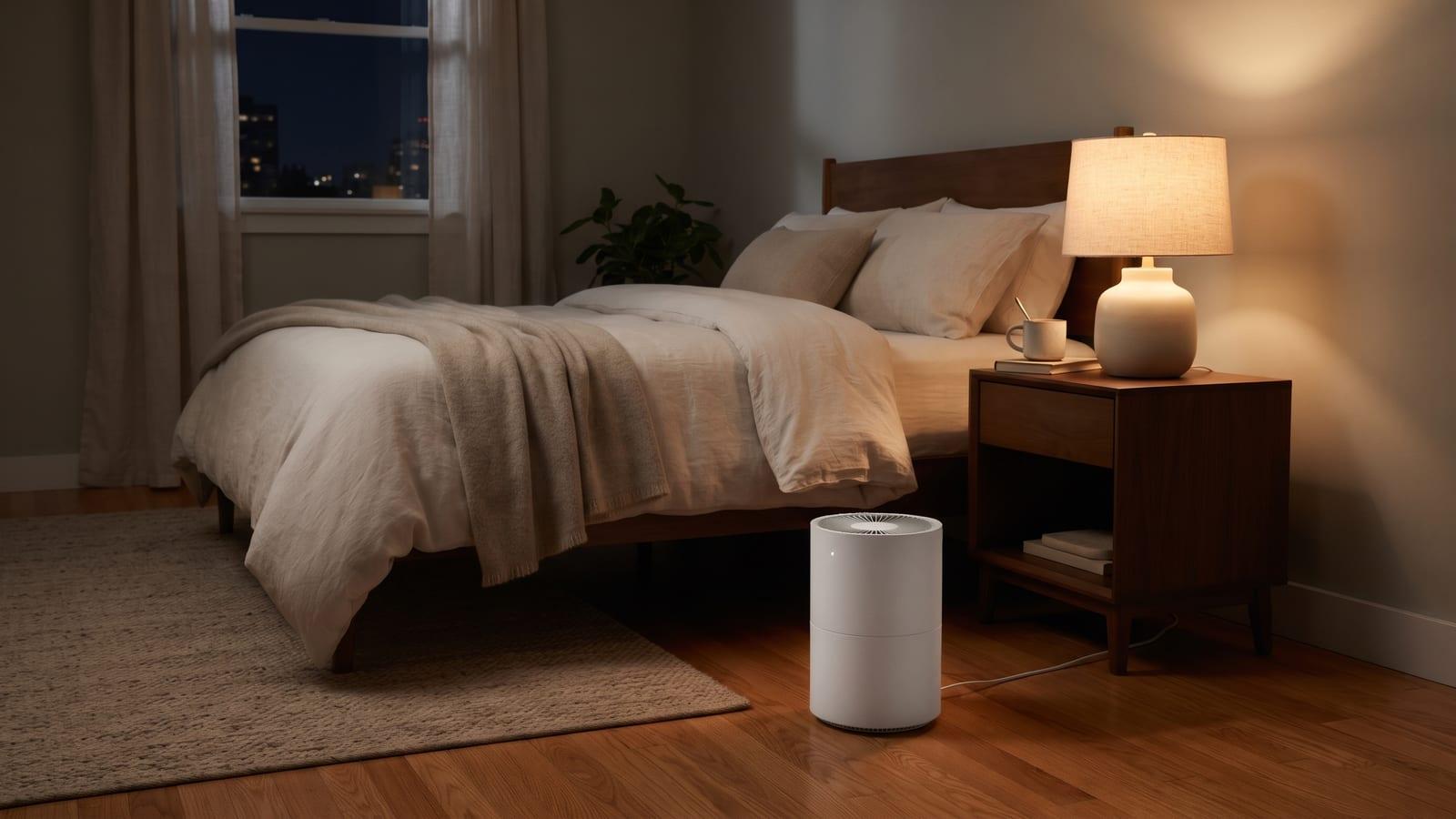
Troubleshooting
Coway Mighty making noise? Fix filter bags, cover fit and a sensor stuck on high speed, plus the Eco mode restart. When a sound means calling Coway.
Read more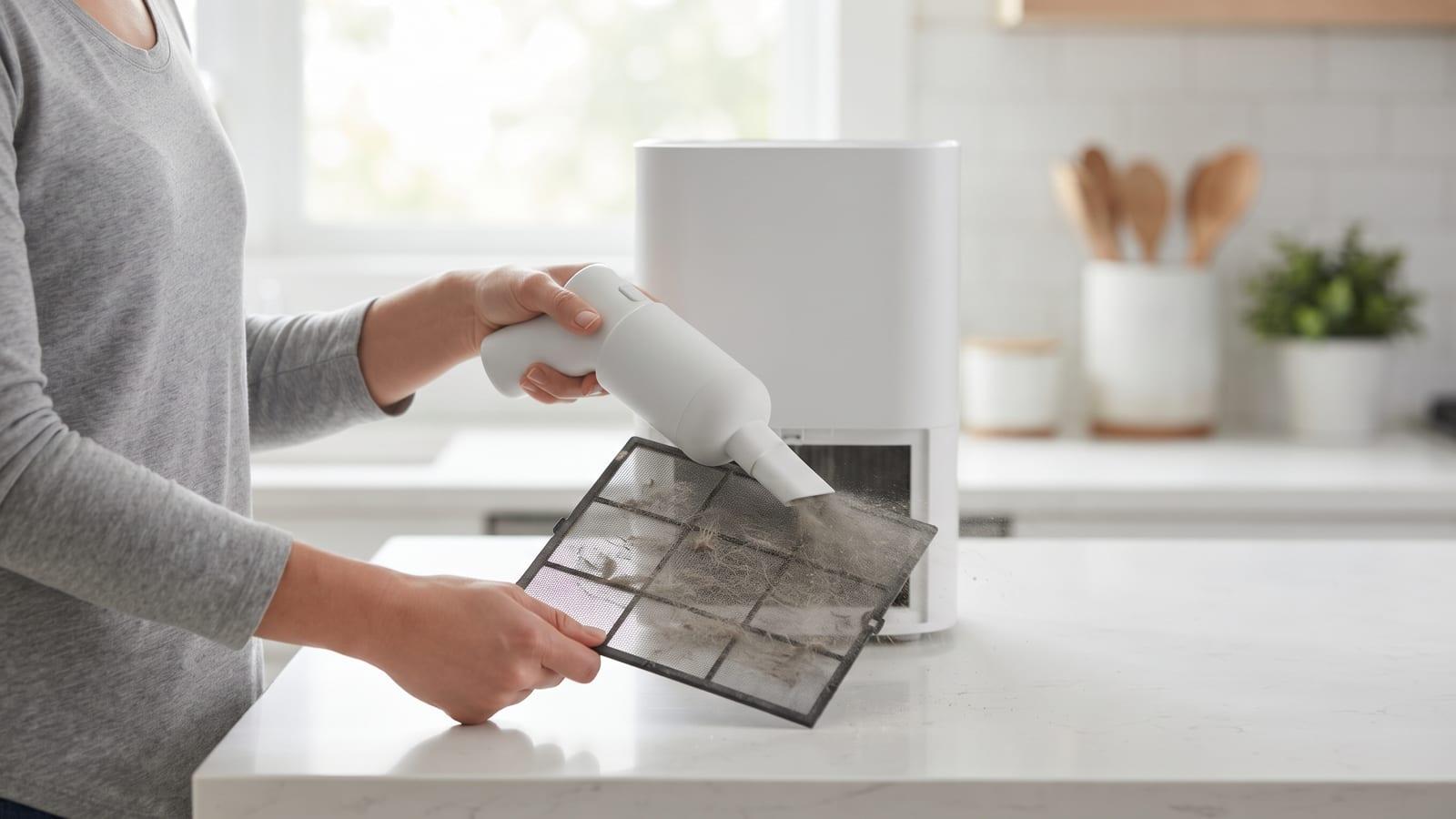
Troubleshooting
Coway Mighty2 filter reset: fit the new Max2 filter, close the cover and hold the lit indicator for 3 seconds. Pre-filter care and wrong-filter mix-ups.
Read more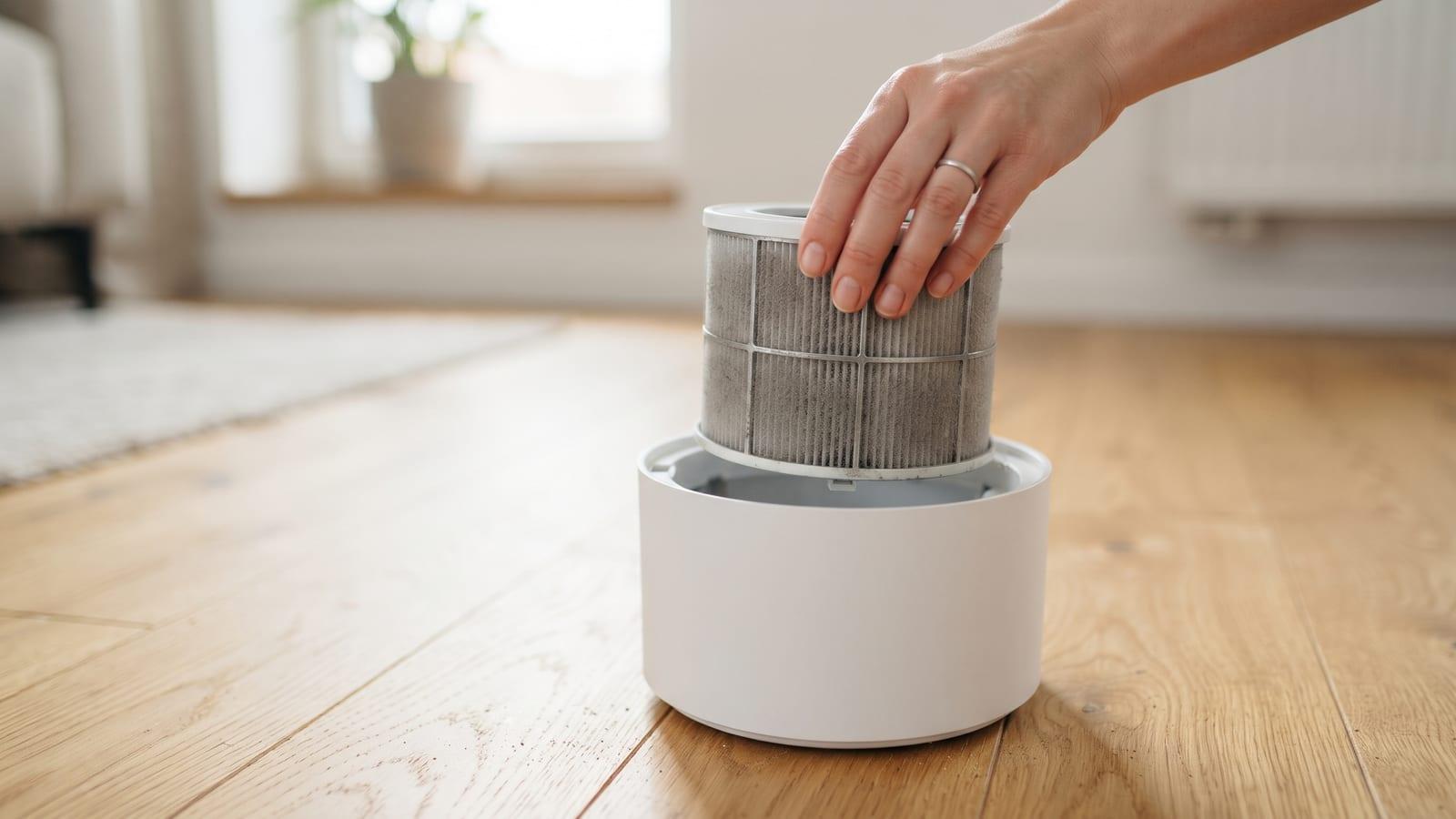
Troubleshooting
Dreo 539S filter reset: the reminder never clears itself after a filter swap. The hold Dreo documents, plus four checks for weak airflow.
Read more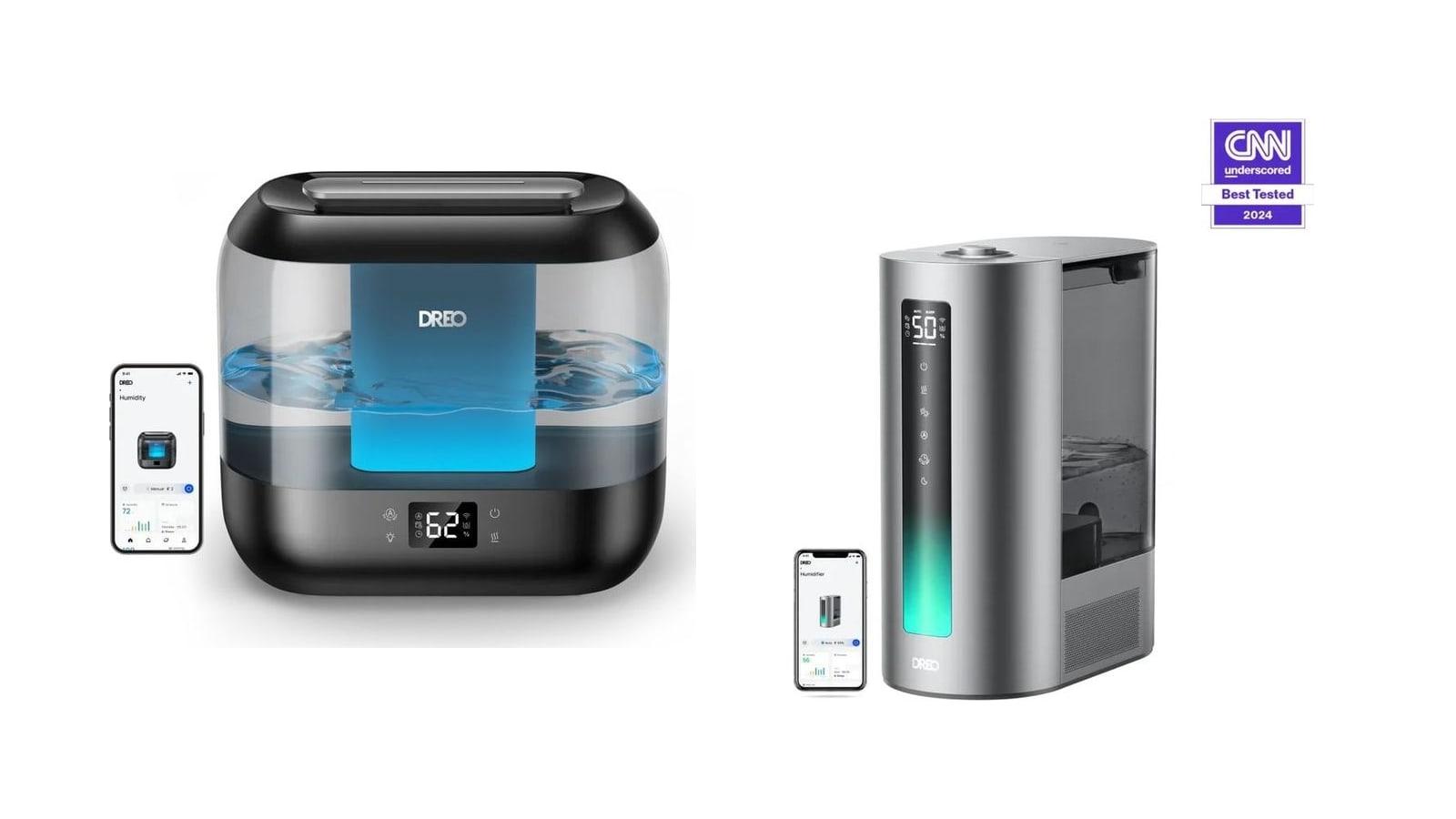
Troubleshooting
Dreo humidifier red light on? It's the low-water warning: refill, reseat the tank, then check the float. Steps for the HM311S and HM713S from Dreo.
Read more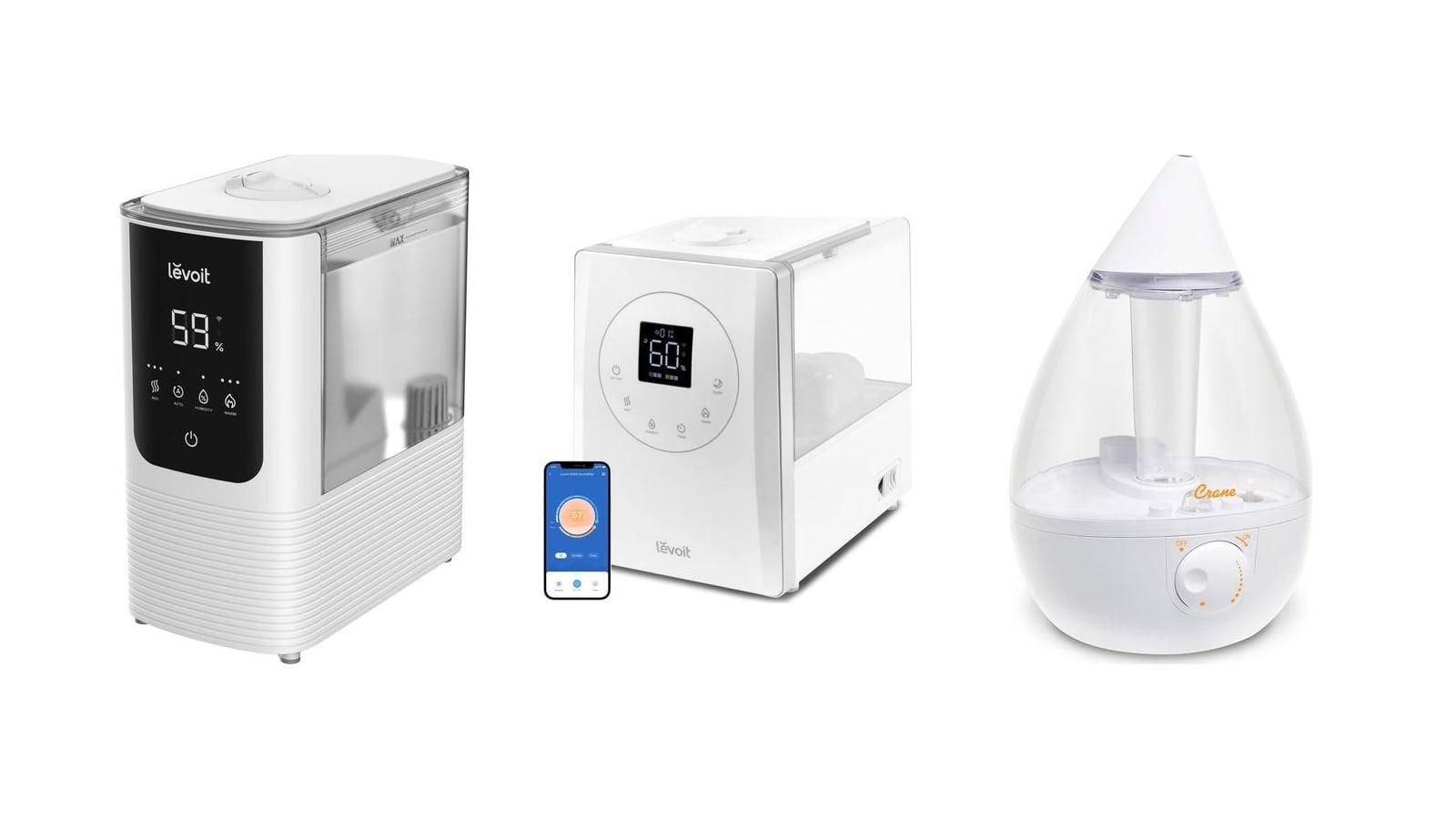
Troubleshooting
Humidifier making windows wet or the room foggy? The air is near its dew point. Lower the output or target, aim the nozzle away, and check a hygrometer.
Read more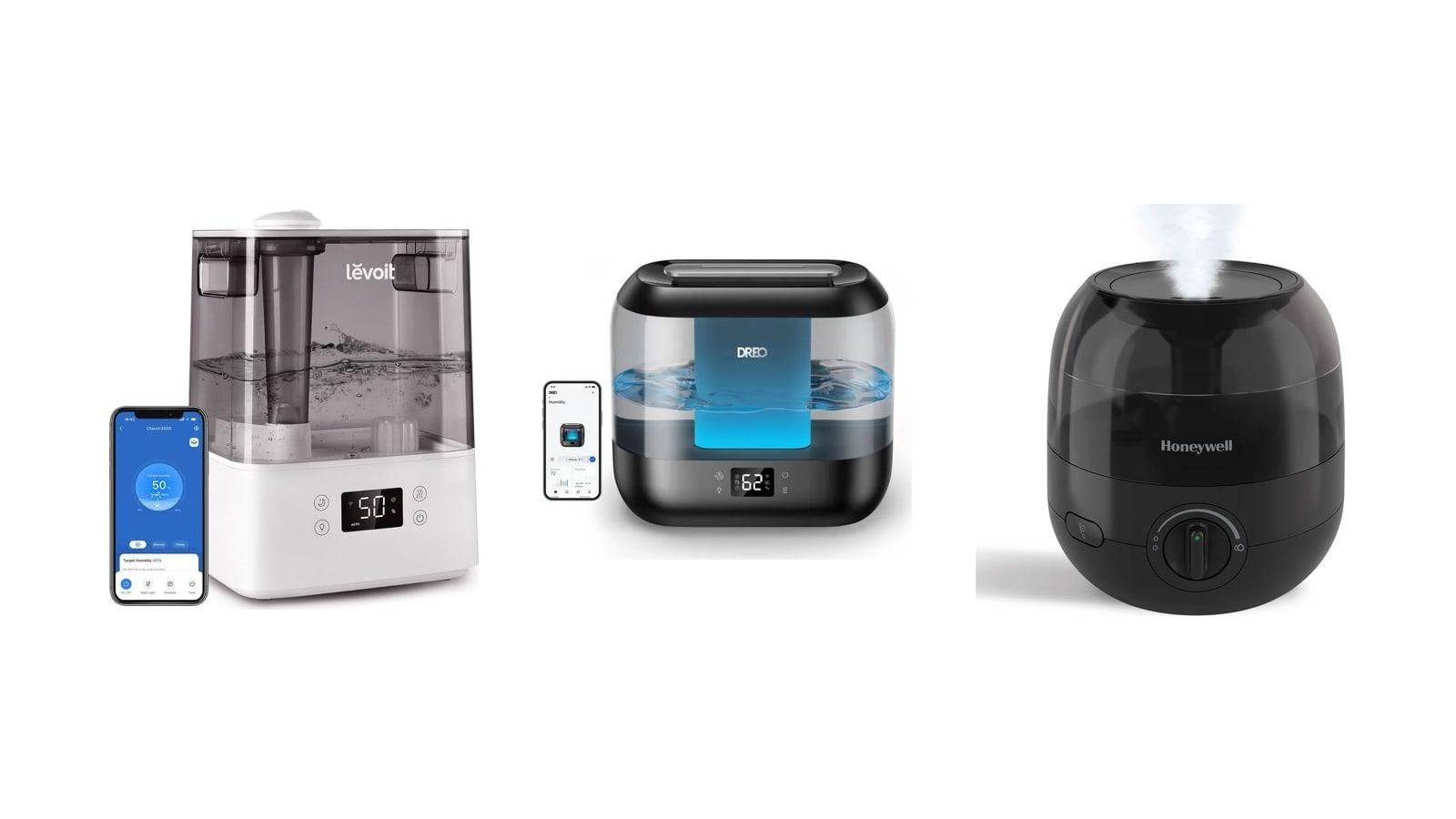
Troubleshooting
Humidifier red light meaning, brand by brand: on most models it says the tank is empty or not seated. What each manual says and how to clear it.
Read more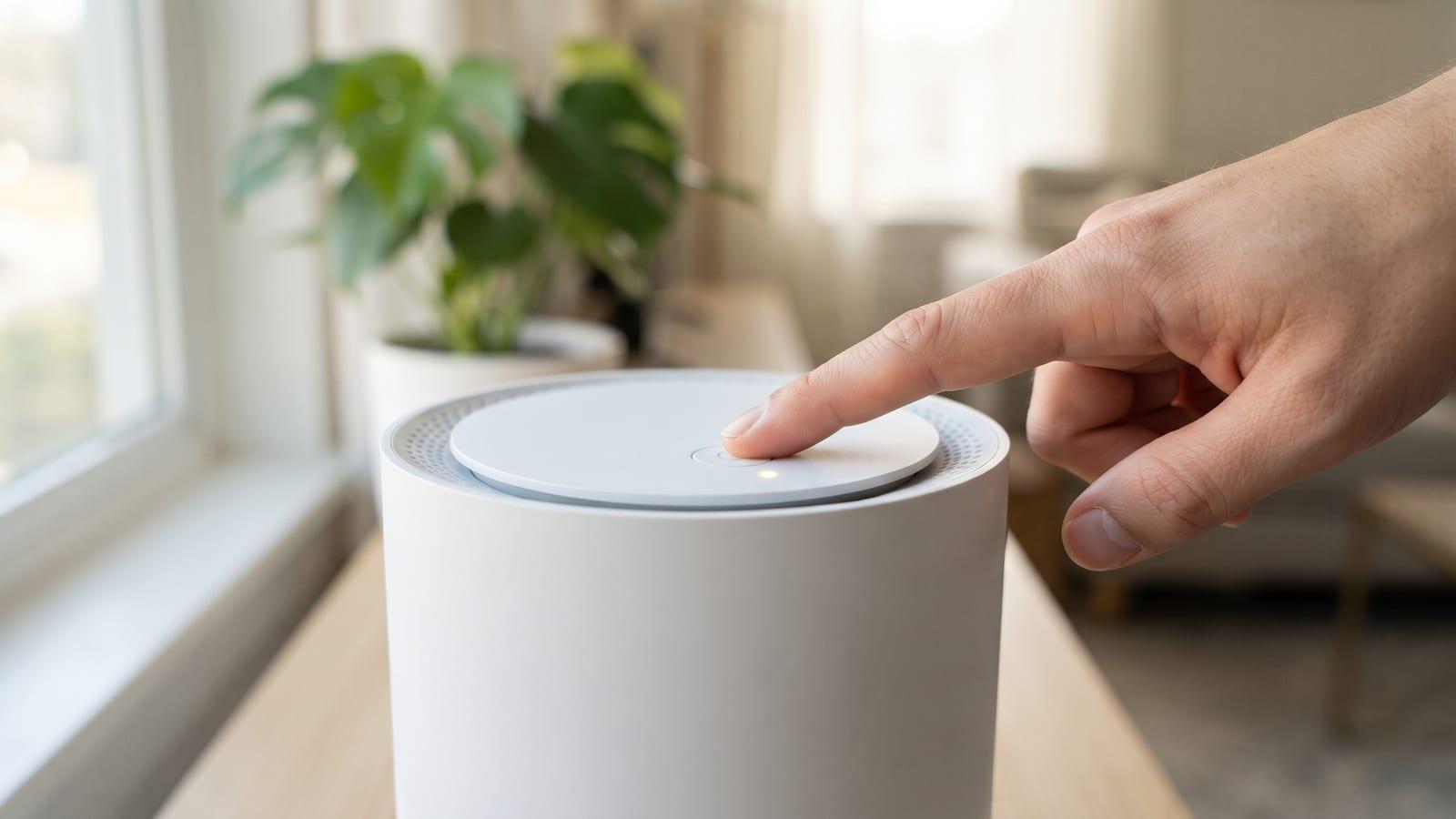
Troubleshooting
Levoit Core 300S filter light reset: with the purifier on, hold the Sleep Mode button for 3 seconds. Why a quick tap fails, and when the light means trouble.
Read more
Troubleshooting
Levoit Core 300S won't connect to Wi-Fi? Use a secured 2.4 GHz network with no sign-in page, follow VeSync's prompts, or hold On/Off 15 seconds to reset.
Read more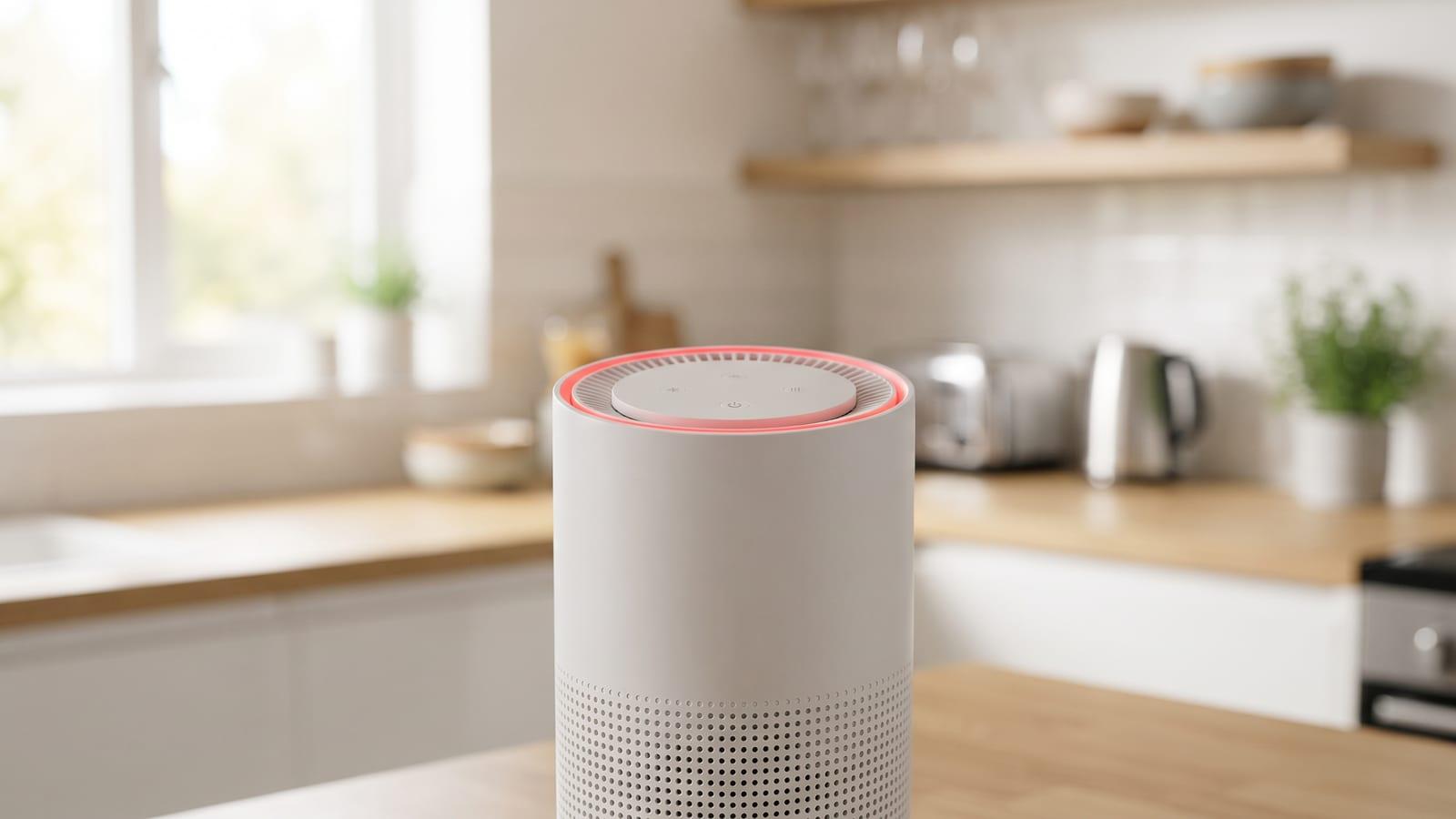
Troubleshooting
Levoit Core 400S air quality light red all the time? Red means a PM2.5 reading over 115. Check the number, vacuum the sensor, move the humidifier.
Read more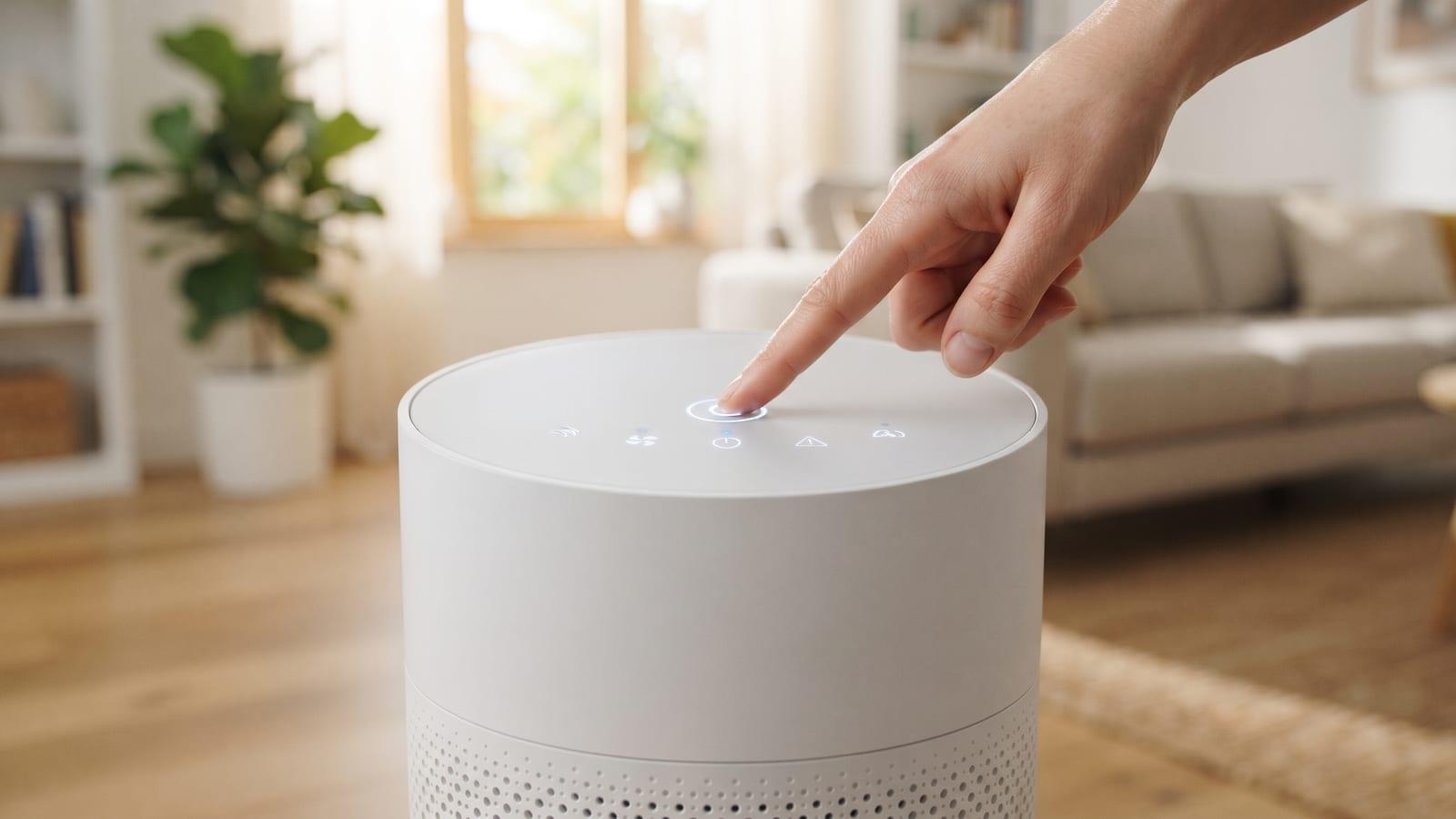
Troubleshooting
Levoit Core 400S filter light reset: with it on, hold the Check Filter Indicator Reset button for 3 seconds. Same on the 400S-P. Fixes if it sticks.
Read more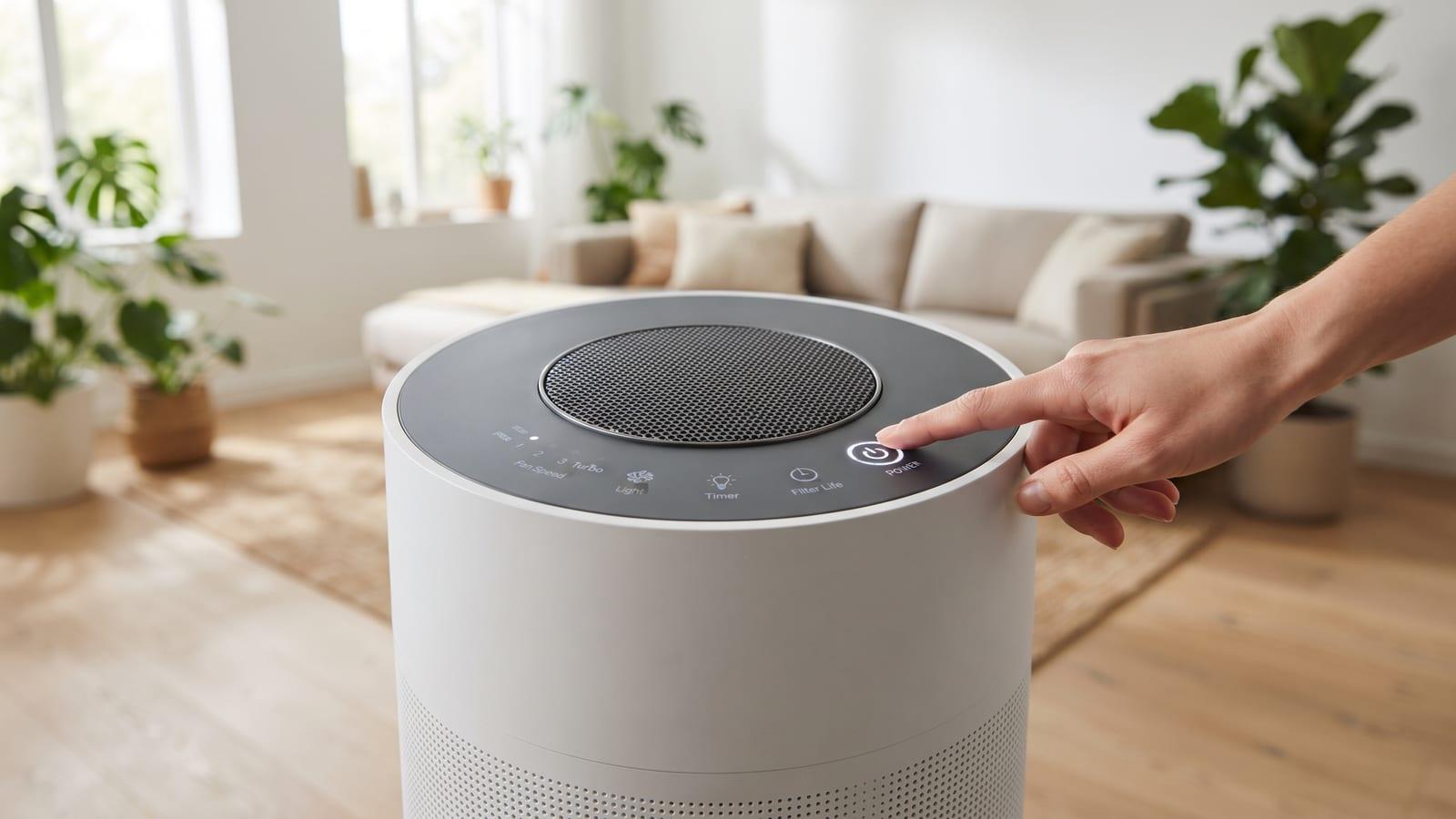
Troubleshooting
Levoit Core 600S filter light reset: turn it on and hold the Check Filter Indicator Reset button for 3 seconds. Same on the 600S-P. Fixes if it won't clear.
Read more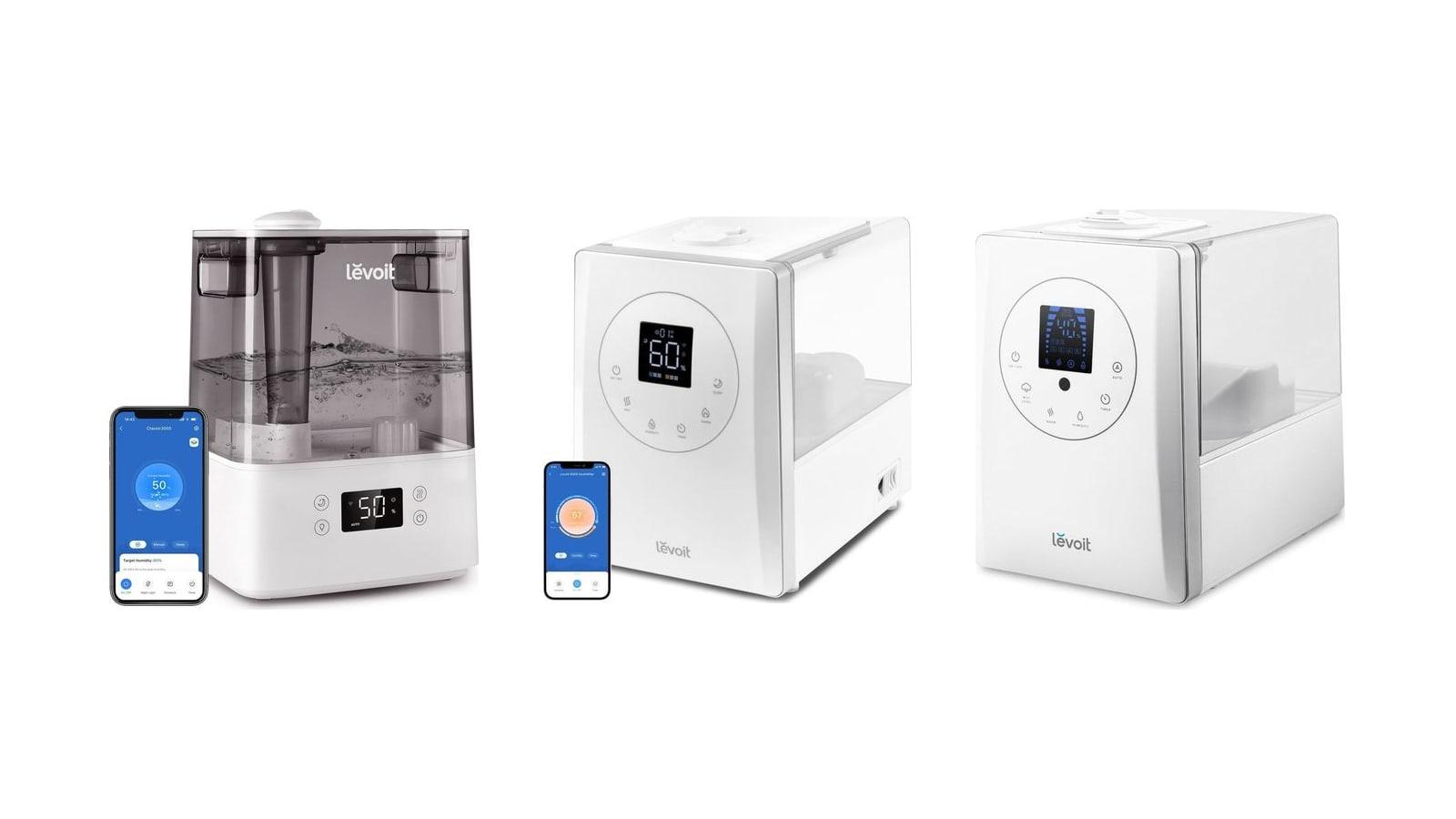
Troubleshooting
Levoit humidifier not misting? Usually Auto Mode has hit its target or the tank isn't seated. Fixes from Levoit's manuals, plus what E1–E7 mean.
Read more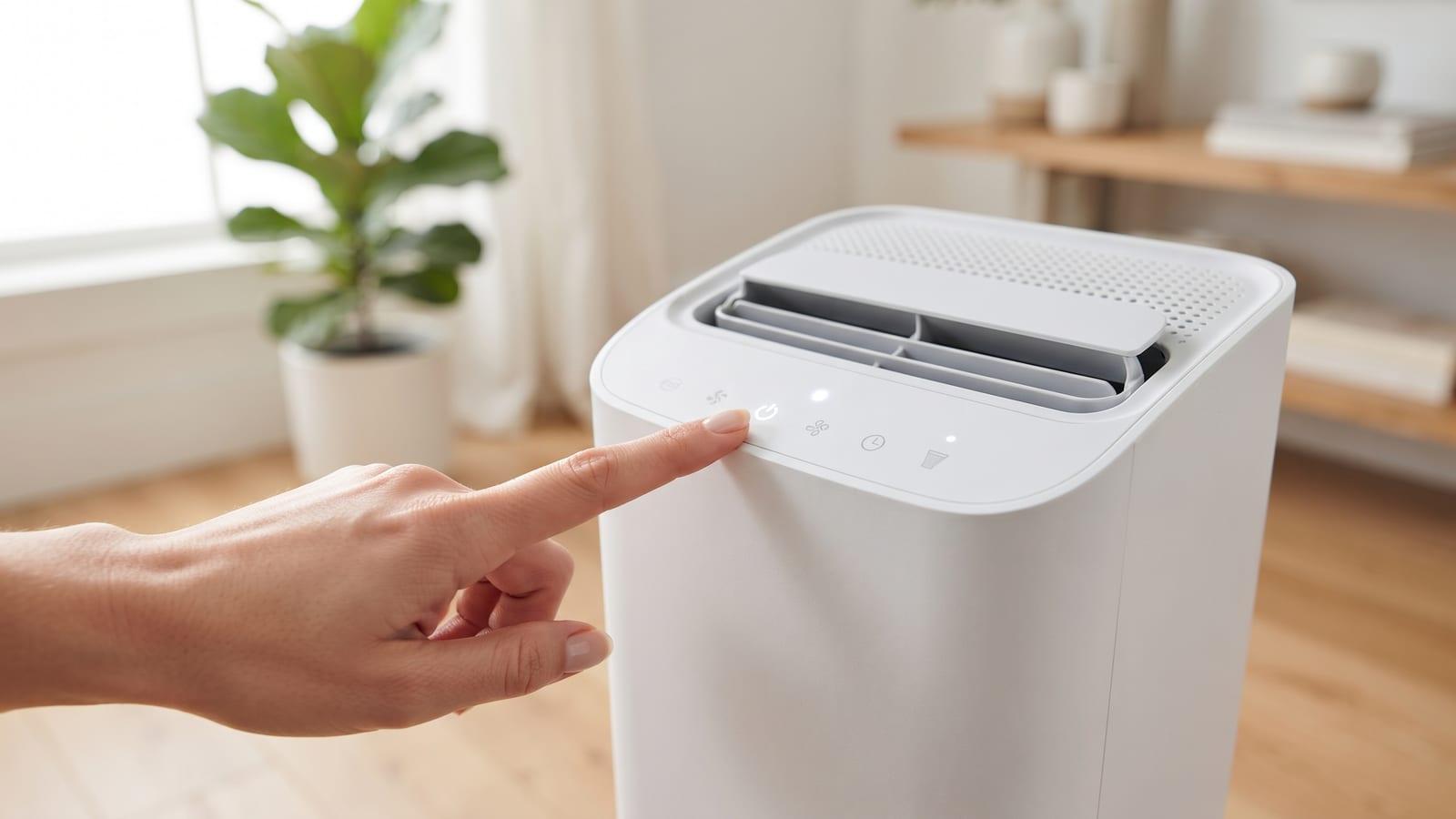
Troubleshooting
Levoit Vital 200S filter light reset: with the purifier on, hold the Sleep Mode button for 3 seconds. Why it won't clear, and when to call Levoit.
Read more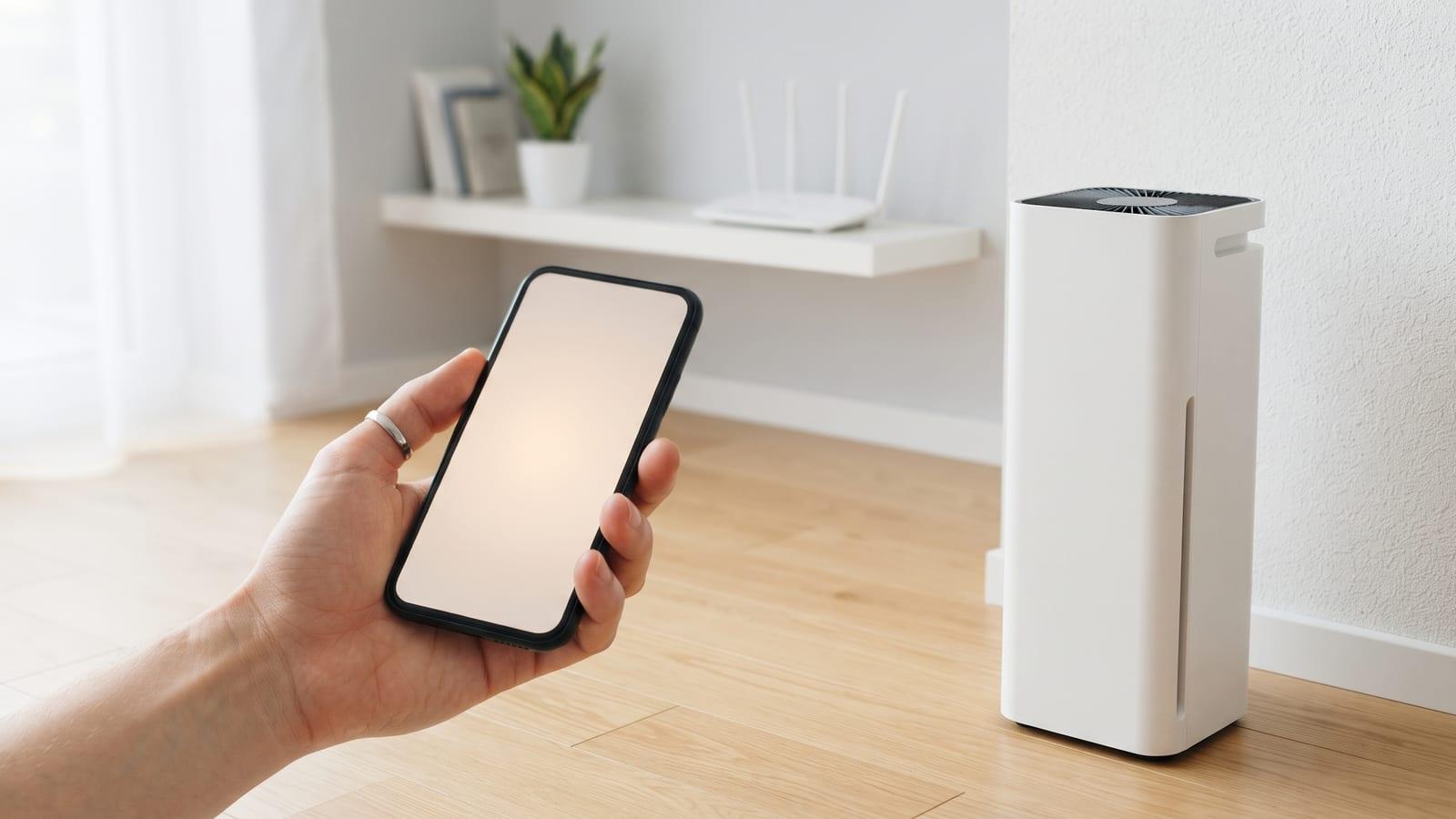
Troubleshooting
Levoit Vital 200S won't connect to Wi-Fi? Use 2.4 GHz, turn on Bluetooth and Location, hold On/Off 5 seconds to pair, or 15 seconds to reset.
Read more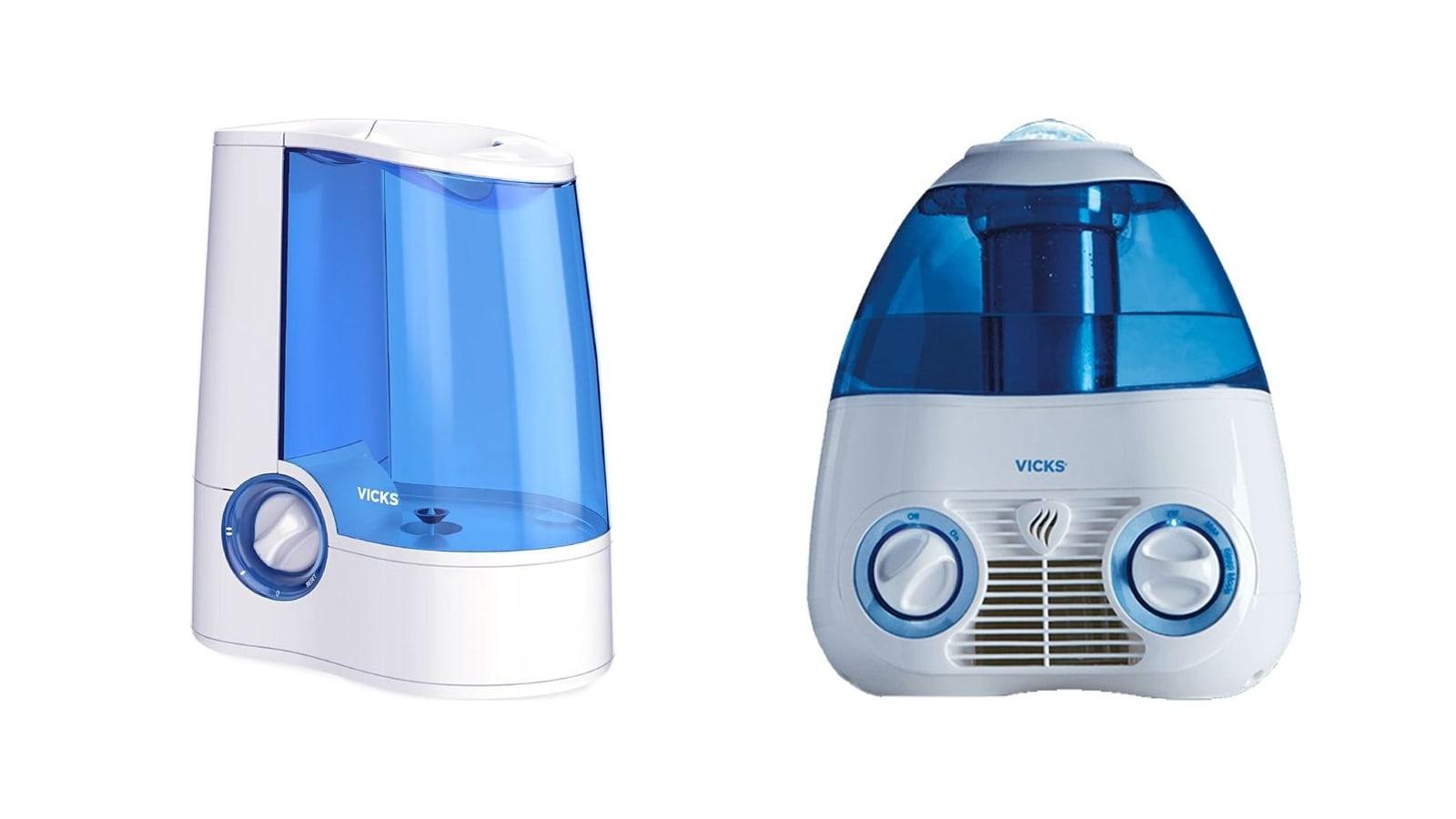
Troubleshooting
Vicks humidifier not steaming? On the V745 it's usually the run-dry shutoff or scale on the heater. The reset steps and descale routine from Vicks' manual.
Read more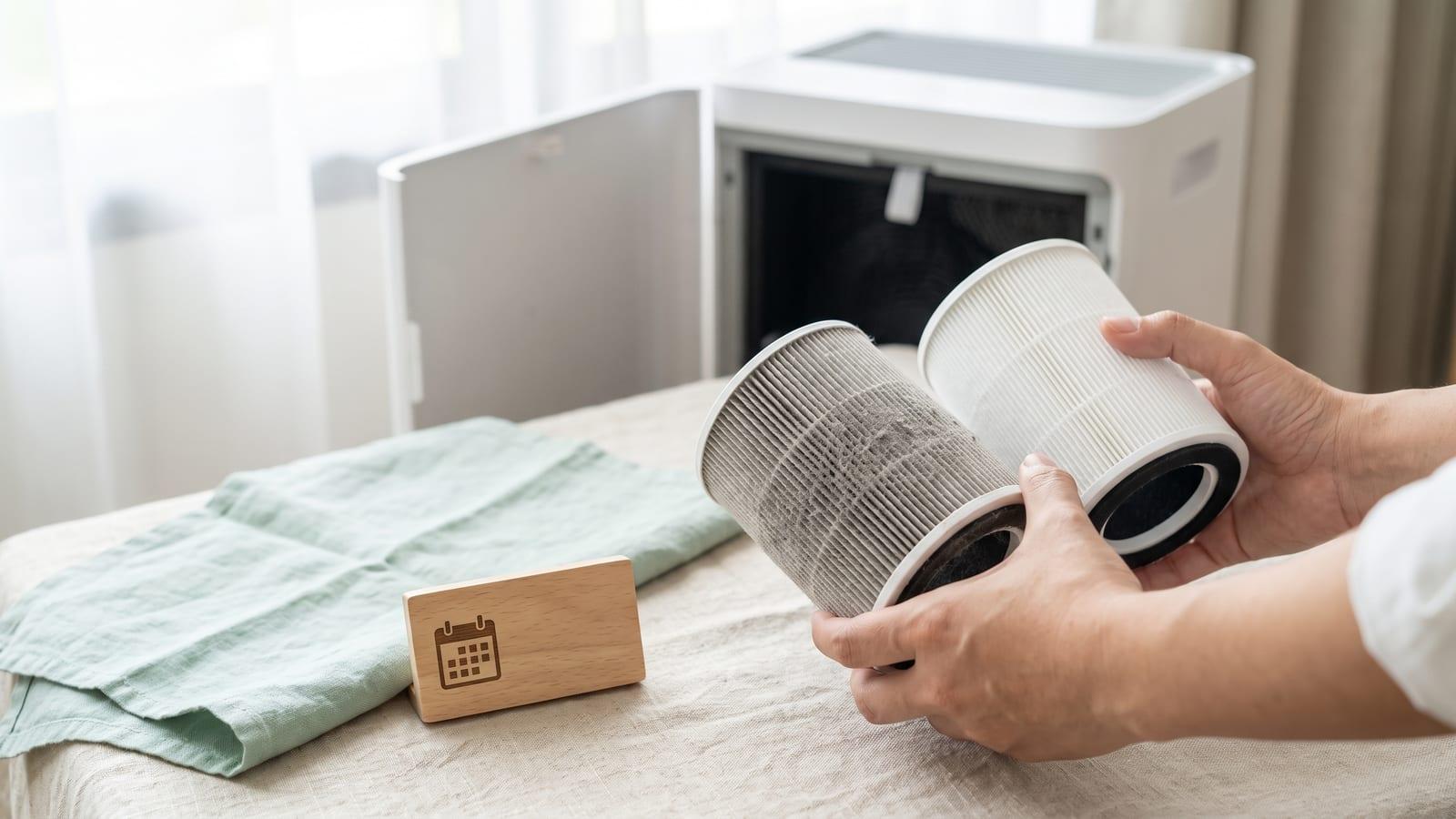
Troubleshooting
When to replace an air purifier filter: watch for the indicator light, weaker airflow, lingering smell, and a gray filter. True HEPA every 6–12mo, carbon 3–6mo.
Read more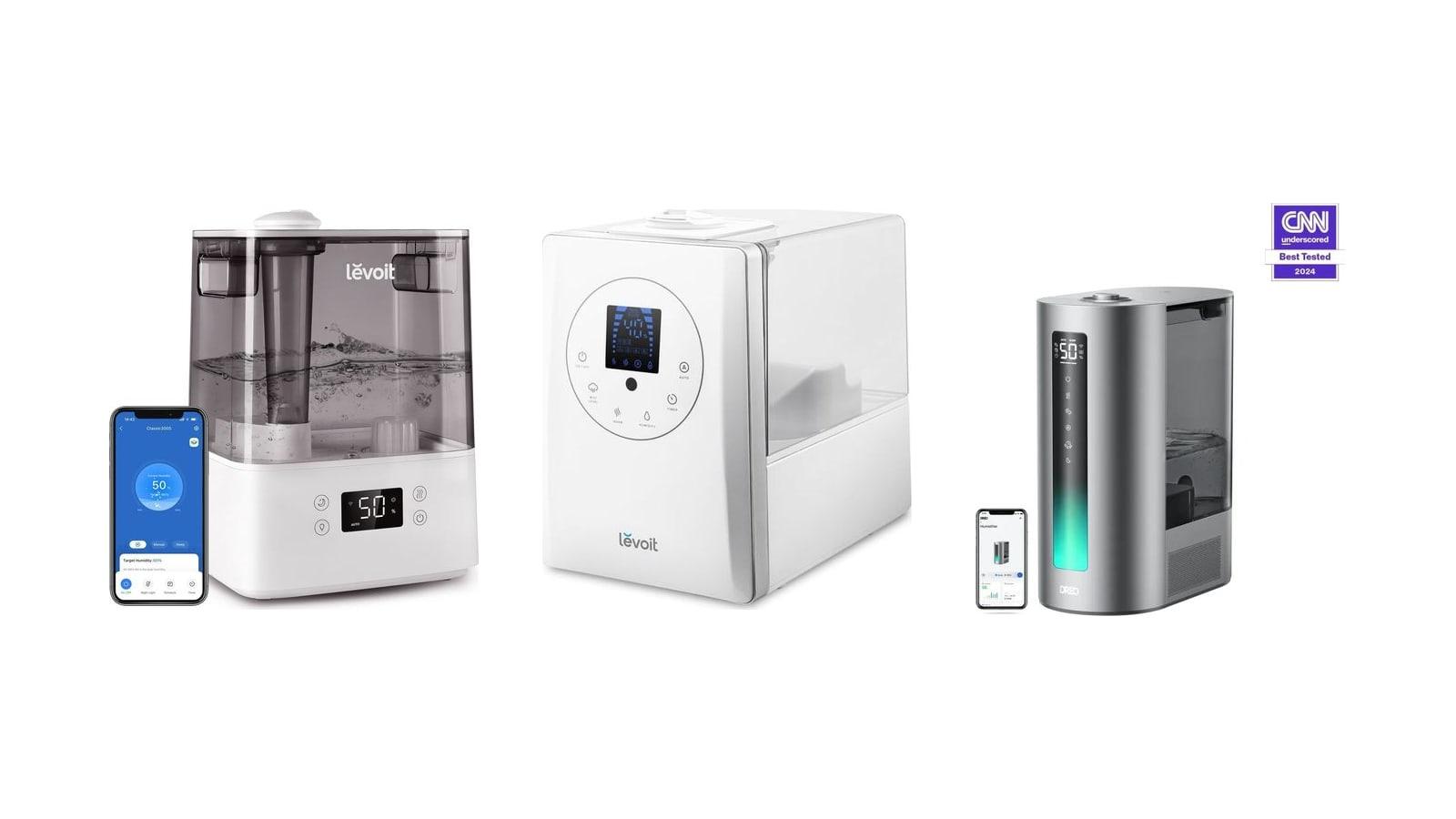
Troubleshooting
Why is my humidifier leaking? Usually a loose cap or valve seal, a base that overfilled after a move, or mist settling. How to tell and fix each.
Read more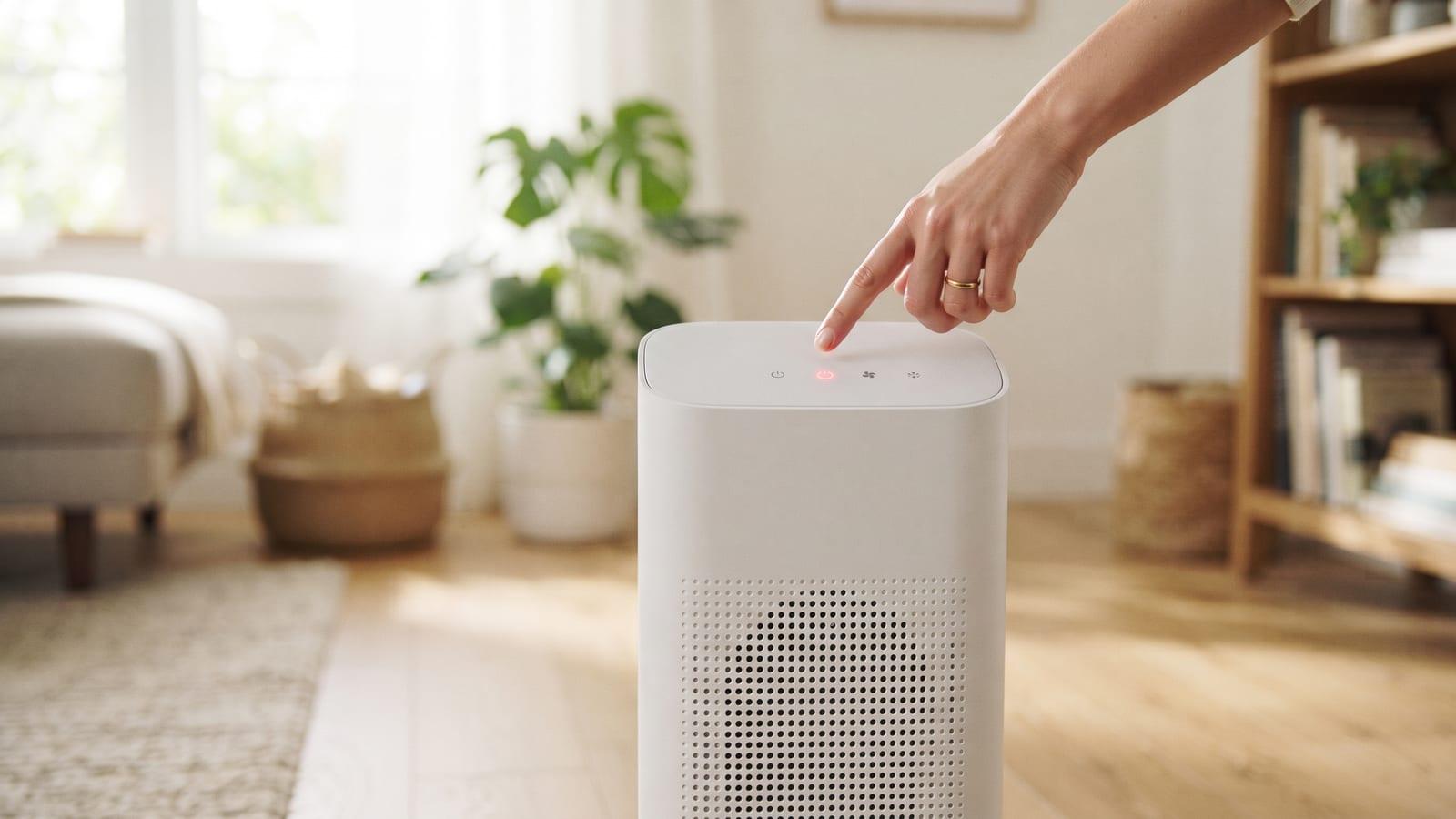
Troubleshooting
Winix 5500-2 filter reset: unit on, press the recessed Filter Reset button with a paper clip for 5+ seconds. Plus why the red air quality light stays on.
Read more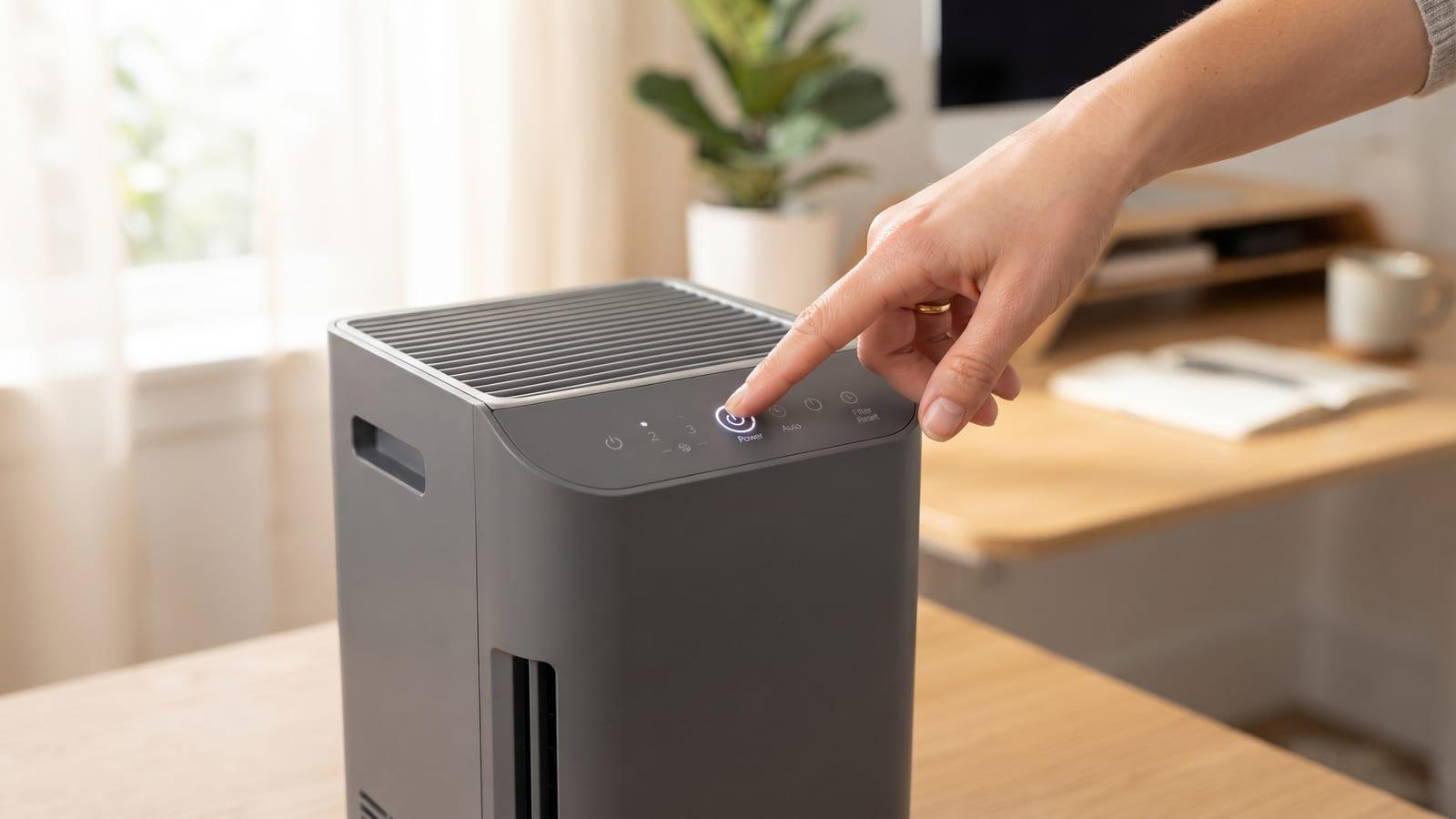
Troubleshooting
Winix 5530 filter reset: with the unit on and the front panel shut, hold Filter Reset for 5+ seconds until it beeps. Why it fails and when to call Winix.
Read more