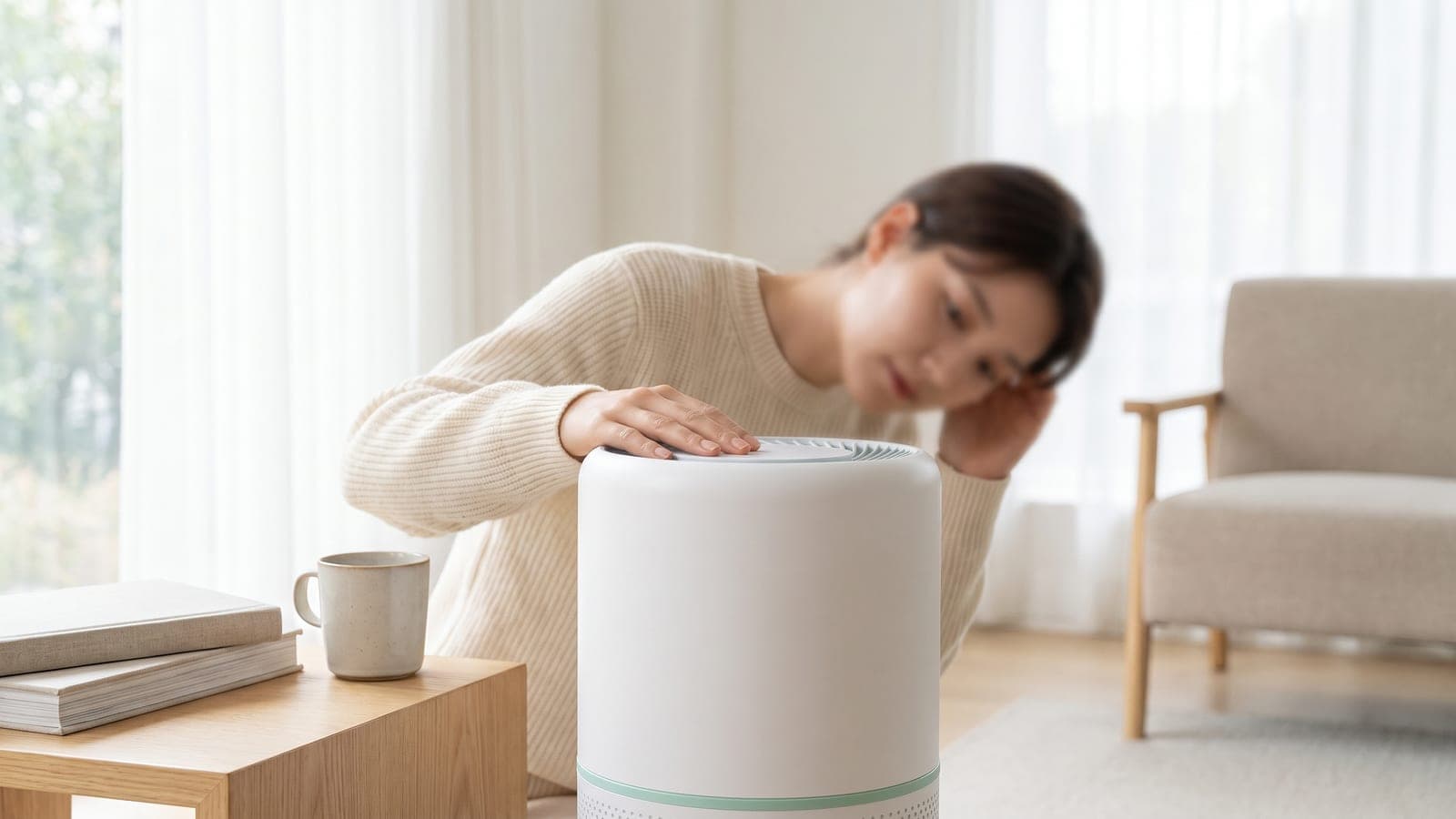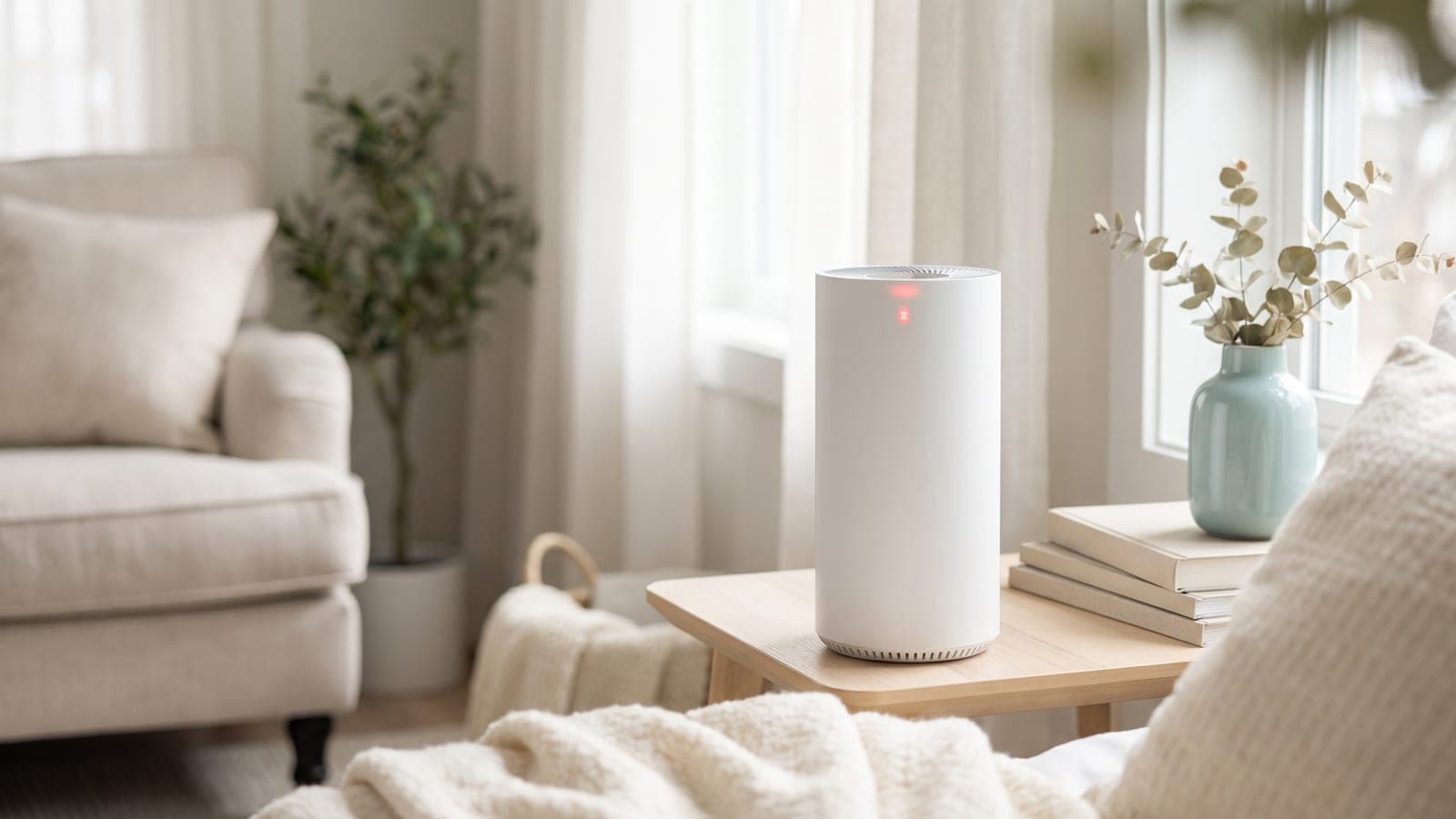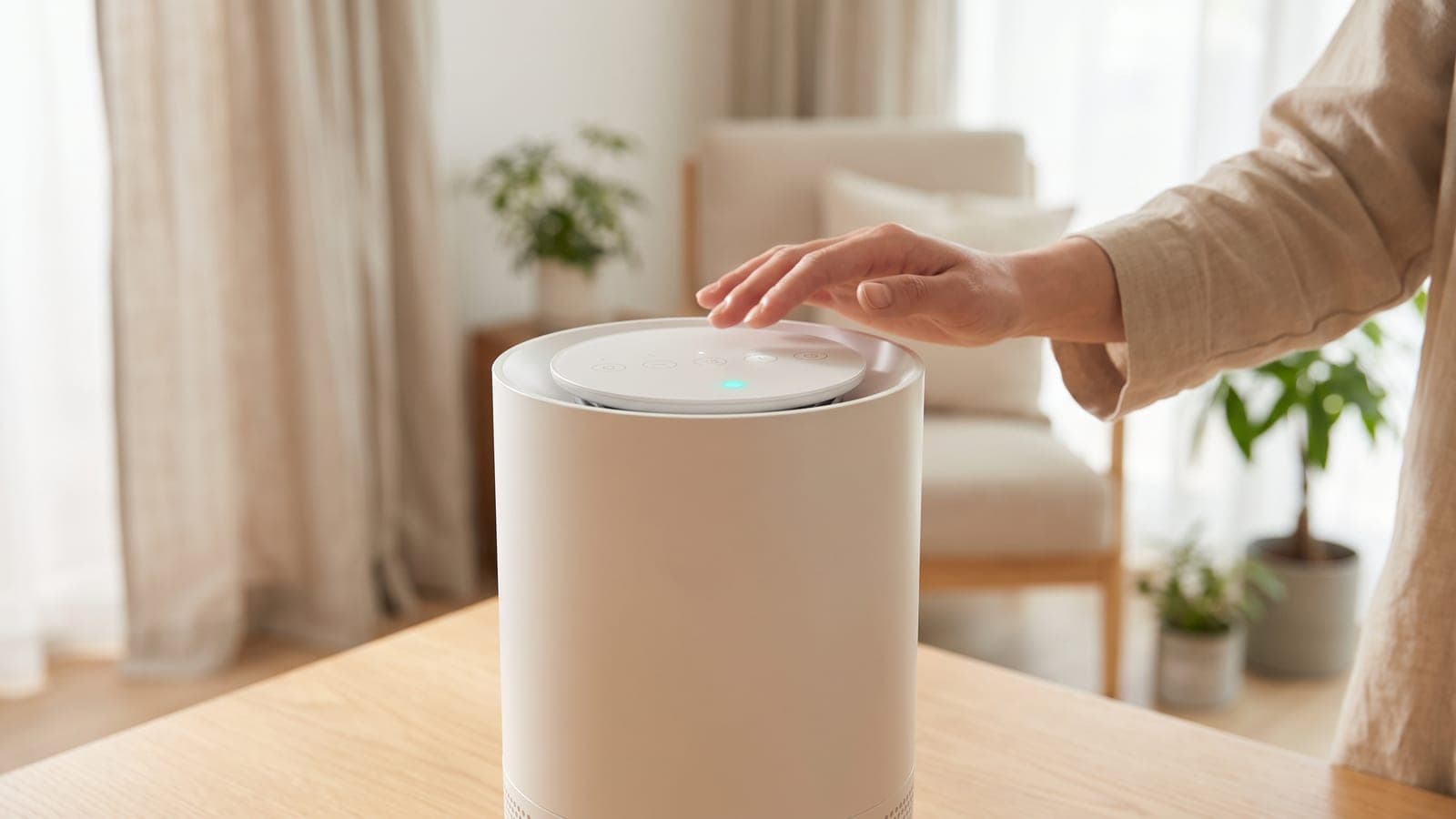
If your air purifier keeps changing fan speed on auto, here's the reassuring news: that's auto mode working exactly as it's meant to. The unit's air quality sensor is constantly watching the room, and it speeds the fan up when it detects more particles — cooking, a spray, pet activity, an opened door — then eases back down as the air clears. It's a feature, not a fault. If the ramping up and down bothers you, the fix is simple: switch to a manual fan speed to lock it, or adjust the sensitivity. Here's how it works and how to control it.
Key takeaways
- Auto mode is supposed to change speed — the sensor drives the fan up and down with the air quality in real time.
- Everyday events trigger it: cooking, aerosol sprays, pets, dust, and opening doors all spike the reading.
- To stop the swings, leave auto and pick a manual speed — or use sleep mode at night and clean the sensor if it ramps for no reason.
Is it just auto mode doing its job?
Start here, because nine times out of ten there's nothing wrong. In auto mode, the purifier's built-in air quality sensor samples the air continuously and matches the fan speed to what it finds. Cleaner air, lower speed; dirtier air, higher speed. So a fan that rises and falls throughout the day is a sensor-driven machine responding to a room that's genuinely changing minute to minute.
This is a good thing. It means the purifier ramps up when you need it — clearing a smoke or cooking spike fast — and idles quietly the rest of the time, saving energy and filter life. If your unit ramps up, does its work, and settles back down, that's textbook behavior. The question isn't "how do I fix it" but "do I want to override it" — and you can, easily.
What triggers the speed changes?
Once you know what the sensor reacts to, the ramping stops feeling random. Common triggers include:
- Cooking — frying, searing, and toasting throw off a lot of fine particles, often the biggest daily spike.
- Aerosol sprays — deodorant, hairspray, cleaning products, and air fresheners register instantly.
- Pets — dander and activity, especially a pet moving near the unit.
- Opening doors and windows — a rush of hallway or outdoor air brings new particles.
- Dust — vacuuming, making the bed, or shaking out fabrics.
- Candles, incense, and smoke — including smoke drifting in from outside.
Watch the unit for a day and you'll start matching the ramps to events. If it surges every time you cook and calms afterward, the sensor is healthy and doing precisely what it should.
How do I lock a manual fan speed?
If you'd rather have steady, predictable airflow, take it out of auto. Press the fan-speed or mode button until you exit auto mode and land on a fixed speed — low, medium, or high — and the fan will hold there regardless of what the sensor reads. This is the direct fix for anyone who finds the constant adjusting distracting, or who wants a guaranteed level of cleaning at all times.
A manual low or medium speed run continuously is a perfectly good strategy — often better for consistent air than auto, which by design backs off when things look clean. Our guide on how long to run an air purifier covers why steady running beats short bursts. The trade-off is energy and noise: a locked high speed uses more power and is louder than auto's average, while a locked low speed is quiet but won't surge to handle a sudden spike.
Can I keep auto but reduce the swings?
Often, yes. Many purifiers with auto mode also let you tune how twitchy it is. Look in the manual or app for an auto-mode sensitivity setting — lowering it makes the fan slower to react and less prone to jumping at small changes, which smooths out the behavior while keeping the convenience of auto.
Two more comfort tweaks worth knowing: most units let you turn off the beep or the display lights so the changes aren't as noticeable, and many have a dedicated sleep or night mode that locks a very low, quiet speed and dims the lights — ideal if the ramping wakes you. If your model has an app, these settings are usually easiest to find there.
Why does it ramp up when nothing's happening?
Sometimes the sensor spikes and you can't see why. Usually there is a trigger you missed — cooking in another room, an aerosol used nearby, incense, or fine dust drifting through. Humidity can play a part too, since optical sensors sometimes read fine moisture as particles, which is why a unit may ramp up in a steamy bathroom or on a muggy night.
But if the fan ramps up constantly, in obviously clean air, with no plausible cause, suspect a dirty sensor. The optical lens clogs with dust over months and starts reading its own grime as pollution, driving the fan high for no reason. Unplug the unit and gently clean the sensor lens and its air port per your manual. Our guides on cleaning an air purifier and on a sensor that's always red or inaccurate walk through it. Placement matters too — a unit next to the kitchen or a doorway will ramp far more than one in an open, representative spot.
Quick troubleshooting table
| Symptom | Likely cause | Fix |
|---|---|---|
| Fan rises and falls through the day | Auto mode tracking air quality | Normal — leave it, or lock a manual speed |
| Ramps up during cooking or sprays | Sensor detecting real particles | Expected; it clears as air settles |
| Constant ramping distracts you | Auto mode too reactive | Lower auto sensitivity or pick a manual speed |
| Speeds up at night | Dust, pets, or humidity triggers | Use sleep mode or lock a low manual speed |
| Ramps up with no visible cause | Dusty sensor reading falsely high | Clean the sensor lens and port |
| Surges near kitchen/doorway | Placement feeding triggers | Move to an open, representative spot |
When to contact the manufacturer
You almost never need the manufacturer for this — changing speed on auto is the feature, not a defect. But reach out if the fan keeps ramping to high in genuinely clean air even after you've cleaned the sensor, moved the unit to a fair spot, and ruled out humidity and hidden triggers, since a sensor stuck reading high may have failed. Also contact them if auto mode does the opposite — never responding at all, or getting stuck at one speed and ignoring obvious cooking or smoke — which suggests a sensor that's not reporting. Have your model and serial number ready; a faulty sensor on a unit still under warranty is a repair the maker should cover. For normal ramping you'd rather not hear, though, a manual speed or sleep mode is the whole answer.
Frequently asked questions
Why does my air purifier keep changing fan speed on its own?
That's auto mode working as designed. The unit's air quality sensor watches the room and speeds the fan up when it detects more particles — from cooking, sprays, pets, or opening a door — then slows back down as the air clears. It's a feature, not a fault.
How do I stop my air purifier from ramping up and down?
Switch out of auto mode and select a manual fan speed. That locks the fan at one setting so it won't respond to the sensor. Many units also let you turn off the beep or adjust auto-mode sensitivity if you'd rather keep auto but reduce the swings.
Why does it speed up at night?
The sensor is reacting to something — dust stirred up as you move in bed, a pet on the covers, humidity changes, or particles drifting in. If the ramping disturbs your sleep, use sleep mode or lock a low manual speed overnight instead of auto.
Is it bad for the purifier to keep changing speed?
No. Auto mode is designed to run this way, and the motor is built for it. It actually saves energy and filter life by running low when the air is clean and only ramping up when needed. There's no wear penalty from normal auto-mode adjustments.
Why does it ramp up for no obvious reason?
Usually there's an invisible trigger — cooking elsewhere in the home, an aerosol spray, or fine dust you didn't notice. But a dusty sensor can also read falsely high and cause random ramping. If it happens constantly with no cause, clean the sensor lens.