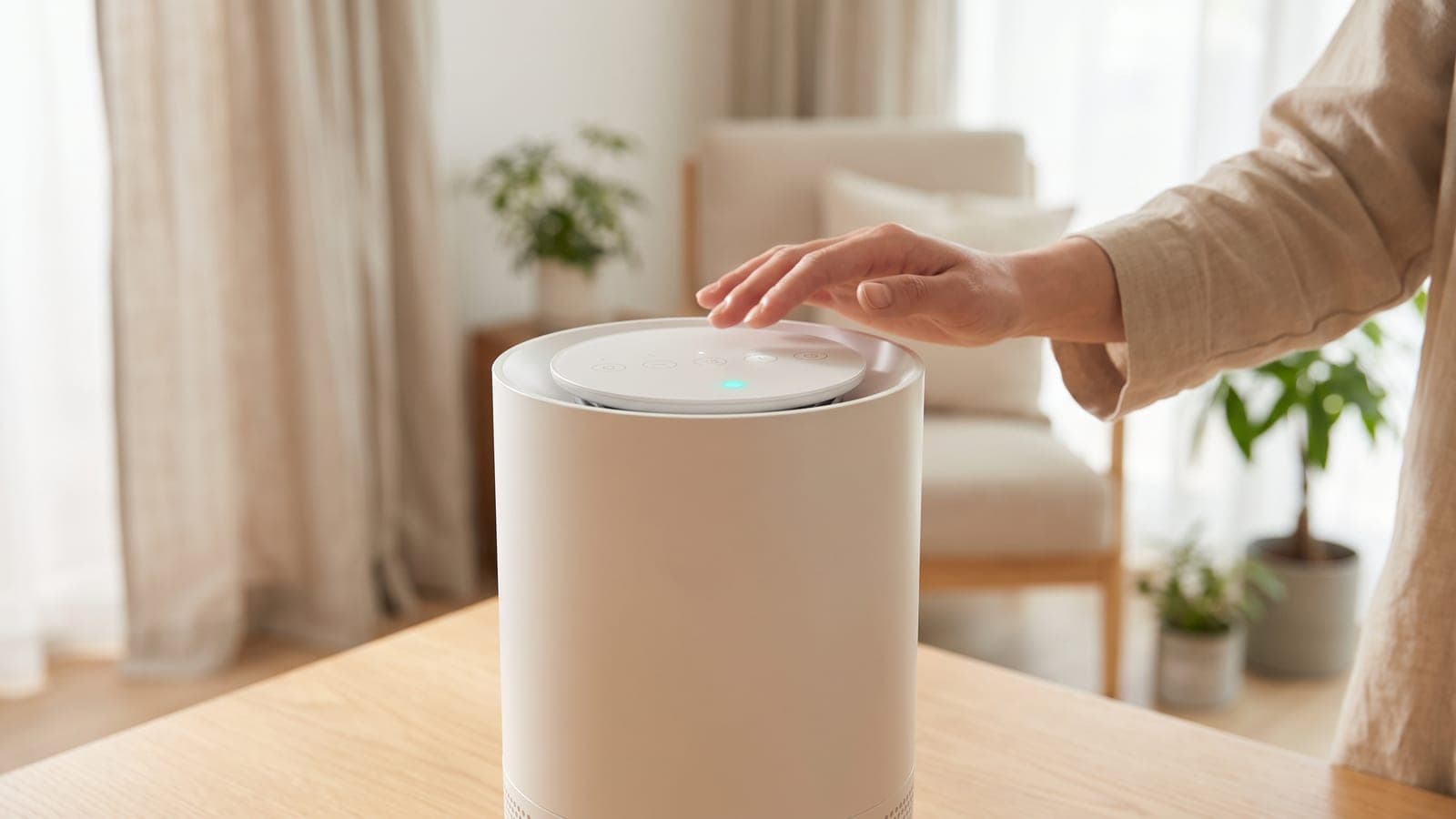
On a Levoit Core 400S or Core 400S-P, the filter light has its own button. Switch the purifier on and press and hold the Check Filter Indicator Reset button for 3 seconds; the indicator turns off. Reset early, before the reminder appears, and the indicator flashes for 3 seconds first and then goes out.
Do this first
These steps follow Levoit's current Core 400S-P user manual, which matches the original Core 400S manual.
- Unplug the purifier and turn it upside down or lay it on its side.
- Twist the filter cover counterclockwise and lift it off. Pull out the old cylinder and vacuum any dust or hair from inside the housing. Don't use water.
- Strip every bit of plastic from the new Core 400S-RF filter. Levoit warns that a wrapped filter won't clean the air and can make the purifier overheat.
- Drop the filter in and refit the cover, twisting clockwise until it snaps shut. Stand the purifier upright with the display facing up and plug it in.
- Turn it on, then press and hold the Check Filter Indicator Reset button for 3 seconds.
- Confirm: the red Check Filter Indicator goes out. If the light wasn't on yet, it flashes for 3 seconds before turning off.
Afterwards, open the purifier in VeSync and check that the filter life percentage has refreshed.
Why it won't reset
Worked through in order, these cover most failed resets.
- The display is locked. With Display Lock on, the panel ignores button presses and the lock icon in the center of the display blinks when you touch anything. Keep a finger on Display Lock for 3 seconds to release it, then try again.
- You held the indicator, not the button. The manual numbers the Check Filter Indicator and the Check Filter Indicator Reset button as two separate parts of the panel. Make sure your finger is on the button.
- The display was off. In Display Off mode the filter light keeps glowing while everything else is dark. Tap the panel once to wake it, then do the 3-second hold.
- The purifier was in standby. Levoit's sequence has you switch it on before resetting.
- Sleep was pressed instead. On this model Sleep Mode only changes the fan mode. Levoit's Vital 200S and the Levoit Core 200S-P do reset with a Sleep Mode hold, so the mix-up is easy in a house with more than one Levoit.
Is the filter actually finished?
The light is a check reminder, not a verdict. Levoit's current Core 400S-P manual says it should come on after about 12 months, sooner if the purifier runs a lot and later if it doesn't, and its filter-life estimate assumes 12 hours of use a day. Levoit's filter listing is more cautious, recommending a new filter every 6–8 months.
Look before you buy. The manual's tell-tale signs are a louder purifier, weaker airflow, unusual odors and a visibly clogged filter. The outer pre-filter is part of the cylinder, so give it a brush or a pass with the vacuum hose every 2–4 weeks, and keep it dry: Levoit says not to clean this filter with water or any other liquid.
The difference between those two intervals is real money:
| Replace every | Filters per year | Cost at $49.99 |
|---|---|---|
| 12 months | 1 | ~$50 |
| 8 months | 1.5 | ~$75 |
| 6 months | 2 | ~$100 |
The filter cost calculator runs the numbers for other intervals, and how often to replace a filter explains what shortens filter life.
When to call Levoit
If Display Lock is off, the purifier is on, you've held the correct button for 3 seconds and the light refuses to clear, or it comes back within days, the purifier needs support rather than more attempts. Seeing E1 instead? That's a separate problem, which Levoit's troubleshooting table blames on the motor.
Reach Levoit by phone at 1-888-726-8520 or by email at support@levoit.com. The 2-year limited warranty doesn't depend on registering the purifier, but you'll need proof of purchase and the date you bought it. Filters fall outside the warranty. For non-Levoit purifiers with the same stubborn light, see the red light guide.
The right replacement filter
Levoit's Core 400S-RF (listed on this site as the Levoit Core 400S Replacement Filter) costs $49.99 at list and works in all four members of the family: the original 400S, the 400S-P and both PlasmaPro 400S models. The Core 300S takes a smaller cylinder and the Core 600S uses the larger Core 600S filter, so double-check the model name on the base before ordering. Levoit's specialty cylinders for this housing (Pet Allergy, Toxin Absorber, Smoke Remover) cost $10–15 more apiece.
Frequently asked questions
Is the filter reset the same on the Core 400S and Core 400S-P?
Yes. The original Core 400S manual and the current Core 400S-P manuals both use the dedicated Check Filter Indicator Reset button with a 3-second hold. The panel layout and the filter are the same on both.
Can I reset the Core 400S filter from the VeSync app?
The Core 400S-P manual describes the app showing a filter life percentage, sending a notification when it's time to check the filter and linking to replacement filters. It doesn't document an in-app reset, so do the reset on the purifier and then check that the app's percentage has refreshed.
Does the Sleep button reset the filter on a Core 400S?
No. On the Core 400S family the Sleep Mode button only turns Sleep Mode on and off. Levoit's Vital 200S and Core 200S-P use a Sleep Mode hold for the reset, which is where the confusion comes from.
Why is my filter light on when the air quality ring is blue?
They measure different things. The filter light is a reminder based on how much the purifier has run, while the ring reports what the laser dust sensor sees in the air right now. Clean air and an aging filter can happen at the same time.
My Core 400S shows E1. Is that the filter?
No. Levoit's troubleshooting table lists Error Code E1 as a motor malfunction and says to contact customer support. Resetting the filter light won't clear it.