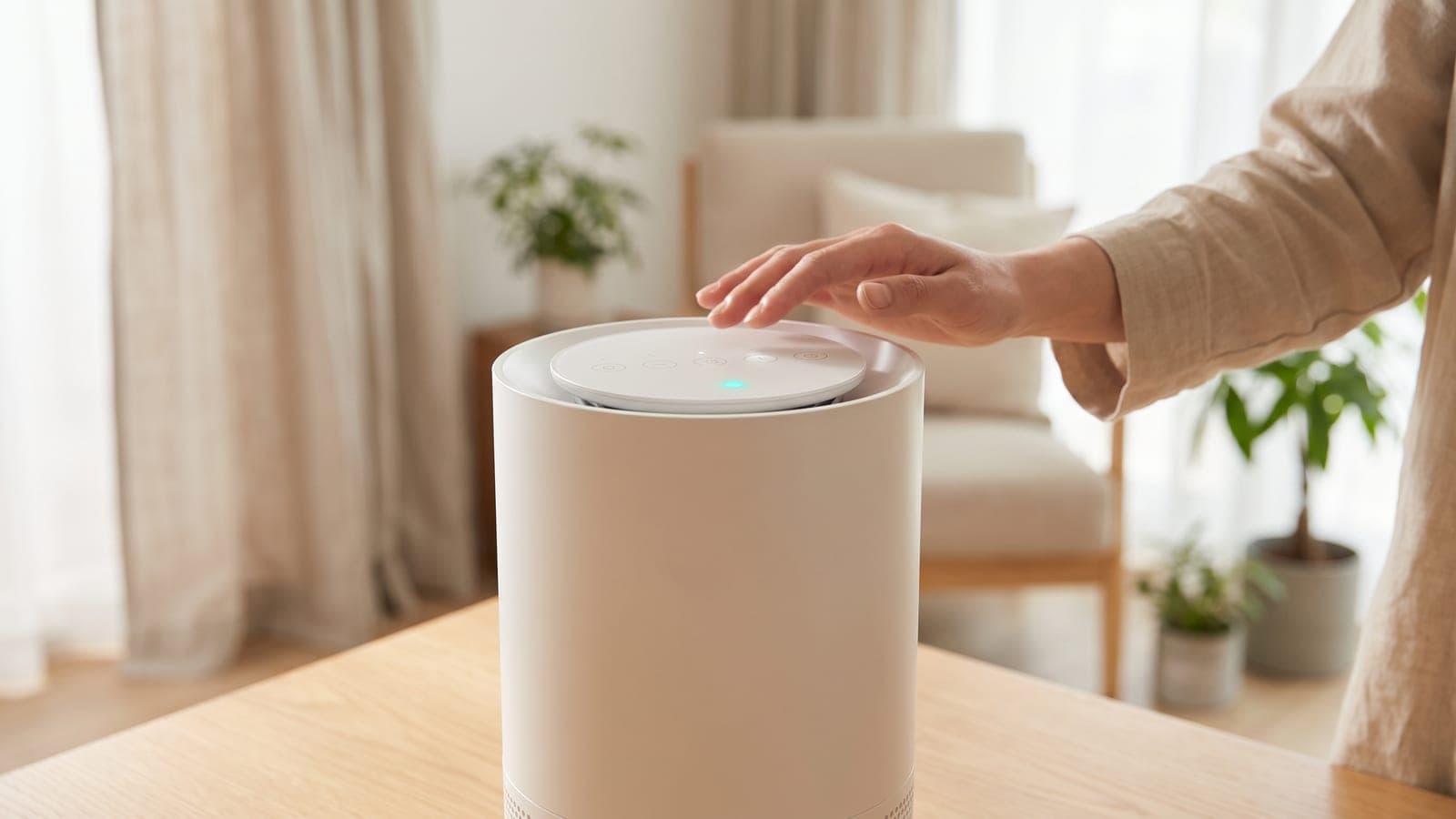
To clear the red filter light on a Blueair Blue Pure 211i Max, fit the new filter, switch the unit on and hold its Fan Speed button down for roughly 15 seconds. Release when every LED on the panel lights up. If the red filter indicator blinks three times and disappears, the reset has worked. If it won't clear, check whether the red light you're seeing is actually the filter light.
Do this first
These steps come from the Blue Pure 211i Max user manual and Blueair's support page on resetting the red light.
- Turn it off and unplug it. Rotate the top counter-clockwise to release it, then lift it off.
- Take off the fabric pre-filter and the noise shield. Pull the old filter out by its handles. Strip all the plastic wrapping off the new filter before you drop it in.
- Rebuild it in reverse. The noise shield sits on top of the filter. Pull the fabric pre-filter up over both, with the leather tag at the top. Twist the top back on and plug the purifier in.
- Power it on, then keep Fan Speed pressed for roughly 15 seconds. Keep holding until all the LEDs on the panel light up, then let go. The manual's maintenance section describes this as the LEDs lighting a second time and blinking once.
- Watch the filter indicator. If the reset worked, the red filter-replacement light blinks three times and goes out.
The 15-second hold is the part people cut short. Shorter presses of the same button do other things. A press of about 5 seconds on Fan Speed turns the blinking Wi-Fi light off, so releasing at that point looks like "something happened" without touching the filter timer. Blueair's reset page also has a generic FAQ that mentions 5 to 10 seconds. That answer is for other models; the 211i Max manual says 15.
If the red light is still on (most likely first)
1. It's the air quality light, not the filter light. The 211i Max shows air quality with a colored light that runs from blue (excellent) to red (very polluted). The filter warning is a separate red circle on the control panel. Blueair says a red front light means poor air, and that one stuck on red usually means dusty sensor inlets on the back of the unit. The manual's fix is to unplug for about 30 seconds, clear dust or objects around the rear sensor openings, plug back in and power on. More on that symptom in our guide to a sensor that's always red.
2. The reset didn't register. Blueair's advice for a filter light that survives the 15-second hold is to restart the purifier first. Press power to put it in standby, unplug it for a few minutes, then plug it back in. Press power to standby again and pick a fan speed so the motor is running. Then repeat the 15-second Fan Speed hold.
3. The filter really is spent. The 211i Max uses Blueair's RealTrack estimate, which combines fan speed, hours of use and pollution readings. Blueair tells owners to expect six to nine months. A smoky season can shorten that a lot, and resetting the light doesn't give the filter back any capacity.
4. Last resort: a factory reset. Hold the On/Standby button for about 30 seconds, until the LEDs light up a second time and blink four times, then release. The purifier restarts in standby with default settings and a cleared filter indicator. It also drops off the Blueair app, so you'll need to pair it again.
If the 211i Max is connected to the Blueair app, the app shows remaining filter life and sends a push notification when it's time. That's useful for planning, but the manual describes the reset itself as a step done on the purifier.
Signs the 211i Max itself is faulty
Call Blueair (+1 888 258 3247 in the manual) if the filter light survives a factory reset, if pressing the buttons does nothing, or if the fan won't run at any speed. The 211i Max has a one-year limited warranty, which becomes three years if you register within 60 days of purchase. Replacement filters aren't covered. The manual also warns that opening the unit beyond normal filter access can void the warranty, so stick to the top, pre-filter and filter.
Which replacement filter to order
For a filter that has genuinely run out, the replacement is the Blueair 211i Max Replacement Filter. That's Blueair's F2MAX Particle + Carbon, which Blueair sells for $69.99 with a rated life of up to nine months. At list price that's about $93 to $140 a year, depending on whether yours lasts nine months or six. If smoke is what wore it out, Blueair's SmokeBlock version ($84.99) carries twice the activated carbon and fits the same slot.
Check the box before you open it. If you've moved up from a 211+, don't reorder the Blueair Blue Pure 211+ Particle + Carbon Filter out of habit; it's a different part and won't swap in. A 211+ filter in a 211i Max is one way to end up with a reset that "works" over a filter that doesn't fit. Our Blueair brand overview explains how the 211+ and 211i Max lines split.
Frequently asked questions
Can I reset the 211i Max filter light before it turns red?
Yes. Blueair says you can reset the indicator early if you change the filter ahead of schedule, using the same 15-second Fan Speed hold. Do it right after the new filter goes in, or RealTrack keeps counting from the old one.
Does the filter timer keep running when the purifier is in standby?
No. Blueair says the filter timer only runs while the purifier is on and the motor is turning. A unit left in standby for a month hasn't used a month of filter life.
Why did my filter light turn red after only five months?
The 211i Max estimates filter life from fan speed, run time and pollution levels, not a fixed calendar. Long stretches on high speed, wildfire smoke or heavy cooking can bring the light on before Blueair's usual 6 to 9 months.
Can I wash the fabric pre-filter instead of buying a new main filter?
Washing the pre-filter helps airflow, but it doesn't reset or replace the main filter. Vacuum the fabric with a soft brush attachment, or wash it following the care label, and hang it to dry. The particle-and-carbon filter inside still needs replacing when the light turns red.
Will a factory reset delete my app setup?
Yes. Blueair says a factory reset returns the purifier to its original state, including the filter indicator, and disconnects it from the app. Afterwards, open the Blueair app, choose Connect Product and pair it again.