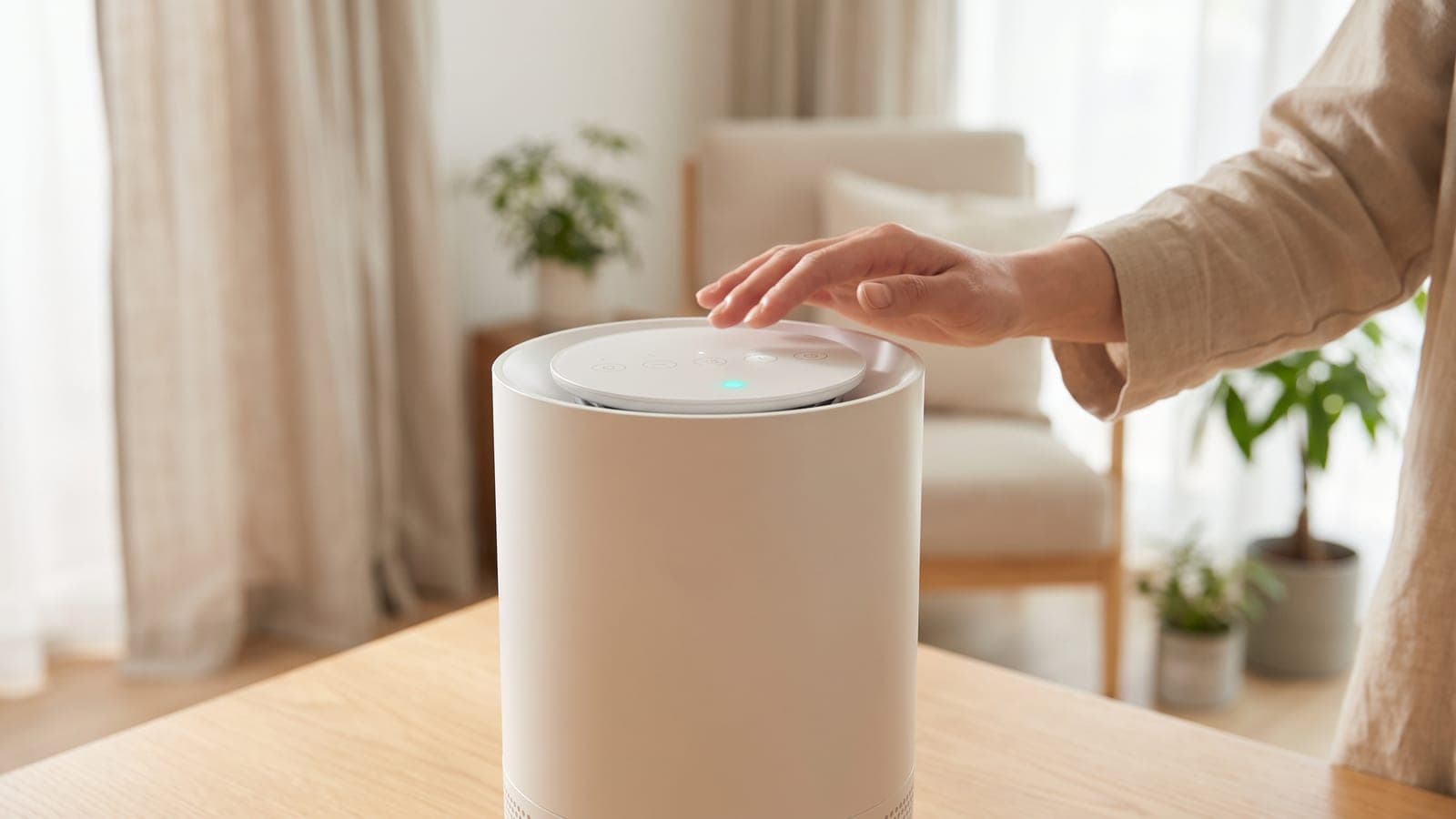
The round lamp on top of the Coway Mighty (AP-1512HH) reports what its dust sensor sees: blue means clean, dark purple means polluted and red means highly polluted. It changes in real time, so a short spell of red after cooking or vacuuming is the sensor doing its job. A lamp stuck on one color for hours, or one that has vanished, usually traces to a dirty sensor, the sensitivity setting or an active filter indicator.
Do this first
Work through these in order. Each step comes from Coway's AP-1512HH manual or its support article on the indicator.
- Read it against the scale. Blue is clean, dark purple polluted, red highly polluted. There are only three levels, shown on the round lamp on top of the unit.
- If the lamp is dark, look at the filter LEDs. The manual states that the pollution indicator does not turn on while a filter replacement indicator is active. Clear that first with a 2-second press of Filter Reset after fitting the filter that's due.
- Give it time after a spike. In Auto, the Mighty picks fan speed 1, 2 or 3 from the same sensor reading, so red should step down to purple and then blue as the room clears.
- Clean the sensor if the color never moves (steps below).
- Adjust the sensitivity if a clean sensor still reads too high or too low (steps further down).
How to clean the Mighty's air quality sensor
Coway sets a 2-month cleaning interval for the sensor, and more often in dusty homes. Its troubleshooting table lists a dusty lens as the first thing to check when the color always stays the same.
- Unplug the purifier.
- Open the air quality sensor cover on the right-hand side of the unit.
- Brush or vacuum the sensor's air inlet and outlet vents.
- Lightly wet a cotton swab and wipe the lens, the dust inlet and the dust outlet.
- Go over the same spots with a dry swab to remove any moisture, then close the cover.
Coway warns against poking sharp objects into the sensor, and against spraying insecticide or air freshener near the air inlet. Aerosol mist is exactly what a dust sensor reports as pollution.
How to change the sensor sensitivity
The Mighty ships on Standard sensitivity. Coway gives two signs that it needs changing: the light stays at the highest pollution level after 2 hours of running, or it sits at the lowest level for more than an hour when the air clearly isn't clean.
- With the purifier on, hold the Speed and Ionizer buttons together for 2 seconds. You'll hear a beep and the speed indicator starts flashing at one-second intervals.
- Press Speed to choose a level. Speed step 1 is Sensitive, step 2 is Standard and step 3 is Insensitive.
- Hold Speed and Ionizer together for 2 seconds again to save. If you touch nothing for 10 seconds, the new setting is applied anyway.
Pick Insensitive for a lamp that won't leave red in a clean room, and Sensitive for one that stays blue through obvious smoke. If neither change helps, our general sensor troubleshooting guide covers faults that apply across brands.
What the colors don't tell you
The lamp reflects particles near the purifier, not the whole house or every pollutant. Because Coway describes it as a dust sensor reading, odors and gases with little smoke attached may barely register, even though the Mighty's deodorization filter is working on them. A blue lamp in a room that still smells of last night's curry is normal.
Position matters too. Coway asks for at least 20 cm of clearance from walls, 30 to 60 cm of space above the unit, about 2 m from a TV or other electronics, and no strong artificial light or direct sun on it. A Mighty tucked against a kitchen doorway will run red more often than one in the middle of the room it is cleaning.
When it's a fault
Unplug the unit and contact Coway's service center if the lamp never changes color after a sensor cleaning and a sensitivity change. The same goes for a lamp that flickers between colors with nothing in the air, or one that stays dark with no filter LED lit. The manual tells owners not to open or repair the unit themselves.
Is the Mighty still the right purifier?
If the light keeps turning red because the room is simply too big or too smoky, the sensor may be right. The Mighty's 233 CFM smoke CADR suits a room of roughly 360 sq ft at this site's sizing standard, and our Coway Mighty review has the full numbers. For a heavy smoker's home, the best purifiers for cigarette smoke list includes models with far more carbon, such as the AirDoctor AD5500i.
Frequently asked questions
Why did the colored light on my Coway Mighty disappear?
Check the filter indicator on the control panel. Coway's manual says the air quality light doesn't turn on while a filter replacement indicator is active. Replace the filter that's due, hold Filter Reset for 2 seconds, and the color should return.
Does the Coway Mighty's light react to smells?
Not directly. Coway describes it as reading the pollution level measured by a dust sensor, so it responds to particles such as smoke, cooking haze and stirred-up dust. A strong odor with little smoke may leave it blue while the carbon filter does the work.
Can I turn off the light on a Coway Mighty?
The AP-1512HH manual lists five buttons: Power, Speed, Ionizer, Timer and Filter Reset. None is described as a light or dimmer control. If the lamp bothers you at night, check whether your exact model or manual edition adds one before buying a cover or tape.
Why does my Coway Mighty stop blowing when the light is blue?
That's Eco mode. When no pollution is detected for 30 minutes, the fan stops to save power and restarts when the sensor picks up particles again. Select Auto or a fixed speed with the Speed button if you'd rather it kept running.
Is the light the same on the Coway Mighty2?
No. The Coway Airmega Mighty2 has a different sensor (Coway's MegaScan laser unit) and its own manual, and Coway publishes separate guidance for the Wi-Fi AP-1512HHS as well. The blue, dark purple and red scale here is for the AP-1512HH.