To reset the filter indicator on a Coway Airmega Mighty2 (AP-1512N), install the new Max2 filter, refit the pre-filter, close the cover, then touch and hold the lit filter indicator on the top panel for 3 seconds. That's Coway's own four-step instruction. The pre-filter has its own cleaning countdown, separate from the Max2 replacement one, and keeping it clean is most of what Mighty2 maintenance involves.
Do this first
Coway's Mighty2 filter page gives the procedure as four steps: remove the cover and pre-filter, swap the filter, reinstall the pre-filter and close the lid, then hold the indicator for 3 seconds. In full:
- Unplug the purifier. Pop the front cover open using the finger slots on each side.
- Slide the pre-filter out. On the Mighty2 it comes out from the right-hand side of the unit, a change from the original Mighty.
- Swap the Max2 cartridge. Lift the old one out, unwrap the new AP-1512N-FP cartridge and fit it. The Max2 is one piece, with HEPA and carbon bonded together, so there's no separate carbon sheet to track.
- Reinstall the pre-filter and close the cover. Plug the purifier back in and switch it on.
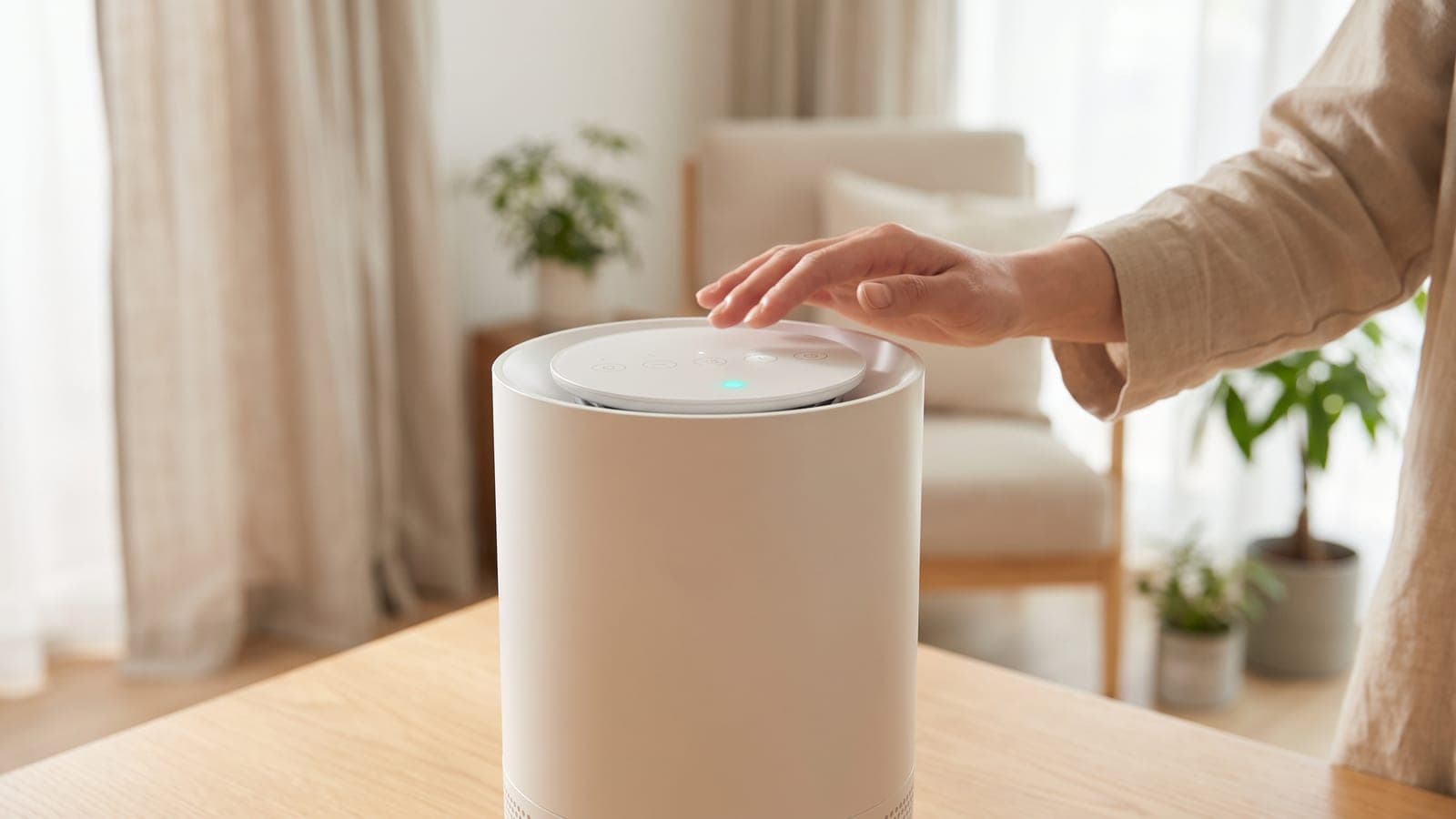
- Hold the filter indicator for 3 seconds. Coway's wording is "hold indicator 3 sec to reset." The Mighty2 has a touch panel, so you hold the lit indicator itself rather than a physical button. Afterwards, check the filter-life percentage on the display to confirm the countdown has restarted.
What isn't confirmed: none of the Coway text available when this was written prints the exact label on the Mighty2's touch keys, or says whether the pre-filter countdown resets the same way. Both are in the Mighty2 user manual. Coway links that PDF under "Support" on its Airmega Mighty2 product page, and a paper copy comes in the box. If a 3-second hold doesn't clear the light, check the control-panel diagram in that manual before trying anything else.
Routine maintenance that prevents most problems
The Mighty2 display shows filter life as a percentage. Wired's review describes two countdowns: one for cleaning the pre-filter and one for replacing the Max2 filter. Each one tells you it's time when it reaches zero.
Pre-filter. It's washable and vacuumable. CleanAirAdviser reports Coway's recommendation as every 2 to 4 weeks. Wired's reviewer, with a pet in the apartment, found it needed cleaning about weekly. Vacuum it, or rinse it if it's caked, and let it dry completely before you slide it back in. For which parts tolerate water, see how to clean an air purifier.
Max2 filter. Coway's rating is a maximum of 12 months, with the countdown driven by actual use. Clean air in a bedroom on speed 1 might get a full year. A living room with a cat and a gas range probably won't.
Why the light or the airflow seems wrong (most likely first)
1. The wrong countdown was reset. Cleaning the pre-filter doesn't touch the Max2 timer, and the reverse is also true. Make sure the indicator you hold is the one that's lit.
2. A filter is still in its plastic. On a new unit the filters ship wrapped inside the housing, and reviewers note you have to open the front and strip the plastic before use. Weak airflow on a new Mighty2 nearly always comes down to this.
3. It's Eco or Sleep mode, not a fault. In Eco mode the fan stops when the air is clean. In Smart mode, the light sensor switches the unit to Sleep after about 3 minutes of darkness. Both look like a purifier that has "died" in a quiet room. Our guide to a purifier that keeps changing speed on auto explains the pattern.
4. The wrong filter was bought. The Mighty2 doesn't take the original Mighty's filters. The Coway Airmega AP-1512HH Filter Set is a HEPA panel plus two carbon pre-filters shaped for the AP-1512HH, and it won't seat in an AP-1512N. Check the model label on the back of the unit before ordering.
When to contact Coway
Contact Coway through cowaymega.com support if the touch panel doesn't respond to any key or the indicator won't clear after a correct reset with the cover fully closed. The same applies if the fan won't speed up on Turbo with clean filters fitted. Coway's US Airmega policy covers motor and electronic parts for three years and other parts for one year. Register the purifier with Coway and keep your proof of purchase. Our Coway Airmega overview has more on how the line is supported.
The replacement that fixes it
When the Max2 countdown runs out, the part is the Coway Airmega Mighty2 Replacement Filter, Coway's AP-1512N-FP "Fresh Starter" cartridge. Coway charges $69.99 per cartridge ($66.49 if you subscribe), and a single cartridge is meant to cover a year. It fits only the AP-1512N in white or beige. Third-party AP-1512N cartridges cost about half as much, but their makers rarely publish efficiency or carbon data. If you bought a Coway Airmega Mighty2 for allergy or smoke control, that missing data is a real gap.
Frequently asked questions
Does the Coway Mighty2 have an app I can use to reset the filter?
No. The Mighty2 (AP-1512N) has no Wi-Fi or app, so the filter reset and the filter-life readout both live on the purifier's touch panel.
Can I vacuum or wash the Max2 filter to make it last longer?
No. Only the pre-filter is washable. The Max2 cartridge bonds the HEPA and carbon layers together, and washing or vacuuming it damages the HEPA media, so it gets replaced when its countdown runs out.
Why is my Mighty2's filter life dropping faster than expected?
Coway says the Mighty2 tracks filter life from actual use, so long hours on speed 3 or Turbo, wildfire smoke or several pets all eat into the 12-month figure. Twelve months is the best case, not a promise.
My Mighty2 stopped blowing air but it's still on. Is it broken?
Probably not. In Eco mode the Mighty2 stops the fan when the air is clean, and Smart mode switches to Sleep after about 3 minutes of darkness. Pick speed 1, 2 or 3 manually; if the fan spins up, the purifier is working as designed.
Will the Mighty2 run without the plastic removed from the filter?
It will run, but it won't clean properly. The filters ship wrapped inside the unit, and reviewers note you have to open the front and strip that plastic before first use. If your purifier is new and airflow feels weak, check this first.