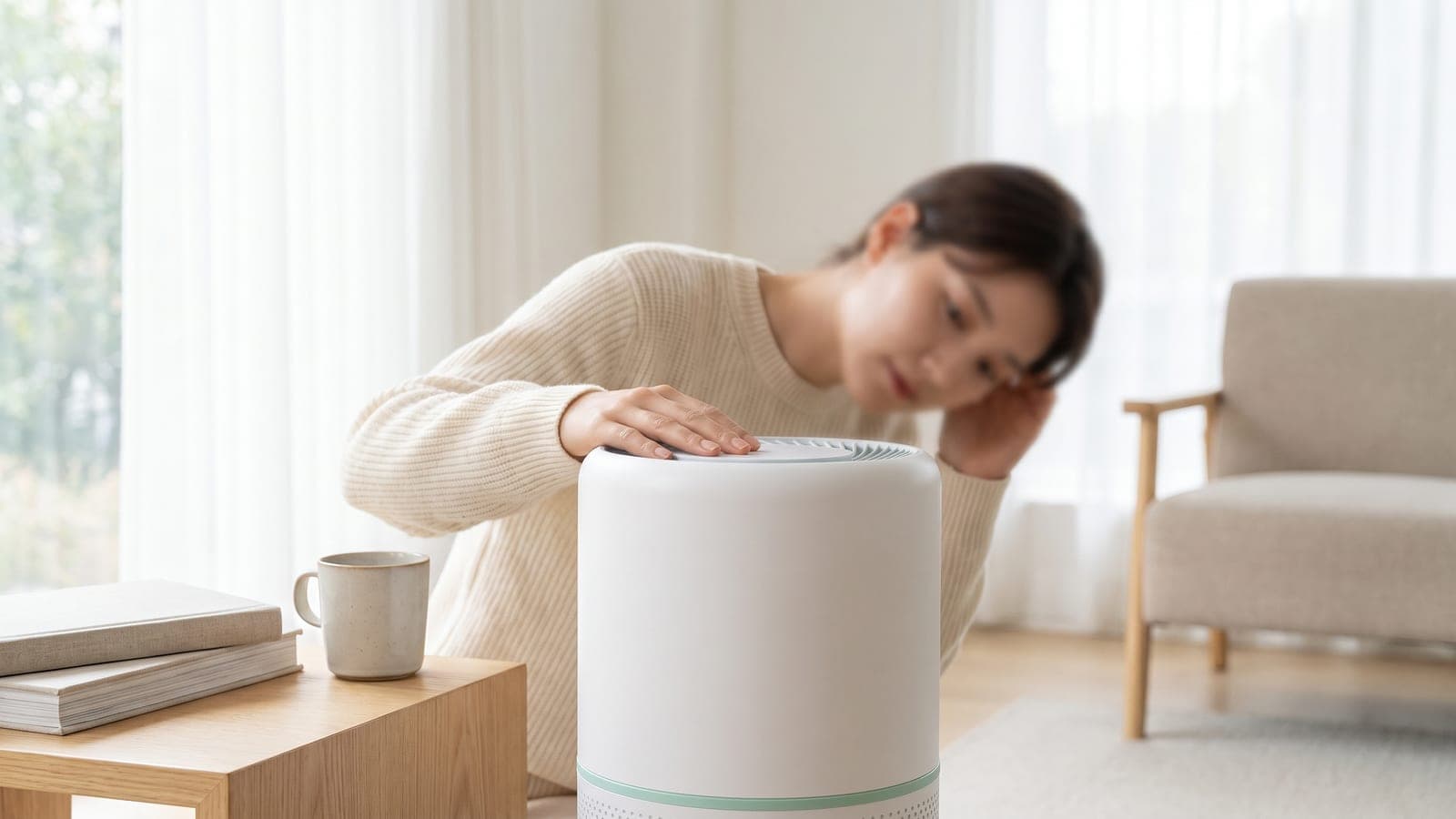
If your air purifier is making a loud or rattling noise, unplug it and check the simple physical causes before you worry about the motor. The usual suspects are plastic wrap still on the filter vibrating in the airflow, a filter that isn't seated properly, debris caught in the fan, or the unit sitting on an uneven, resonant surface. All four are quick fixes. The steady whoosh of a high fan speed is normal and not what we're after here — it's the rattle, buzz, or grind that signals something to correct. Work through the checks below.
Key takeaways
- Unplug first, then check the filter — leftover plastic wrap or a misseated filter is the most common rattle.
- A loud whoosh on high is normal; a rattle, buzz, or grind is not — learn to tell airflow noise from mechanical noise.
- A grinding or screeching sound from the motor points to a worn bearing — that's a hardware fault, not a maintenance one.
Is there still plastic on the filter?
The most common source of a new rattle or buzz is plastic packaging left on the filter. Manufacturers ship filters sealed in a plastic bag, and if it's not fully removed, the loose film flutters and buzzes in the airflow every time the fan spins. It sounds alarming for something so trivial.
Unplug the purifier, open it up, and pull the filter out. Check every surface — front, back, and edges — for any plastic film, wrapper, or sticker. Remove all of it, then reseat the filter. If a brand-new unit started making noise the day you set it up, this is very likely your answer. While you're in there, confirm you've got the right filter for the model and it's oriented the correct way (look for the airflow arrow on the frame).
Is the filter seated correctly?
A filter that isn't fully clicked into place, or a cover that isn't latched, leaves the filter free to vibrate against its housing — a persistent rattle that rises and falls with fan speed. This is easy to cause after a filter change if the cover was rushed shut.
With the unit unplugged, remove and reinstall the filter, pressing it firmly into its seat until it sits flush. Make sure the cover or door closes fully and any latches engage. Some models won't run properly — or will buzz — if the door isn't fully closed, because the filter isn't held tight. A correctly seated filter should have no play in it. Our signs it's time to replace the filter guide is worth a look too, since a clogged, deformed filter can also rattle or make the fan strain.
Is there debris caught in the fan?
Purifiers pull in air with real force, and they occasionally suck in things they shouldn't — a bit of pet hair clumped on the fan blade, a scrap of paper, a hair tie, or dust built up on the fan cage. Anything catching the blades produces a rhythmic tick, rattle, or grind that speeds up with the fan.
Unplug the unit, remove the filter, and shine a light into the fan area. Gently clear any visible debris, and vacuum or brush dust off the fan blades and cage. Don't force the blades or use water inside the motor housing. Our how to clean an air purifier guide shows how to do this safely. Clearing a single stray object often silences the noise instantly.
Is it just loud because the fan speed is high?
Before chasing a fault, make sure you're not hearing normal airflow. On its top speed a purifier moves a large volume of air, and that produces a genuinely loud, steady rushing sound — often up into the 50s of decibels, roughly like a running shower or a window fan. That whoosh is the machine working, not breaking.
The distinction that matters: airflow noise is smooth and constant, while a fault is uneven — a rattle, a buzz, a click, or a grind layered on top. If dropping to a lower speed makes the sound proportionally quieter and it's a clean rush with no rattle, everything's fine. Many units also have a quiet or sleep mode for nighttime. If the unit is louder than it used to be at the same speed, though, that's a real change worth investigating.
Is it sitting on an uneven or resonant surface?
Where the purifier stands changes how much noise you hear. A unit on an uneven floor can wobble slightly and tap or buzz, and a lightweight or hollow surface — a thin shelf, a cheap side table, a hardwood floor over a void — can act like a sounding board, amplifying the motor's normal vibration into an audible hum or rattle.
Set the purifier on a firm, level, solid surface. A rug or a thin mat under it can absorb vibration and calm a resonant floor. Give it clearance from walls and furniture too, both for airflow and so it isn't tapping against anything. Our where to place an air purifier guide covers good positioning. Sometimes moving the unit a few feet is all it takes.
Quick troubleshooting table
| Symptom | Likely cause | Fix |
|---|---|---|
| Fluttering buzz, new unit | Plastic wrap left on filter | Unplug; remove all plastic; reseat filter |
| Rattle that rises with fan speed | Filter not seated / cover not latched | Reseat filter firmly; close cover fully |
| Rhythmic tick or grind | Debris caught in the fan | Unplug; clear debris; clean fan blades |
| Loud steady whoosh on high | Normal airflow at high speed | Use a lower or sleep mode; nothing to fix |
| Hum or buzz through the surface | Uneven or resonant surface | Move to firm, level ground; add a mat |
| Grinding/screeching from motor | Worn fan bearing or motor fault | Contact the manufacturer |
When to contact the manufacturer
Reach out to the manufacturer if the noise is a grinding, screeching, or metallic scraping coming from the motor area — and especially if it persists after you've removed all packaging, reseated the filter, cleared any debris, and set the unit on a solid, level surface. That kind of sound usually means a worn fan bearing or a failing motor, which is an internal hardware fault you can't fix at home. Have your model number, serial number, and purchase date ready; a bearing or motor problem on a unit still under warranty should be repaired or replaced. For a simple airflow whoosh on high, or a rattle that clears once you fix the filter or surface, there's no need to call — you've already solved it.
Frequently asked questions
Why is my air purifier suddenly making noise?
A sudden new noise usually means something physical: plastic wrap left on the filter vibrating, debris caught in the fan, or a filter that isn't seated properly and is rattling in its housing. Unplug the unit and check those three before assuming a mechanical fault.
Is it normal for an air purifier to be loud on high?
Yes. On the highest fan speed a purifier moves a lot of air, and that airflow is genuinely loud — often in the 50s of decibels. That steady whoosh is normal. A rattle, grinding, or buzzing that's different from the airflow sound is what signals a problem.
Why does my air purifier rattle?
A rattle is almost always a loose or misseated filter, plastic packaging left on it, or a bit of debris pulled into the fan cage. Occasionally it's the unit sitting on an uneven or resonant surface. A grinding rattle from the motor area, by contrast, can mean a worn fan bearing.
Can a dirty filter make an air purifier louder?
It can. A clogged filter forces the fan to work harder and can make it strain audibly, and loose debris on the pre-filter can buzz. Cleaning the pre-filter or replacing a spent filter often quiets a unit that's gotten noisier over time.
When is an air purifier noise a sign of a real problem?
A grinding, screeching, or metallic scraping sound — especially coming from the motor rather than the airflow — points to a worn fan bearing or motor fault. If the noise persists after you've checked the filter and cleared any debris, it's a hardware issue worth contacting the manufacturer about.