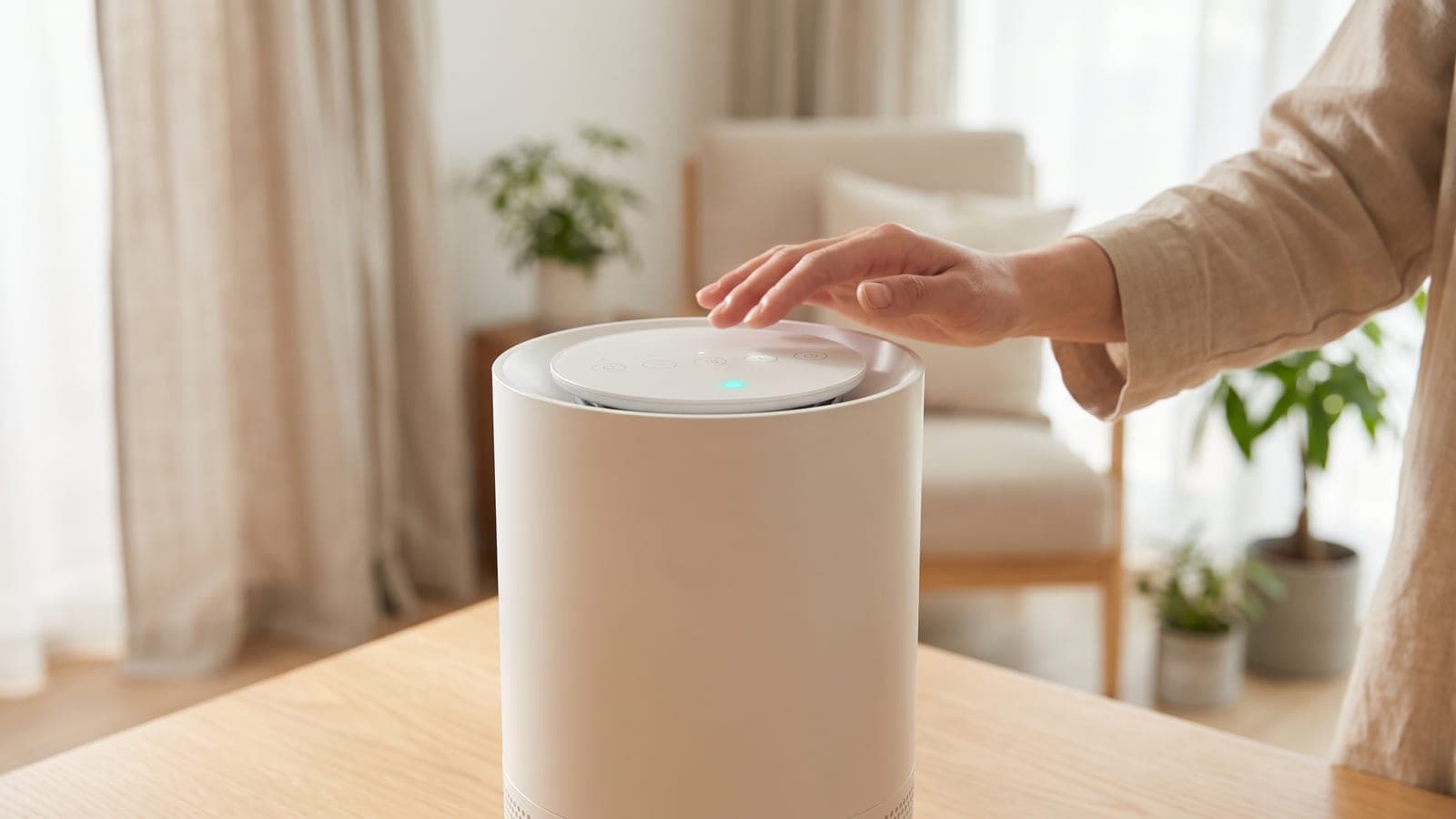
A Levoit Core 400S air-quality ring that stays red is reporting a PM2.5 reading above 115 µg/m³, so the first thing to do is look at the number on the display. If something in the room really is putting particles into the air, the purifier is doing its job. If the air should be clean, Levoit's manual names two fixes: vacuum the sensor and move any ultrasonic humidifier away.
Do this first
The steps and thresholds below are from Levoit's Core 400S-P user manual; the original Core 400S manual says the same.
-
Read the PM2.5 number on the display. Levoit's color bands are:
Ring color Levoit's label PM2.5 (µg/m³) Auto Mode fan speed Blue Very good 0–35 Sleep Green Good 36–75 Low Orange Moderate 76–115 Medium Red Bad over 115 High -
Look for a real source. Searing food, toast, candles, incense, a fireplace, fresh vacuuming or wildfire smoke outdoors can all push the reading into red. Levoit suggests running turbo for 15–20 minutes to tackle a specific problem like smoke. If the number then drops, the sensor is working.
-
Clean the sensor. Unplug the purifier, place a vacuum nozzle over the AirSight Plus sensor openings (marked on the manual's parts diagram), and run the vacuum for at least 10 seconds.
-
Move any ultrasonic humidifier well away from the purifier, or stop using Auto Mode while it runs.
-
Plug back in and turn it on. The ring shows blue for its first 5 seconds while the sensor takes a reading, then changes to the color that matches the air.
Likely causes, most to least common
A real particle spike. Red simply means a high reading, and kitchens produce them quickly. In Auto Mode the fan holds at high until the number falls; Auto Mode never uses turbo, so on a smoky evening it can take a while. The VeSync app keeps the past week of PM2.5 history, so if red lines up with dinner every night, it's the cooking.
Mist from an ultrasonic humidifier. Levoit's troubleshooting table calls this out by name: the laser sensor sees the mist droplets as large particles and turns the ring red. If the red ring tracks the humidifier's schedule, this is the culprit, and the purifier may run on high for hours with nothing to filter.
A dusty sensor. The laser reads through small openings that collect dust. Levoit's interval is every 3 months, and sooner in a dusty home. Levoit says dust on the sensor affects its accuracy and lists a cleaning as the fix for a ring stuck on red.
Placement. Inferring from how the sensor works, a purifier parked in a kitchen doorway, beside a bathroom that fills with steam, or near a diffuser will read whatever drifts past it first. Levoit separately says not to use diffusers near the purifier at all, because oil damages the filter.
A faulty sensor. This is the least likely, and you should only suspect it after the steps above.
Stop the noise while you troubleshoot
A stuck-red ring in Auto Mode means a fan on high around the clock. You have two ways to quiet it without unplugging:
- Select a fixed fan speed on the panel, which takes the purifier out of Auto Mode.
- Use Quiet Auto Mode in the VeSync app, which caps the fan at medium even when the reading is bad.
If the ring bothers you more than the noise, Display Off turns off the panel lights. It's also worth reading how auto modes behave in general in the site's guide to a purifier that keeps changing fan speed on auto.
When the sensor itself has failed
Get a second opinion before calling it broken. A standalone PM2.5 monitor placed next to the purifier settles it: if the monitor reads in the teens and the Levoit Core 400S-P still reads over 115 after a sensor cleaning, with no humidifier nearby, the sensor is faulty. The best air quality monitors list includes PM2.5 models suited to that check, and what PM2.5 means explains what the numbers mean for health.
At that point it's a support case: email support@levoit.com with the monitor's reading alongside the purifier's. The Core 400S family has a 2-year limited warranty, and registration isn't a condition of making a claim. Keep the order number and purchase date ready. E1 on the screen is unrelated to the sensor; Levoit's manual ties that code to the motor.
The opposite symptom, a ring that stays blue while the room smells of paint or cleaner, isn't a fault. Levoit points out the sensor detects particles and can't detect gases. Owners of other brands can find both cases in the sensor troubleshooting page.
Frequently asked questions
What does the red light mean on a Levoit Core 400S?
The ring turns red when the AirSight Plus laser sensor reads more than 115 micrograms of PM2.5 per cubic meter, which Levoit labels Bad. Blue covers 0–35, green 36–75 and orange 76–115. In Auto Mode, red also sends the fan to its high speed.
Will a new filter fix a red air quality ring?
No. The ring reports the sensor's reading of the room, not the filter's condition, and the filter has its own separate red reminder light. A clogged filter can make particles clear more slowly, but a ring stuck on red in clean air points to the sensor.
Why does the ring only turn red when my humidifier is running?
Ultrasonic humidifiers release a fine mist, and Levoit's manual says the laser sensor counts those droplets as particles. Move the humidifier away from the purifier, or switch the purifier out of Auto Mode while the humidifier runs.
How often should the Core 400S sensor be cleaned?
Levoit recommends every 3 months, and more often in dusty homes. Unplug the purifier, hold a vacuum nozzle over the sensor openings and run it for at least 10 seconds.
Can I stop the fan from going loud while I sort this out?
Yes. Pick a fixed fan speed on the panel, or use Quiet Auto Mode in the VeSync app, which tops out at medium speed even when the air reads as poor.