On the original Coway Mighty (AP-1512HH), the blinking filter light is cleared with the Filter Reset button: fit the new filter, then press and hold the button for 2 seconds. The light is really two LEDs, Odor for the carbon filter and HEPA for the True HEPA filter, and each runs on its own clock. Most "it won't reset" problems come from clearing the wrong one or changing a filter before its LED was due.
Do this first
These steps follow Coway's AP-1512HH and AP-1512HH(W) user manual. The Wi-Fi AP-1512HHS and the newer Mighty2 have their own manuals, so check those if your model label says otherwise.
- Check which LED is blinking. Odor means the deodorization (carbon) filter is due; HEPA means the True HEPA filter is due.
- Unplug the purifier. Coway tells owners to disconnect power before replacing filters.
- Open the front cover by pulling its upper edge toward you.
- Remove the pre-filter. Press down on the clip at its top and draw it out gently so trapped dust doesn't shake loose.
- Swap the filter that's due. Take the new one out of its plastic bag and check that the side marked "front" faces you.
- Restack in order. From the front of the unit going back, the sequence is pre-filter, deodorization filter, then True HEPA filter. Push the pre-filter's grip in firmly so it locks.
- Refit the front cover, plug in and switch the purifier on.
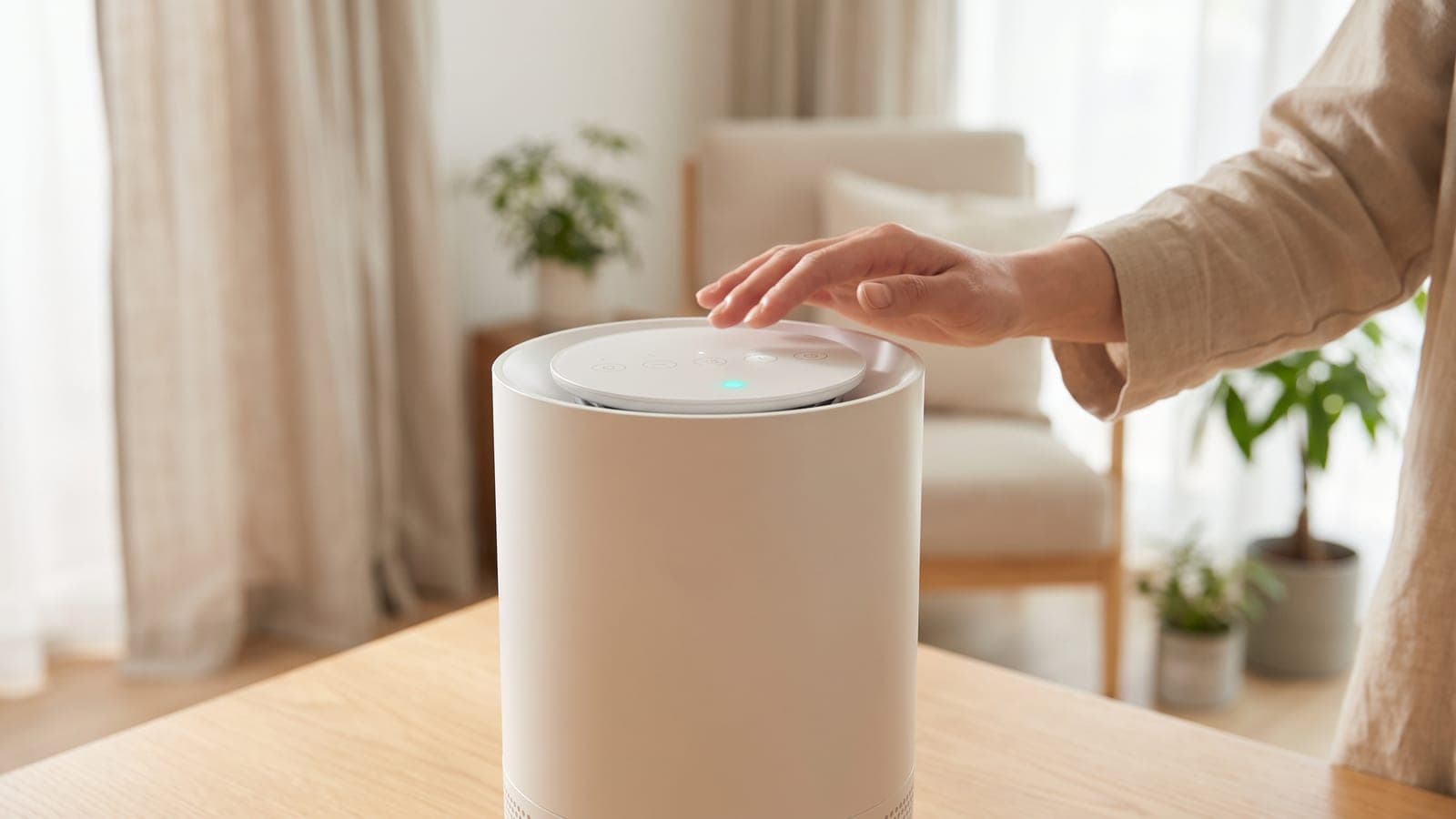
- Press and hold Filter Reset for 2 seconds. The blinking LED should go out.
Changed a filter early? Use forcible reset
If you replaced a filter before its LED started blinking, a plain press won't do anything, because there is nothing to clear. Coway's manual describes a separate mode for this:
- With no filter LED active, hold the Filter Reset button for 2 seconds.
- Press it once to select the Odor LED, or twice to select the HEPA LED.
- Hold Filter Reset for 2 seconds again to wipe that filter's counter.
Leave the panel alone for 5 seconds at any point and the mode cancels itself. That's the usual reason an early reset doesn't stick, along with stopping on the wrong LED in step 2.
Why the light won't go out, most likely first
- You cleared the other filter. After a carbon-only swap, a forcible reset that lands on HEPA leaves the Odor LED counting toward a change it has already had, and wipes the HEPA timer too.
- The press was too short. The manual specifies 2 seconds; a quick tap only works as the selector inside forcible-reset mode.
- The front cover isn't fully home. The fan motor shuts off with the cover open, so an unevenly seated panel can make the purifier seem dead after a filter change.
- It's the colored lamp, not the filter LED. The round light on top reports air quality, and no reset button affects it. Our red light explainer walks through telling the two apart.
One detail confuses owners into thinking the reset failed: Coway's manual says the pollution indicator stays off while a filter replacement indicator is active. After a successful reset the colored lamp should come back on.
When the filters really are due
Coway's schedule for the Mighty is: pre-filter cleaned every 2 to 4 weeks, deodorization filter replaced every 6 months, True HEPA replaced every year. Those lifetimes assume 8 hours a day at maximum fan speed, and Coway notes that conditions change them. A smoker's living room will use up carbon faster than a guest bedroom running in Eco mode.
The pre-filter is the only washable part. Vacuum it, or rinse it if it's caked, and let it dry completely before it goes back in. Coway says the carbon and HEPA filters must never be washed.
If a bad smell comes out of the outlet or airflow is clearly weaker than it used to be, Coway's troubleshooting table points to filters past their cycle, whether or not the LED has blinked yet.
When to contact Coway
Call Coway's service center if the Filter Reset button doesn't respond at all, if no LED clears after a confirmed 2-second hold with the unit on, or if the fan won't start with the cover properly closed. The manual also says to unplug the purifier and contact service straight away for a burning smell, smoke or a strange noise. Coway's support site lists the AP-1512HH manual and contact options.
The right filter set
The Coway Airmega AP-1512HH Filter Set (part AP-1512HH-FP) contains one True HEPA filter and two carbon sheets, so one box covers a full year: the second sheet goes in when the Odor LED blinks at about six months. It fits the AP-1512HH, the AP-1512HHS and the Airmega 200M. It does not fit the Coway Airmega Mighty2, and our Mighty vs Mighty2 filter guide explains how to tell the two machines apart.
Coway sells the genuine set for about $55 to $60, which puts the yearly filter bill in the same range. The filter cost calculator adds electricity if you want a fuller ownership figure, and the Coway Mighty review covers how the machine performs between filter changes.
Frequently asked questions
Why does my Coway Mighty filter light come on after six months?
The Mighty tracks two filters on separate timers. Coway rates the deodorization (carbon) filter at 6 months and the True HEPA at 1 year, so the Odor LED usually blinks halfway through the HEPA's life. Fit the second carbon sheet from your filter set and reset only that LED.
Can I reset the Coway Mighty filter light without changing the filter?
Yes. Holding Filter Reset for 2 seconds clears a blinking indicator whether or not a new filter went in. The timer then restarts from zero, so the purifier will stop reminding you about a filter that may already be spent.
Does the Coway Mighty have a pre-filter light?
Not in the AP-1512HH manual. Its filter indicator covers only the deodorization filter (Odor LED) and the True HEPA filter (HEPA LED). The washable pre-filter has no reminder, and Coway says to clean it every 2 to 4 weeks.
Is the reset the same on the Coway Airmega Mighty2?
No. The Mighty2 uses a single bonded HEPA and carbon cartridge with one filter-life readout, and its own manual covers the reset. Mighty2 cartridges also don't fit the original AP-1512HH, so check the model label before ordering filters.
Why won't my Coway Mighty run after I changed the filter?
The fan is wired to stop whenever the front cover is open, and Coway lists an unclosed cover as a cause of no airflow. Press the cover back on until it seats evenly all the way round, then switch the unit on again.