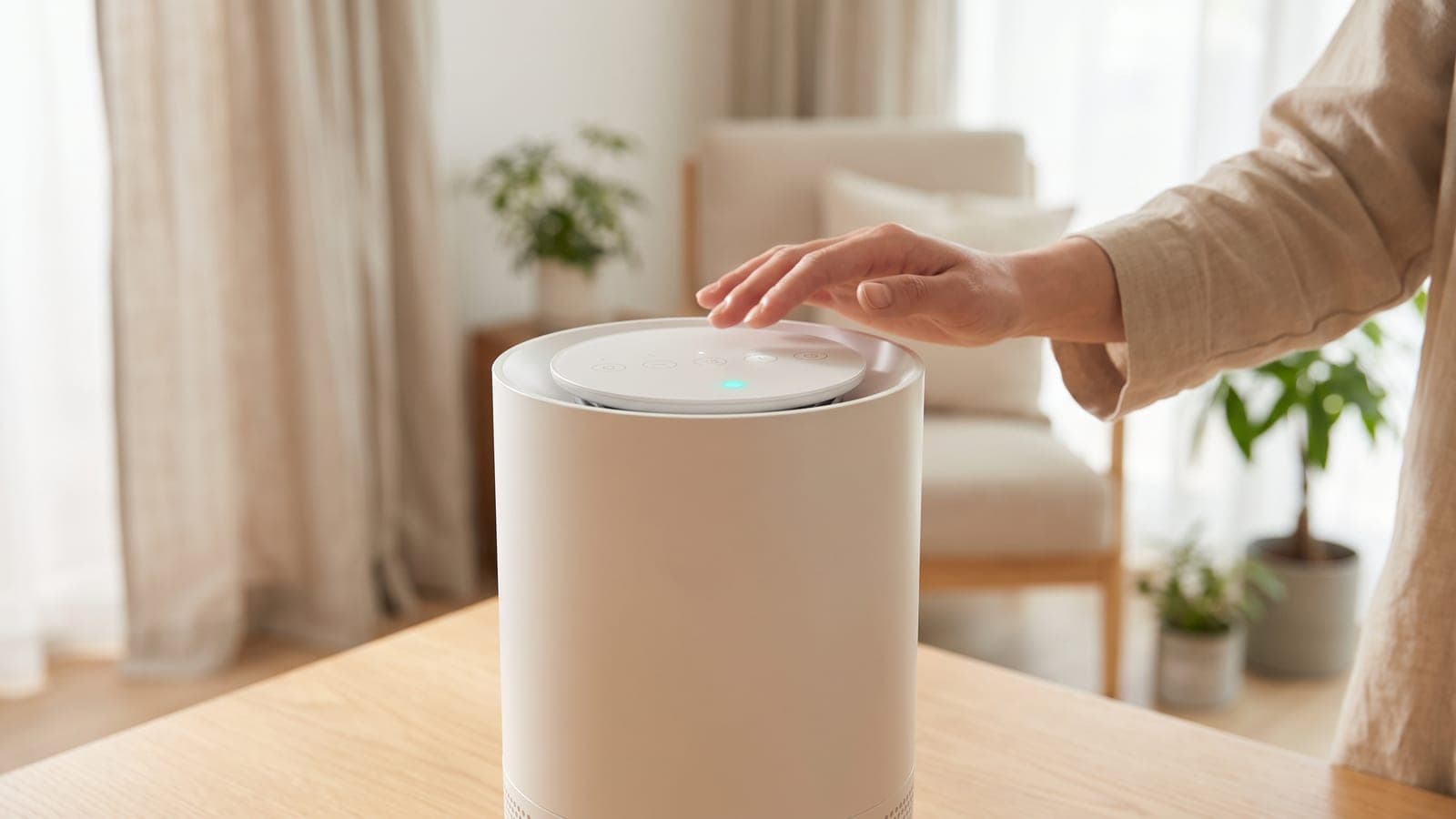
On a Levoit Vital 200S or Vital 200S-P, the filter light is cleared with the Sleep Mode button: with the purifier running, press and hold Sleep Mode for 3 seconds. The red Check Filter Indicator flashes three times and goes out, and the VeSync app's filter life shows 100% again. There is no dedicated filter button on this model, which is why owners go looking for one.
Do this first
These steps come from Levoit's Vital 200S-P user manual (2024) and match the original Vital 200S manual.
- Fit the new filter, if the light is asking for one. Unplug the purifier. Pull both sides of the front cover to take it off, push the pre-filter's tabs inward and pull the pre-filter out, then lift out the main filter. Vacuum any dust or hair left inside.
- Unwrap the new Vital 200S-RF completely and put it in with the HEPA side, the side with the ribbon handle, facing outward. Refit the pre-filter, then the front cover, lining its tabs up with the slots at the bottom.
- Plug in and tap On/Off. The reset is done with the purifier running, not in standby.
- Press and hold Sleep Mode for a full 3 seconds. A quick tap only switches Sleep Mode on.
- Watch the red light. It flashes three times and turns off. In VeSync, the filter life now reads 100%.
Swapped filters early, before any red light? Same routine: purifier on, hold Sleep Mode for 3 seconds, and the indicator flashes and clears.
Why the light won't clear
Listed from the most common slip to the least.
- The hold was a tap. Tapping Sleep Mode starts Sleep Mode, and the display goes dark after 6 seconds. That looks like something happened, but the filter counter is untouched. Wake the display, then hold for a slow count of three.
- Display Lock is on. When the panel is locked, buttons ignore presses and the Display Lock Indicator blinks when you touch one. A 3-second press on Display Lock switches the lock off; then repeat the reset.
- The purifier was off. Levoit's sequence starts with turning the purifier on. A plugged-in unit in standby still shows the red light, which catches people out.
- Pressing the light itself. In Levoit's labelled diagram of the panel, the red light is an indicator rather than a button; the reset lives on Sleep Mode. Anyone used to the Levoit Core 400S-P, which has a separate reset button, may go looking for one here.
If the light returned sooner than you expected, it isn't a malfunction. Levoit says it should appear after about 12 months but bases it on how much the purifier has run, along with factors such as air quality, so a bedroom unit on 24/7 gets there first.
Is the filter really done?
The light asks you to check the filter, not to bin it automatically. Levoit's manual lists the signs that it's time: odors the purifier used to clear now linger, it sounds louder, less air comes out of the top, or the main filter looks dusty or discolored once the pre-filter is out. The signs a filter is due page applies the same tests to other purifiers in the house.
The pre-filter is the part that buys you time. Levoit says to clean it every 2–4 weeks with a vacuum or soft cloth, and it can be rinsed under the tap with a little mild detergent. Let it air-dry completely before it goes back in. Fur caught there never reaches the HEPA layer.
Levoit's manual gives 12 months as the main filter's replacement interval, while its filter listing quotes 6–12 months. Pet homes and anyone running the purifier day and night should plan on the short end.
When it's a real fault
If the purifier is on, Display Lock is off, you've held Sleep Mode for 3 seconds and the red light still won't flash and clear, stop retrying and hand it to Levoit. The same goes for a light that comes straight back within days of a successful reset.
Email Levoit's support team (support@levoit.com) and include photos of the panel. The purifier carries a 2-year limited warranty, and Levoit doesn't require registration to claim it, but keep your order ID and purchase date handy. Filters are consumables and aren't covered. If several purifiers in the house are showing warning lights, the site's red light troubleshooting page covers other brands.
The filter that clears it properly
If the old filter is spent, buy the Levoit Vital 200S Replacement Filter. It costs $49.99 at list; the part number is LRF-V201-WUS (Vital 200S-RF), and the same filter serves the original 200S and the 200S-P. Levoit's manual asks owners to use official Levoit filters to keep the purifier performing as rated. At one filter a year that's $50 annually; on a six-month pace it's $100. The filter cost calculator works it out for your interval, and the genuine vs compatible guide covers cheaper third-party options.
Frequently asked questions
Where is the filter reset button on the Levoit Vital 200S?
There isn't a separate one. The Sleep Mode button does double duty: a tap turns Sleep Mode on, and a 3-second hold resets the red Check Filter Indicator. The red light itself is only an indicator, not a button.
Can I reset the Vital 200S filter life in the VeSync app?
Levoit's Vital 200S-P manual describes the reset on the purifier's panel and says the app's filter life then shows 100%. It doesn't spell out an in-app reset step, so use the Sleep Mode hold and confirm the result on the purifier's page in VeSync.
Is the reset different on the Vital 200S-P?
No. The original Vital 200S manual and the 2024 Vital 200S-P manual give the same procedure: purifier on, hold Sleep Mode for 3 seconds, indicator flashes 3 times and goes out. Both models use the LAP-V201S model code.
Do I need to reset the light after washing the pre-filter?
No. The reset is for the main HEPA and carbon filter. The washable pre-filter is never replaced, and its cleaning reminder is a separate setting in the VeSync app that you can set to every 2, 3 or 4 weeks.
Why did the filter light come on before 12 months?
The light is driven by how much the purifier has run, plus other factors such as air quality, so heavy use brings it on sooner. Levoit's filter-life estimate assumes 12 hours a day, which means a purifier running around the clock reaches the reminder well before a year.