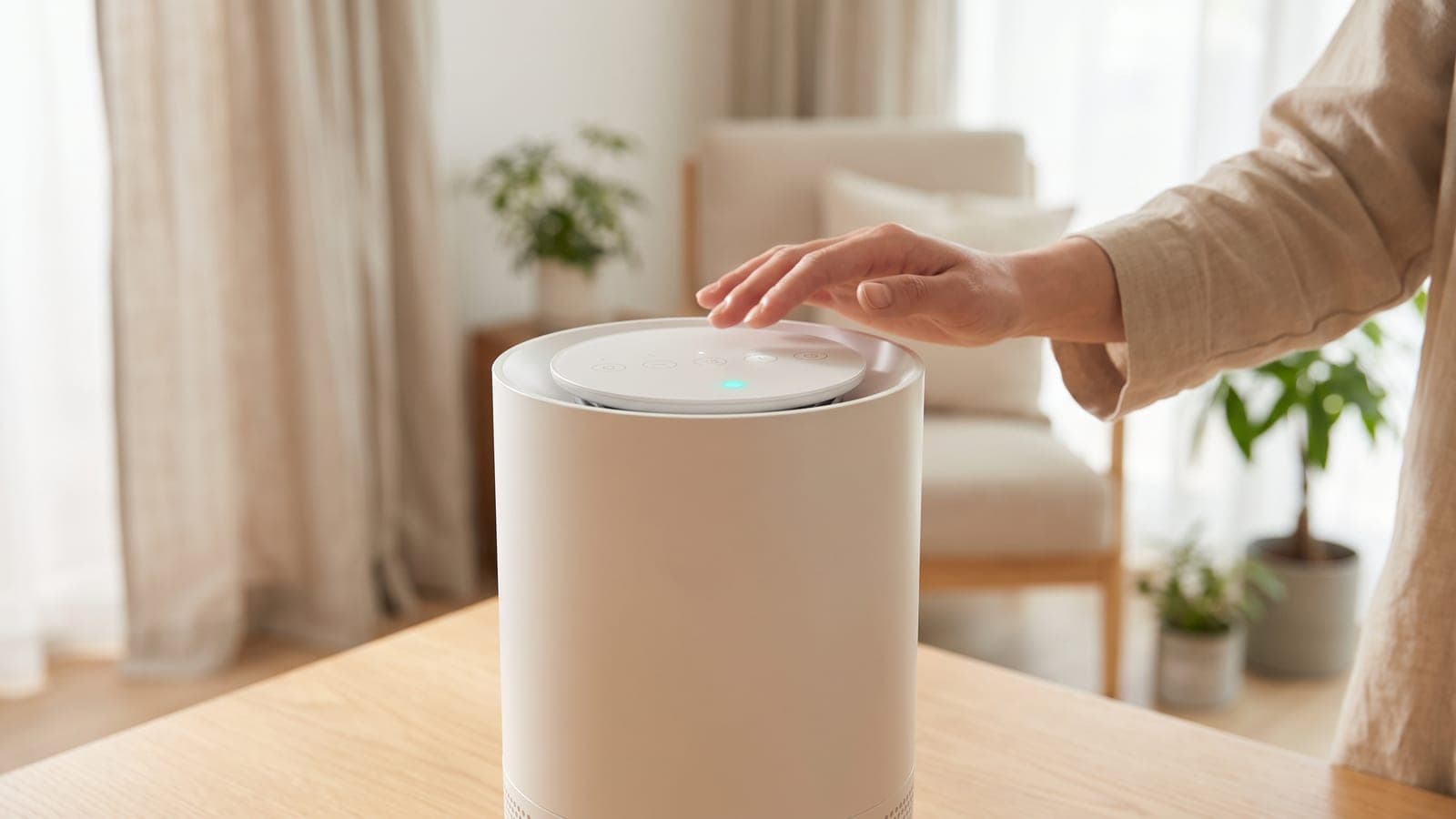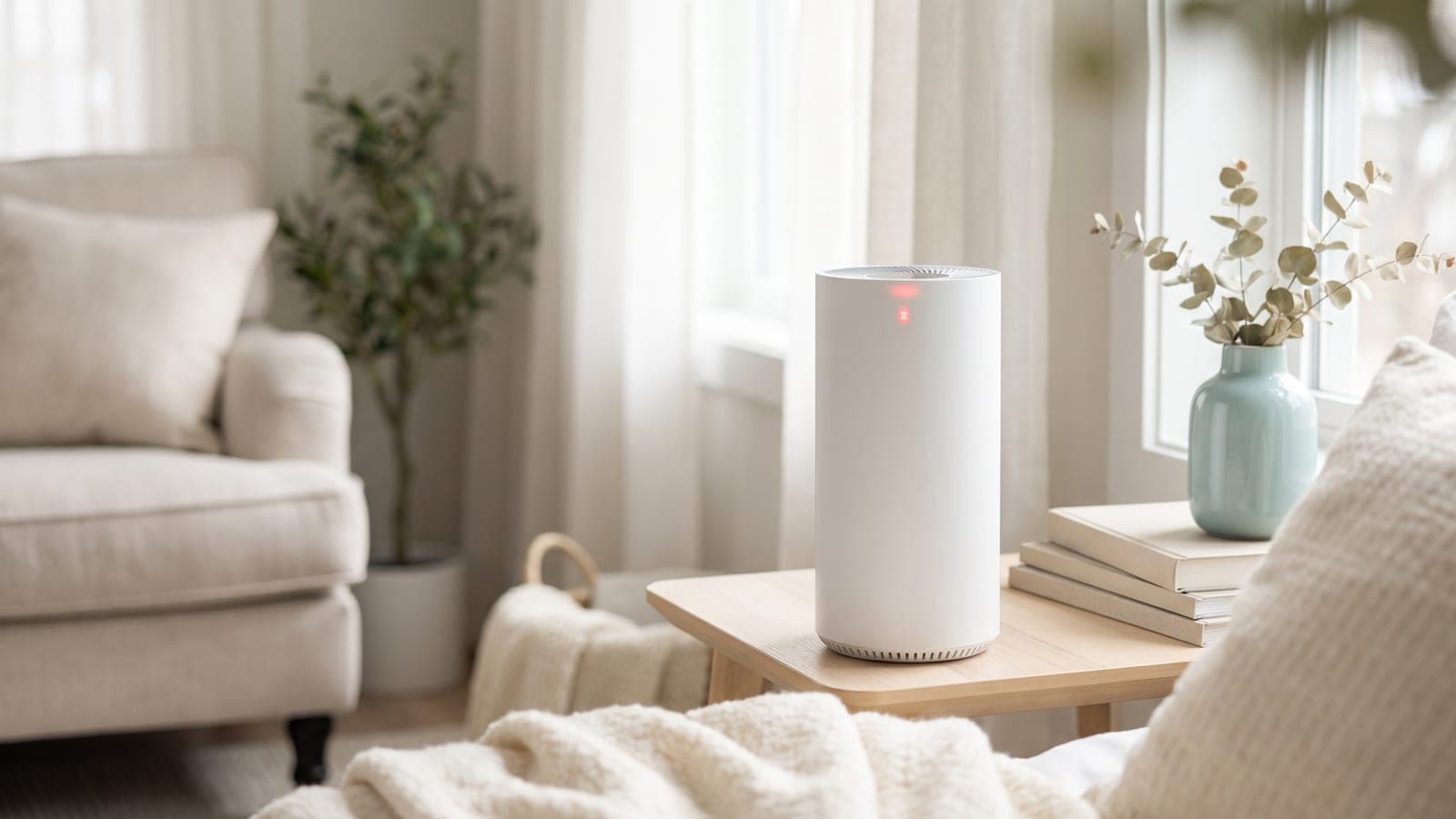
If your air purifier's red light won't turn off, it's almost always one of two harmless things — and telling them apart is the whole job. Either the air quality sensor is detecting poor air and the light is working exactly as intended, or it's a filter-replacement indicator that needs to be manually reset after you change the filter. Neither means the machine is broken. Once you know which light you're looking at, the fix is usually a button press or a quick sensor cleaning. Here's how to sort it out.
Key takeaways
- First, identify the light — an air quality indicator (reacts to the air) is not the same as a filter-change indicator (a timer you must reset).
- A red air quality light usually means the sensor is doing its job — cooking, dust, or smoke set it off, and it clears as the air improves.
- A filter light won't clear on its own — hold the reset button after a filter change; if an air light stays red, clean the sensor lens.
Which light is it — air quality or filter change?
Before anything else, work out what the red light actually represents, because two very different indicators both tend to glow red. Check your manual or the icons on the panel:
- An air quality indicator changes color with the air in the room — often a ring or bar that goes blue/green for clean and amber/red for poor. This one is supposed to respond in real time.
- A filter-replacement indicator is usually a separate light or a filter-shaped icon. It's driven by a runtime timer, not the air, and it stays lit until you reset it.
Getting this wrong sends people down the wrong path — replacing a perfectly good filter, or cleaning a sensor when the machine just wants a reset. Confirm which one it is, then follow the matching section below.
Is it a filter-replacement light that needs resetting?
If it's the filter indicator, here's the key thing: it will not turn off by itself, even after you install a brand-new filter. The light runs on an internal timer that counts usage hours, and it has no way of knowing you swapped the filter unless you tell it. So you must reset it manually.
On most units you press and hold a reset or filter button for a few seconds — commonly around 3 to 5 — until the light goes out or the unit beeps. The exact button, hold time, and whether the purifier needs to be on or off vary by model, so check your manual for the precise steps. If the light comes back after you power-cycle, you either didn't hold it long enough or you're pressing the wrong button. And if the indicator lit up in the first place, take it as a genuine cue to check the filter — our signs it's time to replace the filter guide helps you confirm the media really is due before you reset the timer.
Is the sensor detecting genuinely bad air?
If it's the air quality light, a red glow often means the sensor is doing precisely what you bought it for: reporting elevated particles right now. Everyday events set it off — frying or searing food, lighting a candle, spraying deodorant or cleaning product, shaking out a blanket, or a pet stirring up dander. Smoke from outside drifting in will do it too.
The tell is whether it recovers. Trigger the air (cook something, spray near it) and the light should jump to red, then ease back to green over the following minutes to an hour as the purifier clears the air. That's a healthy sensor. If yours reacts and recovers, there's nothing to fix — it's a feature, not a fault. If it's stuck red no matter what, move to the next check.
Is the sensor lens dusty or blocked?
The most common reason an air quality light is stuck red is a dirty sensor. These units use a small optical sensor: an LED shines across a tiny chamber and measures how much light the passing particles scatter. Over months, dust settles on that lens and the sensor starts reading its own grime as constant pollution — so the light sits red even in clean air.
The fix is a gentle clean. Unplug the unit, find the sensor (usually a small vented port on the side, sometimes behind a little door), and clean the lens carefully — a dry cotton swab or a soft brush, or a light puff of compressed air, following your manual. Don't use water or solvents on the lens. Also make sure the sensor's air port isn't blocked by dust buildup or pushed against a wall. Our how to clean an air purifier guide covers the whole unit, and our deeper dive on a sensor that's always red or inaccurate has more if cleaning doesn't do it.
Could placement be fooling the sensor?
Where the purifier sits changes what the sensor sees. Put it right by the kitchen, next to a doorway to a dusty hallway, or in a path of frequent foot traffic, and the sensor gets a steady stream of triggers that keep the light red far more than the room as a whole warrants. High humidity can fool optical sensors too — they can read fine water droplets or fog as particles.
Try moving the unit to a more representative, open spot away from cooking, doorways, and moisture. If the light behaves normally there, placement was the issue rather than the machine.
Quick troubleshooting table
| Symptom | Likely cause | Fix |
|---|---|---|
| Red light after a filter change | Filter timer needs resetting | Hold the reset/filter button per manual |
| Red light spikes during cooking/spray, then clears | Sensor detecting real poor air | Normal — it's working; wait for air to clear |
| Air light stuck red in clean air | Dusty or blocked sensor lens | Gently clean the sensor lens and port |
| Red only near kitchen or doorway | Placement feeding constant triggers | Move to an open, representative spot |
| Red in a very humid room | Humidity fooling optical sensor | Reduce humidity or relocate the unit |
| Red persists after cleaning and reset | Possible faulty sensor | Contact the manufacturer |
When to contact the manufacturer
Get in touch with the manufacturer if the air quality light stays red even after you've cleaned the sensor lens, confirmed the air is genuinely clean, and ruled out humidity and bad placement — a sensor that never recovers may have failed. Likewise, contact them if the filter-replacement light won't clear after you've followed the exact reset steps for your model with a new filter installed. Have your model number, serial number, and purchase date ready. A stuck sensor or an unresettable indicator on a unit still under warranty is a repair the manufacturer should handle. For a light that simply responds to cooking or resets normally after a filter change, there's nothing to report — that's the machine doing its job.
Frequently asked questions
Why won't the red light on my air purifier turn off?
It's usually one of two things: the air quality sensor is detecting poor air and the light is doing its job, or it's a filter-replacement indicator that stays lit until you reset it after changing the filter. Figure out which light it is first — the fix is completely different for each.
How do I reset the filter-replacement light?
After installing a new filter, press and hold the reset or filter button — often for about 3 to 5 seconds — until the light turns off or beeps. The exact button and timing vary by model, so check your manual. The light is on a timer and won't clear on its own until you reset it.
Is a red air quality light bad?
Not necessarily — it means the sensor is reading elevated particles right now, which is exactly what it's supposed to do. Cooking, a spray, a candle, or dust can all trigger it briefly. If it clears within a while after the air settles, the sensor is working correctly.
Why is the light always red even when the air seems fine?
The most common reason is a dusty sensor. Optical air quality sensors have a small lens that clogs with dust over time and starts reading falsely high. Gently clean the sensor per your manual. If it still reads red constantly after cleaning, the sensor may be faulty.
Does a red light mean I need a new filter?
Only if it's the filter-indicator light specifically — many units have a separate light or icon for that. An air quality light going red is about the air, not the filter. Check your manual to see which light your model uses so you don't replace a filter that's fine.