A Levoit Vital 200S that refuses to pair is usually being set up from the wrong network or a phone missing a permission. The purifier only joins 2.4 GHz Wi-Fi, and the VeSync app finds it over Bluetooth, which on this model needs the phone's Location switched on. Fix those, then hold On/Off for 5 seconds until the Wi-Fi light blinks, and add it in VeSync.
Do this first
Levoit's Vital 200S-P manual (2024 edition, covering models LAP-V201S-WUS and LAP-V201S-KUS) gives this sequence; the in-app prompts fill in the rest.
- Prepare the phone. Join the 2.4 GHz network you want the purifier on. Turn Bluetooth on and disconnect it from earbuds, watches or car systems. Turn Location on. On Android, choose "Allow" when VeSync asks. Switch off any VPN.
- Get close. Stand next to the purifier, and if you can, move the purifier near the router for setup. You can move it back afterward.
- Start pairing. With the purifier plugged in and on, press and hold On/Off for 5 seconds until the Wi-Fi indicator starts blinking. (The original Vital 200S manual lists a 3-second hold; if 5 seconds doesn't start the blink on an older unit, try 3.)
- Add it in VeSync. Log in with a full account, add a device and follow the prompts. Type the Wi-Fi password carefully: no spaces before or after it.
- Check the light. Solid means connected. Off means not connected.
Was it connected before and now shows offline? Swipe down on the VeSync device list to refresh it, and confirm the router has internet. If it stays offline, delete the purifier from the app (swipe left on iPhone, press and hold on Android, then tap Delete). Next, hold On/Off for 15 seconds until the Wi-Fi indicator goes out. That restores default settings and drops the old link. Then pair again from step 3.
Likely causes, most common first
- A 5 GHz or combined-band network. Mesh systems and newer routers often broadcast one network name for both bands. The purifier can't join on 5 GHz, and the phone may be sitting on it during setup. Create a 2.4 GHz-only guest network, or turn off 5 GHz briefly, then pair. In a Google Nest Wifi community thread, one owner with two Levoit purifiers that wouldn't join a Nest Wifi Pro network was pointed toward exactly that guest-network route.
- Phone permissions. Bluetooth off, Location off, or Bluetooth busy with another device all stop the app from finding the purifier. Levoit's own troubleshooting list puts Bluetooth first.
- Password or network name errors. Levoit suggests testing the password by connecting another device to the same router, and double-checking the network name if you type it in by hand.
- A network with a sign-in page. Apartment, dorm and hotel Wi-Fi that asks you to log in through a web page (Levoit calls this portal authentication) makes setup fail, according to Levoit. The purifier needs a network that only asks for a password.
- A VPN on the phone. Turn it off for the few minutes setup takes.
- Distance and interference. Levoit recommends keeping the purifier and router away from microwaves, refrigerators and other electronics, and putting the router up high rather than behind furniture. For clearance around the purifier itself, see the placement guide.
- Power or router changes. Levoit notes that power cuts, internet outages and swapping routers can knock the purifier offline. A new router means pairing again.
One Vital-specific trap: this model runs from an external 24 V power adapter, and Levoit says unplugging the adapter disconnects the purifier from VeSync until power returns. If it drops offline on a schedule, check whether it's on a smart plug or a switched outlet.
What still works without the app
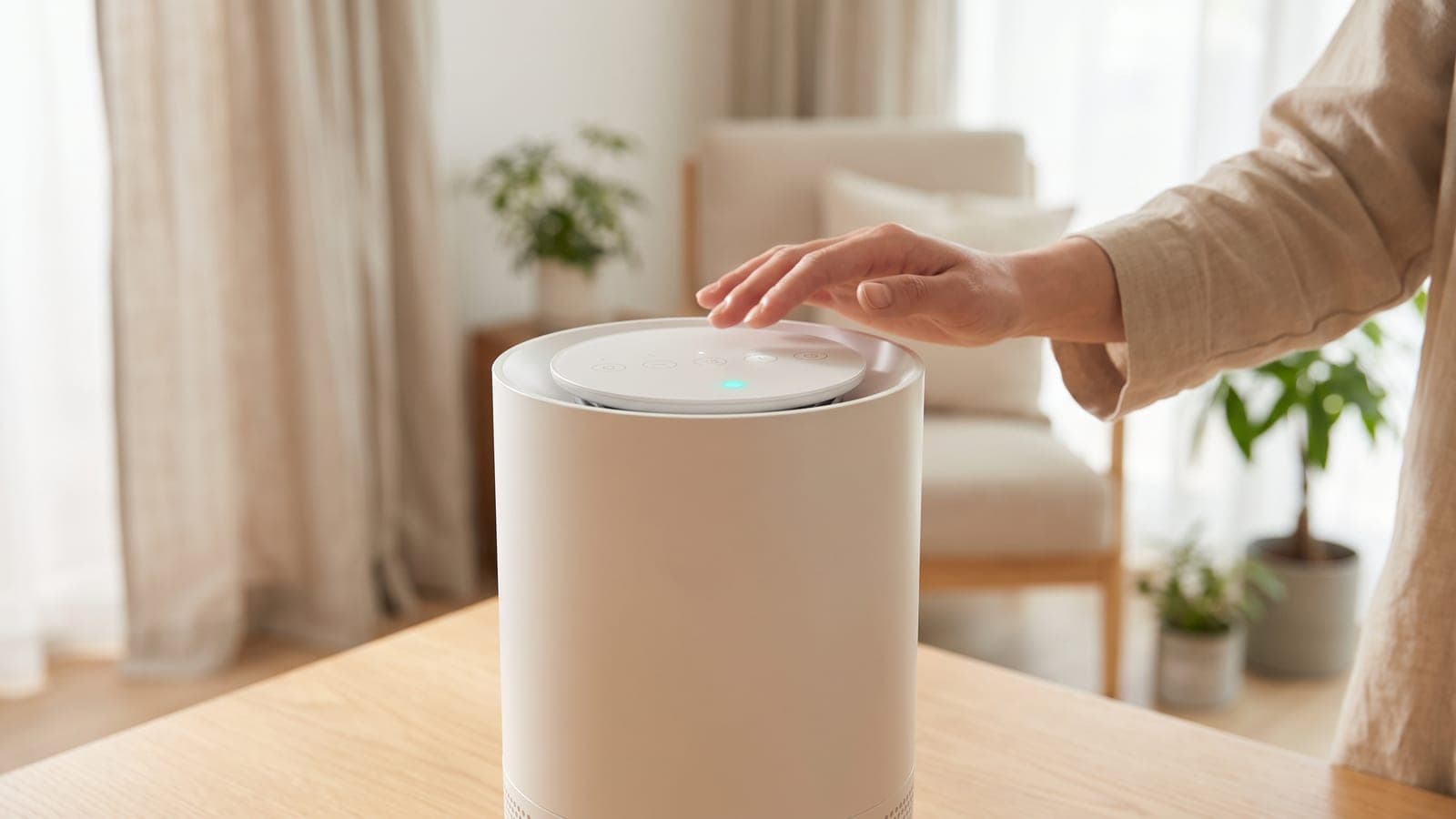
The Vital 200S runs fine from its own panel. You keep four fan speeds, Auto and Sleep modes, the timer button (2, 4 or 8 hours), Display Off and Display Lock. On the 2024 manual, holding the Display Off button for 3 seconds switches Light Detection on or off.
The app is needed for Pet Mode (15 minutes on high, then 60 minutes on medium, repeating), Quiet Auto Mode, Efficient Auto Mode, schedules, timers longer than 8 hours, four weeks of air-quality history, the filter life percentage and Alexa or Google Assistant. If Pet Mode is the reason you bought this purifier for a dog or cat, it's worth getting the pairing sorted; the best air purifiers for pets list explains why that mode matters.
When it's the purifier, not the network
If holding On/Off for 5 or 15 seconds never makes the Wi-Fi indicator blink, or the purifier joins and then drops repeatedly while other 2.4 GHz gadgets in the same room stay online, phone Levoit on 1-888-726-8520; the line is staffed on weekdays during Pacific business hours. Levoit's 2-year limited warranty doesn't require product registration. Have the order ID and purchase date ready, plus the model code from the label.
No accessory fixes a pairing problem. If the Levoit Vital 200S-P keeps losing its connection after support has looked at it, a warranty claim is the remedy, and the panel controls keep it cleaning in the meantime. For first-time setup on a new unit, the new purifier setup guide covers the basics.
Frequently asked questions
Does the Levoit Vital 200S work on 5 GHz Wi-Fi?
No. Levoit's manual says setup must happen on a secure 2.4 GHz network. If your router or mesh system broadcasts one name for both bands, give the purifier a 2.4 GHz-only network, such as a guest network, for pairing.
Why does the VeSync app need my location to add the purifier?
The app finds the Vital 200S over Bluetooth first, and Levoit's manual says the phone's Location setting must be on for that Bluetooth link to work. You can switch Location off again once the purifier has finished connecting.
What do the Wi-Fi light patterns mean on the Vital 200S?
Blinking means it is in pairing mode and trying to connect to VeSync, solid means connected, and off means it is not connected. If the light never blinks after the 5-second On/Off hold, the purifier never entered pairing mode.
Can I use the Vital 200S without Wi-Fi?
Yes. Fan speeds, Auto Mode, Sleep Mode, the 2, 4 and 8 hour timer, Display Off and Display Lock all work from the panel. Pet Mode, Quiet and Efficient Auto Mode, schedules, the longer 1–24 hour timer and voice control need the app.
Does a guest account in VeSync work?
For basic control, but Levoit says Alexa, Google Assistant and other third-party services won't work with a guest account. Sign up for a full VeSync account before you pair if you want voice control.