To reset the filter light on a Winix 5530, close the front panel, switch the purifier on and hold the Filter Reset button for at least 5 seconds until it beeps. Most resets that "don't work" were done with the unit off or let go before the beep. If the light still won't go out after a clean attempt, the cause is usually one of the four below, in that order.
Do this first
The procedure below is taken from the Winix 5530 user manual (the copy on manuals.plus) and match Winix's English manual for the 5510 and 5520, which share the same chassis and filter.
- Fit the new filters in the right order. Take the front panel off by gripping its top edge and pulling forward. The True HEPA filter goes in at the back and the AOC carbon filter in the middle, both out of their plastic bags.
- Put the mesh pre-filter back in front of the carbon panel, then shut the front panel. Winix lists this as the first part of the reset, before you touch any button.
- Turn the purifier on. The manual says to do the reset while the unit is running. A purifier sitting in standby won't take it.
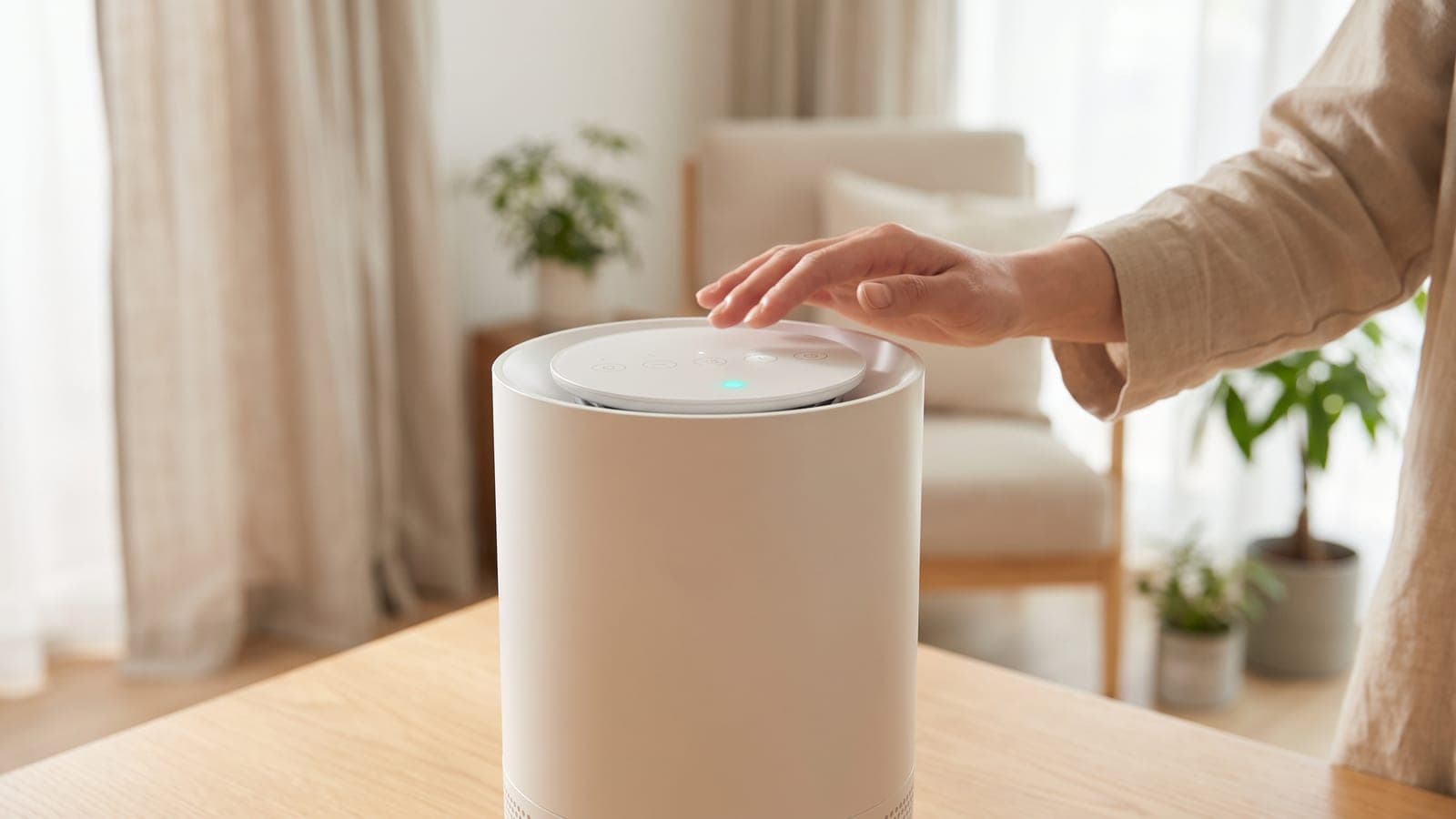
- Hold the Filter Reset button for at least 5 seconds. It sits on the top control panel next to the filter indicator. Keep holding until you hear the beep. The beep confirms the reset, so wait for it rather than counting to five.
- Check the filter indicator. After the beep, the filter-replacement light goes out. That's it.
The manual documents only this button method. It doesn't describe a filter reset in the Winix Smart app, so don't hunt for one there. Also avoid holding the Wi-Fi button for 3 seconds by mistake: on the 5530 that starts pairing mode and does nothing to the filter timer.
Why the light won't go out (most likely first)
1. The hold was too short, or the unit was off. This accounts for most failed resets. Turn the purifier on, check that the front panel is pushed fully home, and hold the button again until it beeps. If you can't hear a beep at all, try in a quiet room before assuming the button has failed.
2. The red you're seeing is the 5530's air quality light. The 5530 has a separate color light that shows air quality: blue for good, amber for fair, red for poor. When you switch the unit on, this light cycles through blue, amber and red for the first 30 seconds. The Smart Sensor then needs about 4 minutes to read the room. Because that sensor reacts to odorous gases, frying, nail polish or a cleaning spray can turn it red with brand-new filters in place. If that color light stays red for days, the sensor is the problem, which our stuck-red sensor guide walks through.
3. The filters really are due. Winix's maintenance table gives the True HEPA and AOC carbon panels about 12 months, and the manual says to replace both when the filter indicator comes on. The carbon panel can't be washed. Resetting the light over a year-old set only clears the reminder; the filters stay just as loaded.
4. The pre-filter has been skipped. The pre-filter has no indicator light of its own, so the only reminder is the calendar. Winix says to clean it every 14 days with a vacuum or soft brush. If it's very dirty, rinse it in room-temperature water with no soap and let it dry for at least 24 hours before refitting. A matted pre-filter starves the fan and gets blamed on the HEPA panel. While the panel is off, vacuum inside the housing too; the manual suggests a full interior clean every 1 to 2 months.
When a Winix 5530 needs a service call
Contact Winix if the purifier doesn't beep when any button is held, if the filter light stays on after a confirmed beep with the panel properly closed, or if the indicator comes back within days of a reset. Winix's support line in the manual is (877) 699-4649. Have the model number (5530), the problem and proof of purchase ready.
The 5530 has a two-year warranty that applies in the US and Canada only. You need proof of purchase, and you can register the unit at winixamerica.com to keep a record. Filters aren't covered, and the warranty doesn't cover damage from misuse, so don't open the housing beyond the front panel.
Buying the right replacement set
If the light came on because the set is a year old, the fix is a new Winix 5510/5530 Replacement Filter. That's Winix's Filter Q, part 1712-0123-00: one True HEPA panel plus one AOC carbon panel with granular pellets. It fits the 5510, 5520 and 5530 only. The older 5500-2 is a different size and takes the Winix 5500-2 Filter Set (Filter H) instead. An owner switching from a 5500-2 can't carry spares across.
Winix's list price for Filter Q is $79.99, with sales commonly bringing it down to $50 to $65; on a once-a-year swap, that's the 5530's whole filter budget. Many third-party listings reuse the 1712-0123-00 number. Check that the seller is Winix if you want the pellet carbon bed, and see our genuine vs compatible filters guide for the trade-off. To compare running costs over several years, the filter cost calculator does the sums.
Once the new set is in, go back to step 2 above. Fitting the filter doesn't clear the light; the button hold does.
Frequently asked questions
Is the Winix 5530 filter reset the same as the 5510's?
Yes. Winix's 5510/5520 manual and the 5530 manual give the same instruction: unit on, front panel closed, hold Filter Reset for at least 5 seconds until the beep. The three models also share the same Filter Q set, so a 5510 how-to video applies to a 5530.
Will a third-party Filter Q stop the reset from working?
Nothing in the 5530 manual describes the purifier identifying the filter; the reminder is cleared by a manual button hold. A compatible set resets the same way. Whether it cleans as well as the genuine pellet-carbon set is a separate question.
Why does my Winix 5530 chirp or buzz after I put new filters in?
The 5530 manual says a chirping or buzzing sound can come from larger particles passing through PlasmaWave, and that it is normal. Press the PlasmaWave button to switch the ionizer off; if the sound stops, that was the source.
Can I run the 5530 without the carbon filter while I wait for a replacement?
Winix's manual says not to operate the unit without its filters. If the new set hasn't arrived, leave the old panels in place rather than running it with an empty slot.
Does the Winix Smart app reset the filter light?
The 5530 manual documents only the button on the unit. Use the button hold; don't rely on the app for this.