Setting up a new air purifier takes about five minutes, and getting it right on day one is the difference between clean air and an expensive white box that does nothing. The steps are simple: unwrap the filter, put the unit in the right spot, choose a sensible setting, and leave it running. Here's how to do each without the two or three mistakes almost everyone makes.
Key takeaways
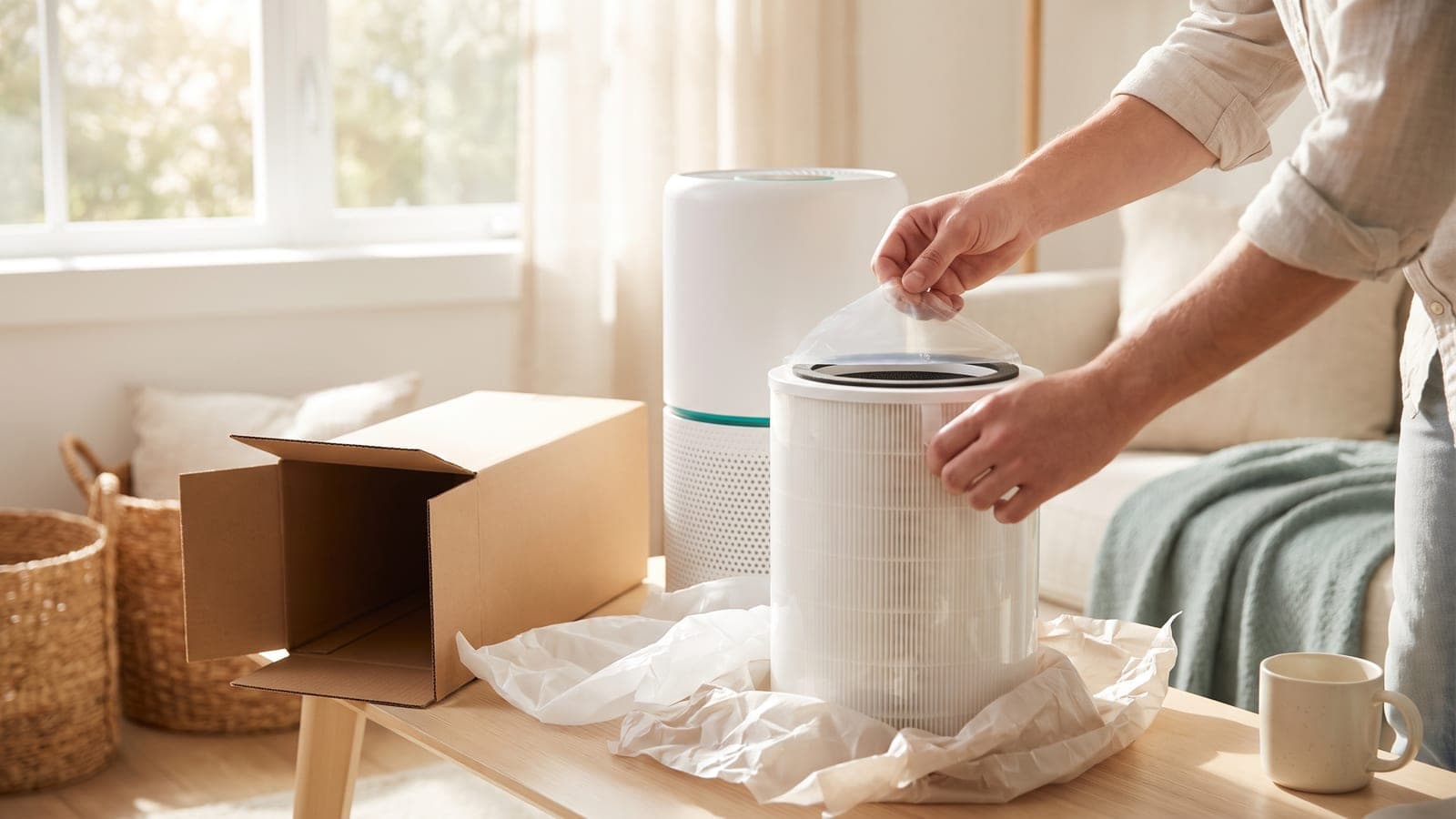
- Remove the plastic wrap from the filter first — running a purifier with the filter still bagged is the #1 first-day mistake and blocks nearly all airflow.
- Place it in the room you use most, with breathing room around it — not jammed in a corner or behind furniture.
- Run it continuously, on auto or a quiet low speed; the air re-pollutes the moment it's off.
Step 1: Unbox and remove the filter wrapping
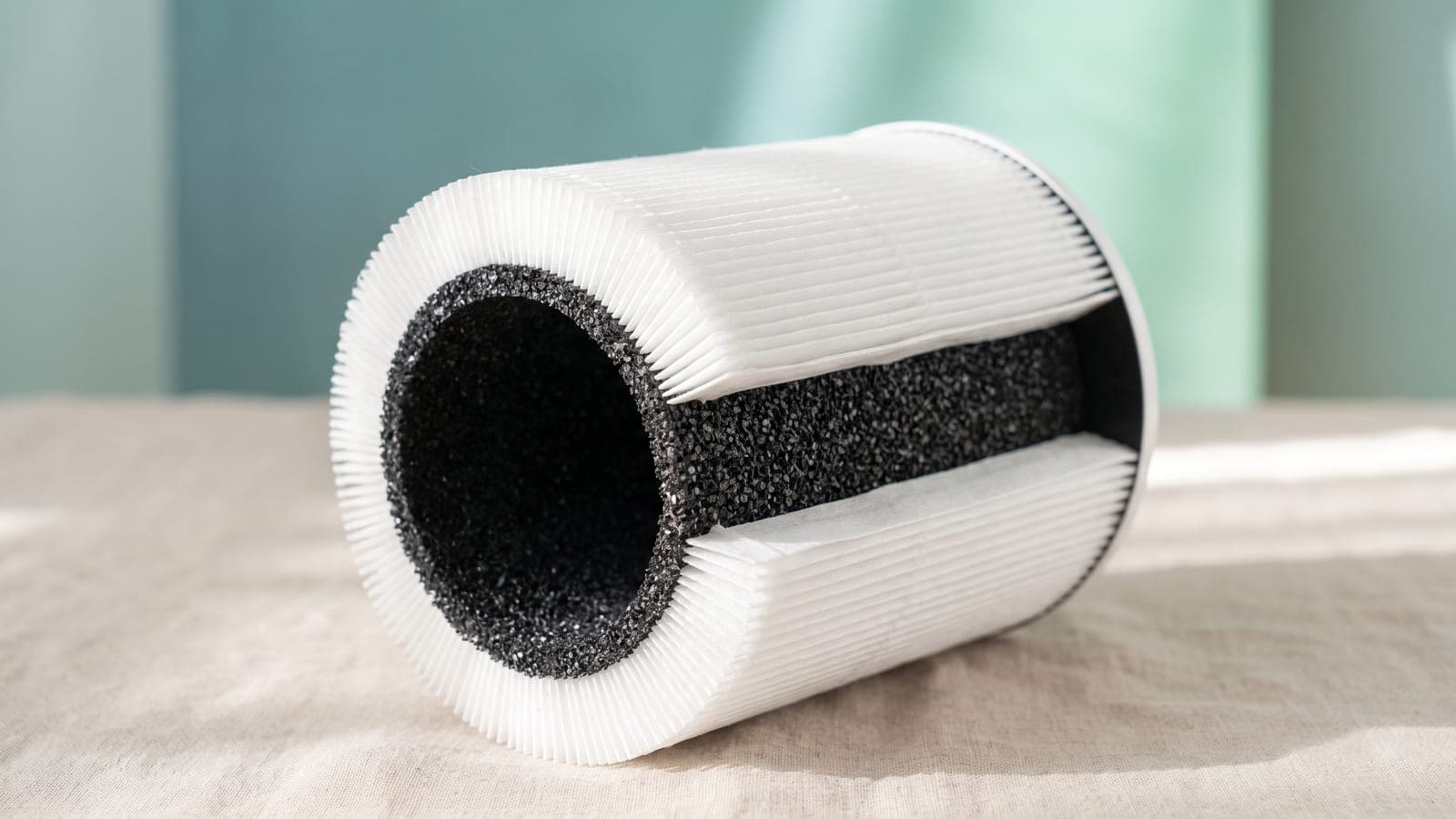
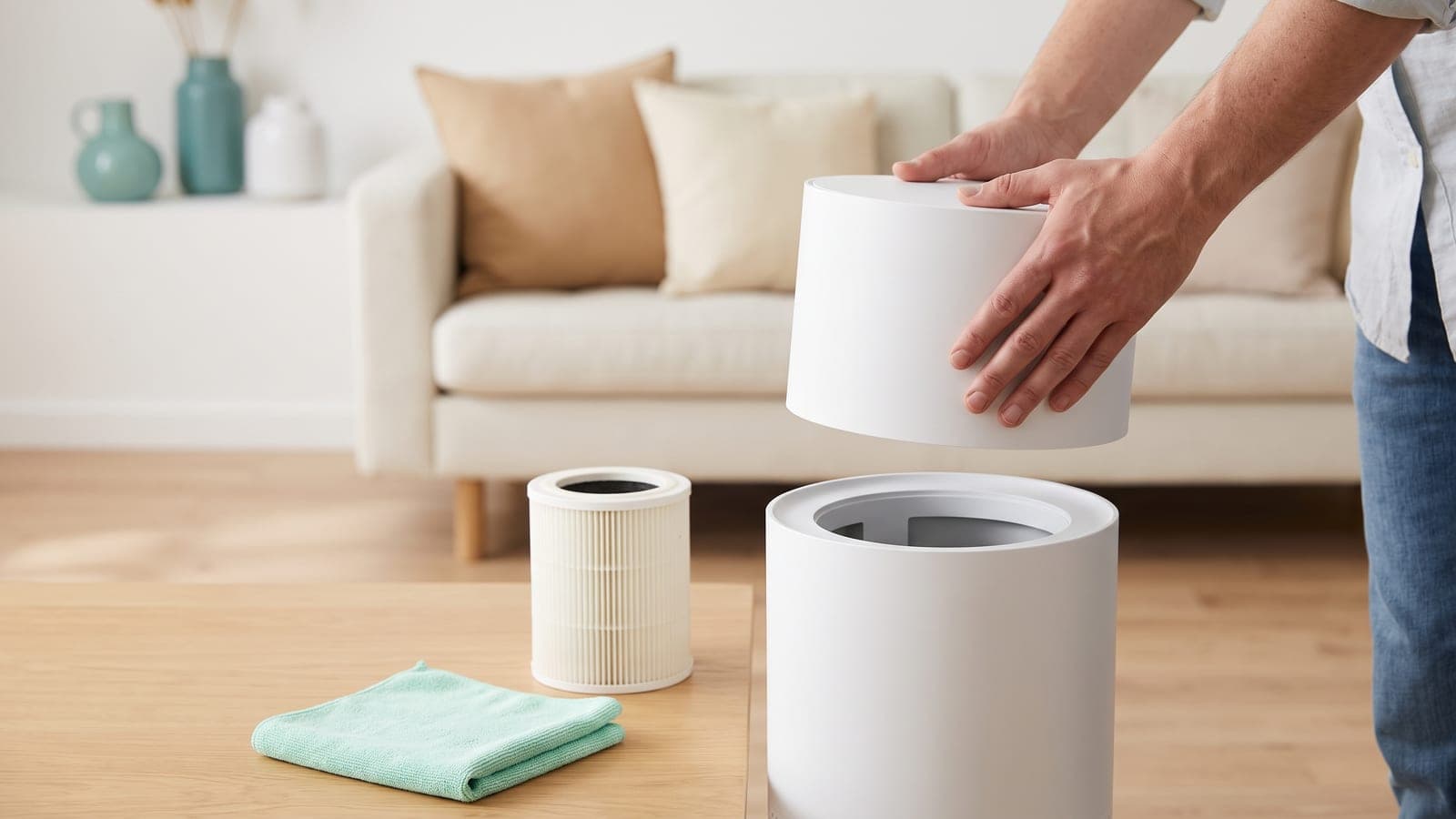
Open the purifier and take the filter out — it's almost always shipped sealed in a plastic bag to keep it fresh in storage. Peel off every bit of plastic, then seat the filter back in firmly so the door or cover closes properly. Many purifiers won't run, or will rattle and leak air, if the filter isn't seated correctly. This one step is the most common reason a new purifier "doesn't seem to do anything."
Step 2: Choose the right room
A purifier only cleans the room it's in — doors and walls stop it — so put it where it does the most good. For most people that's the bedroom, because you spend a third of the day there and overnight is when clean air pays off most. If your problem is cooking smells or a litter box, the kitchen or that room wins instead. If you're not sure the unit is sized for the space, our room-size to CADR calculator confirms it in a few seconds.
Step 3: Position it for airflow
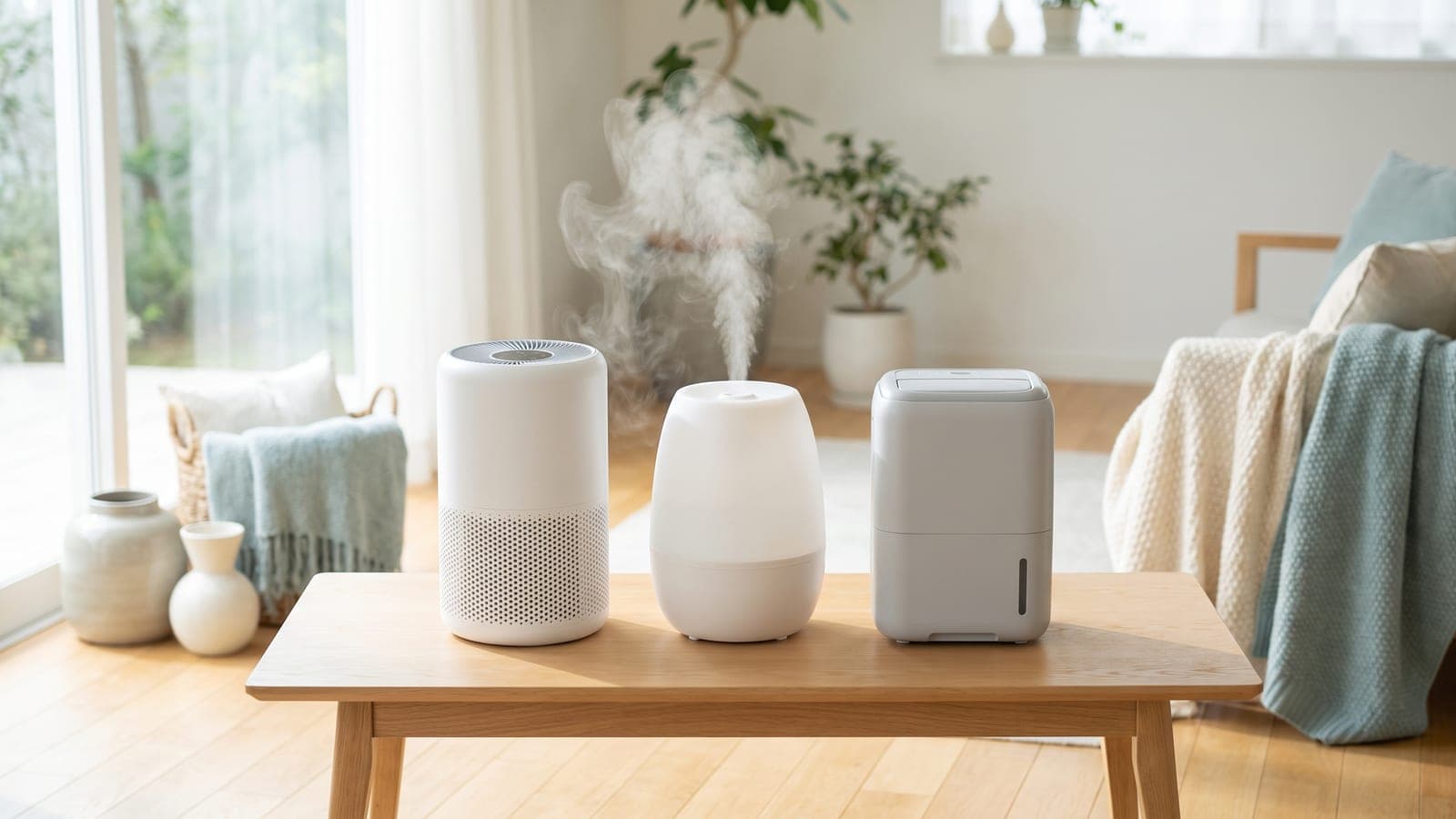
Give the purifier room to breathe. Most pull air in through the sides or base and push it out the top, so leave roughly a foot of clearance and keep it away from walls, curtains, and furniture that would choke the intake. A slightly elevated, open spot near the middle of the room beats a cramped corner. There's more detail in our guide on where to place an air purifier.
Step 4: Pick your settings
For the first hour or two, run it on a higher speed to clear the standing dust in the room. After that, drop to auto mode if the unit has an air-quality sensor — it will speed up when the air gets worse and idle down when it's clean, keeping noise and running cost low. No sensor? Pick a low-to-medium speed you can live with and leave it there. Turn off any optional ionizer or "PlasmaWave" setting; the HEPA and carbon filters do the real work and ionizers add a small ozone risk.
Step 5: Connect the app (optional) and set reminders
If it's a smart model and you want scheduling, filter reminders, or air-quality history, connect it to 2.4 GHz Wi-Fi through the maker's app now. It's genuinely optional — the purifier works fine from its buttons — but the filter-life reminder is handy so you don't forget replacements. Either way, jot the filter-change date somewhere; a clogged filter quietly starves a purifier of clean air.
What to expect in the first day
| Time | What's happening |
|---|---|
| First 1–2 hours | On a higher speed, particle levels drop noticeably as the standing dust clears |
| Rest of day 1 | On auto/low, the air reaches a steady clean state and the unit runs quietly |
| Ongoing | Leave it on 24/7; auto mode keeps cost and noise low, spiking only when needed |
Don't judge it by smell alone in the first hour — HEPA clears particles fast, but odors need the carbon stage and a bit longer. Leave it running, and check our guide on how long to run an air purifier if you're wondering whether 24/7 is really necessary (it usually is).
Frequently asked questions
Do I need to remove the plastic from a new air purifier filter?
Yes — and it's the single most common first-day mistake. New filters ship sealed in a plastic bag to keep them fresh. If you run the purifier with the bag still on, almost no air gets through and it does nothing. Open the unit, take the filter out, remove all the plastic, and reinstall it before you switch on.
How long does an air purifier take to clean a room?
A correctly sized purifier noticeably lowers airborne particles within an hour or two, and reaches a steady clean state after it has cycled the room's air several times. Run it continuously rather than in short bursts — the air re-pollutes whenever it's off.
Should I run a new air purifier on high at first?
It's a reasonable idea to run it on a higher speed for the first hour or two to clear the standing load of dust in the room, then drop it to auto or a lower, quieter speed for ongoing use. Auto mode handles this for you if the unit has an air-quality sensor.
Where's the best place to put a new air purifier?
In the room you spend the most time in — usually the bedroom — with a foot or so of clearance around its intakes and outlets, away from walls, curtains, and furniture that would block airflow. Placing it near the pollutant source (a litter box, a kitchen doorway) helps too.
Do I need the app to use a smart air purifier?
No — smart purifiers run fine from their onboard buttons. The app adds scheduling, remote control, filter reminders, and air-quality history, which are nice to have but not required. You can set one up and use it without ever connecting it to Wi-Fi.