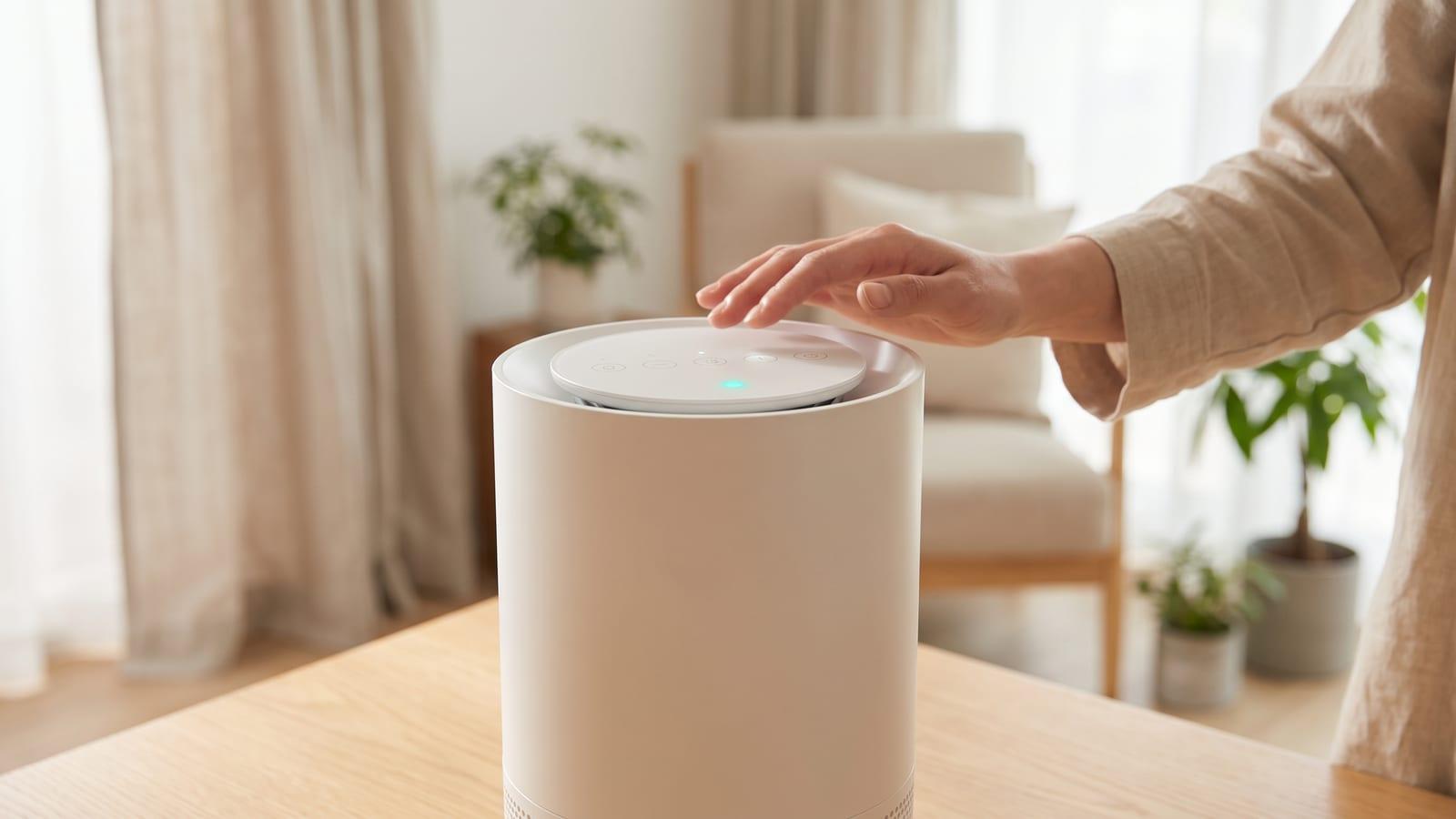
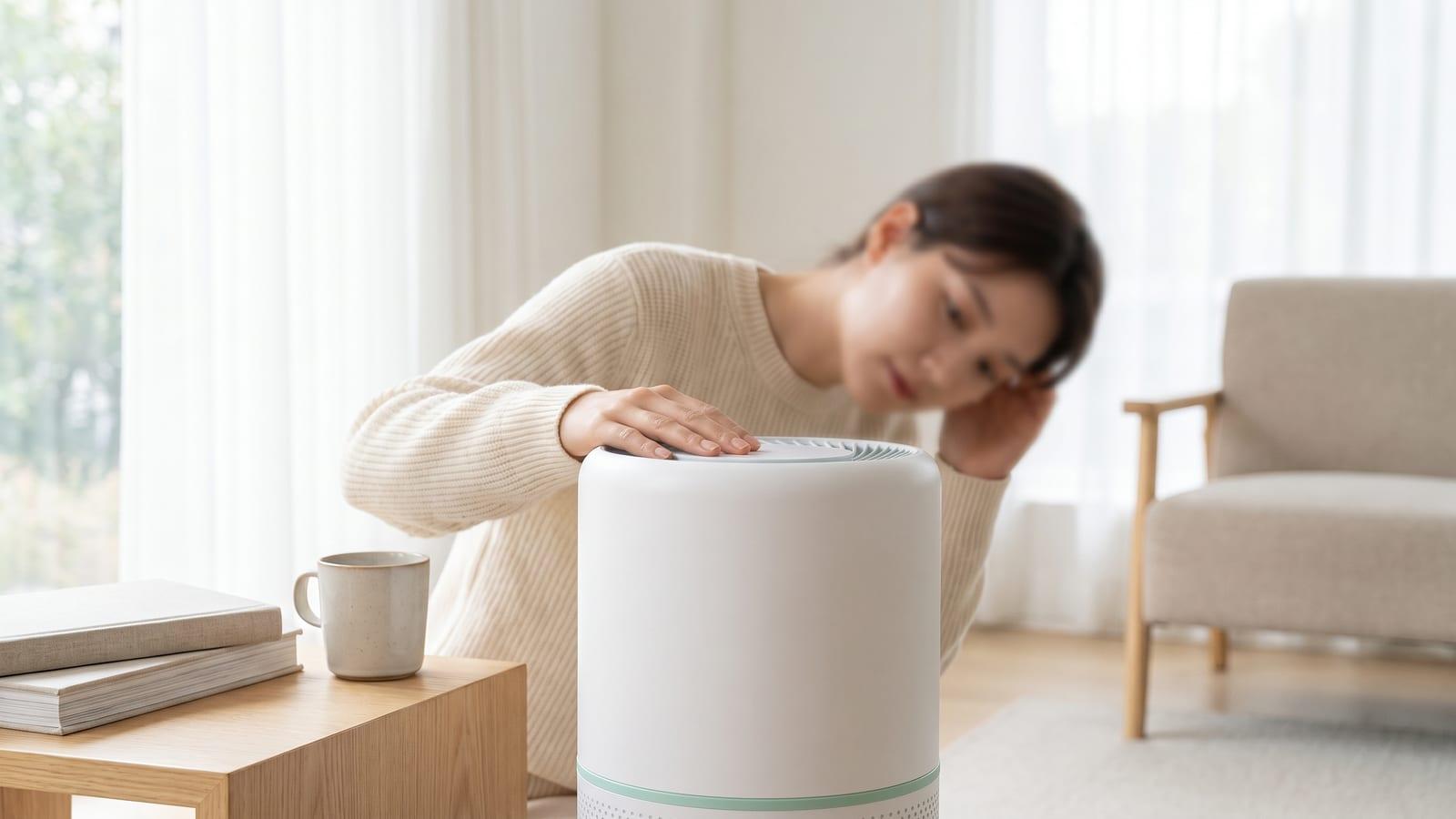
On Levoit smart purifiers (Core 300S, Core 400S, Core 600S, and Vital 200S), owners run into two completely different red indicators: the red Air Quality Indicator ring (which reflects live PM2.5 dust readings) and the small red Check Filter icon (which is a countdown timer). Knowing which one is lit saves you from resetting the wrong button.
Case 1: The Air Quality Ring is glowing red (PM2.5 reading is high)
Holding the filter reset button will not clear a red air quality ring. Work through these four causes in order:
- Turn off any nearby ultrasonic humidifier. This is the #1 surprise culprit. Ultrasonic mist—especially with tap water—throws mineral aerosols into the air that Levoit's AirSight Plus laser sensor reads as severe PM2.5 pollution (often spiking to 200–500 µg/m³). Switch to distilled water or an evaporative humidifier and watch the ring drop back to blue within 15 minutes.
- Check that the plastic bag was removed from the filter. If the ring stays red even on High fan speed, open the filter bay and make sure the clear protective bag isn't still wrapped around the cartridge.
- Clean the laser dust sensor lens. Unplug the purifier, open the small side sensor cover (on the side/rear of the Core 300S/400S/600S and Vital 200S), and gently wipe the lens with a slightly damp cotton swab followed by a dry swab. Lint trapped on the optical sensor locks the reading permanently red.
- Test in a clean room on High for 15 minutes. Cooking oil vapor, scented candles, incense, and aerosol sprays all keep the ring red until cleared. Run on manual High with windows closed for 15 minutes; if PM2.5 still won't budge after cleaning the sensor, the filter may be saturated or the sensor defective.
Case 2: The small red Check Filter icon is lit
The Check Filter indicator is strictly a usage timer (not a physical dirt sensor). After installing a fresh cartridge:
- Plug the purifier in and power it on.
- Press and hold the Check Filter button for 3 full seconds (note: on some Core 300S and Vital 200S production runs, the 3-second hold is shared with the Sleep button).
- Alternatively, open the VeSync app, tap your purifier → Filter Life → Reset.
Exact replacement filter lookup by Levoit model
If your filter is past 6–8 months (or 9–12 months on Vital 200S) and airflow has dropped, match your model to its exact OEM part number so you don't order a look-alike cylinder:
- Core 300 / Core 300S: Levoit Core 300-RF filter guide
- Core 400S / Core 400S-P: Levoit Core 400S-RF filter guide
- Core 600S / Core 600S-P: Levoit Core 600S-RF filter guide
- Vital 200S / Vital 200S-P: Levoit Vital 200S-RF filter guide
- Core 200S / Core 200S-P: Levoit Core 200S-RF filter guide
Frequently asked questions
Why is my Levoit air purifier ring light stuck on red?
A glowing red air quality ring means the laser PM2.5 dust sensor is reading high particle levels—most often caused by an ultrasonic humidifier running in the same room, cooking smoke, a dusty sensor lens, or a plastic wrapper left on a new filter.
How do I turn off the red Check Filter icon on a Levoit purifier?
With the purifier plugged in and powered on, press and hold the Check Filter button (or the Sleep button on certain Core 300S/Vital 200S runs) for 3 seconds until the indicator blinks and turns off, or tap Reset Filter in the VeSync app.
Can an ultrasonic humidifier make my Levoit turn red?
Yes. Ultrasonic cool-mist humidifiers using tap water disperse microscopic mineral droplets that laser PM2.5 sensors read as dense airborne particulate, immediately turning the ring red.