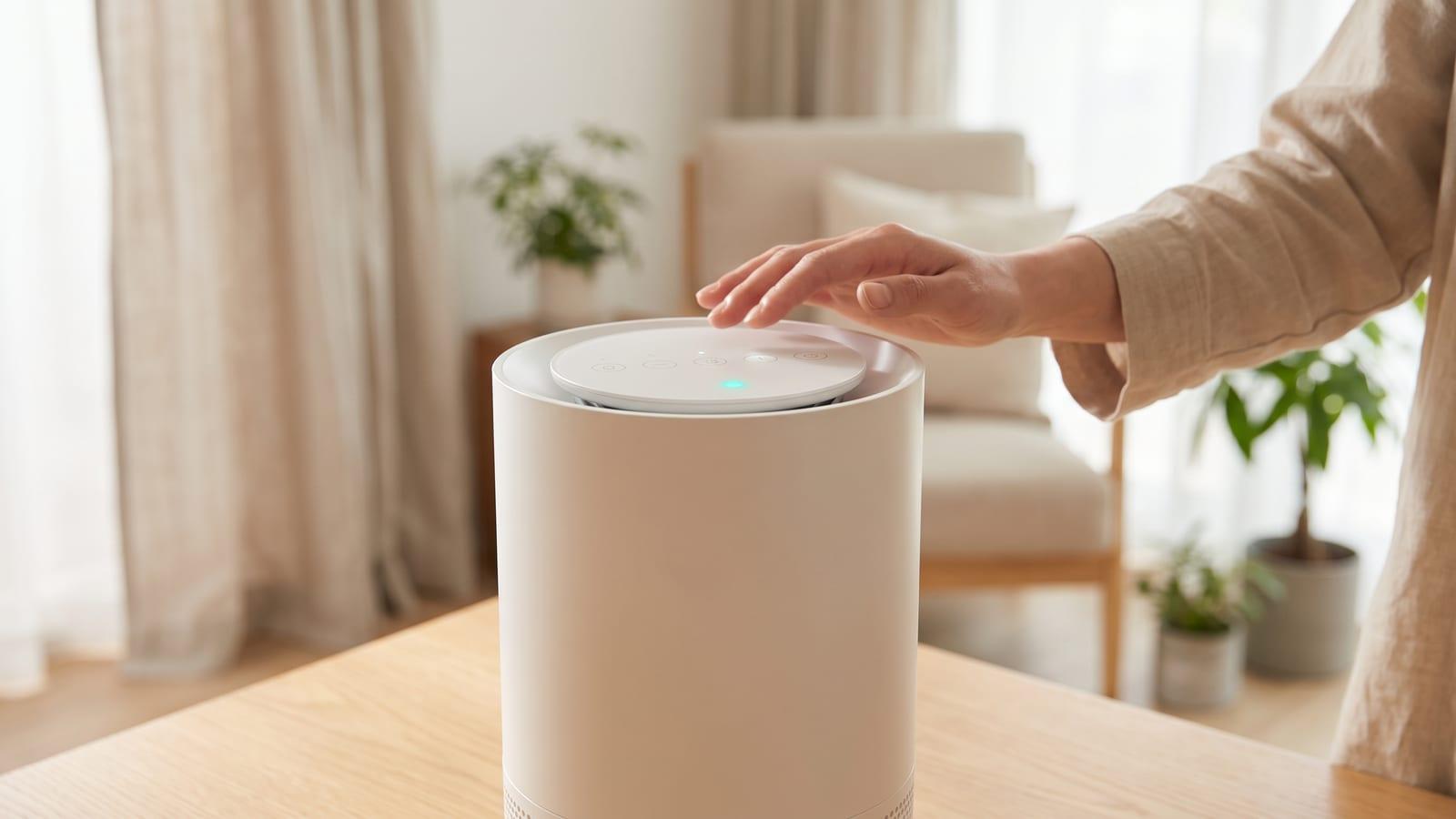
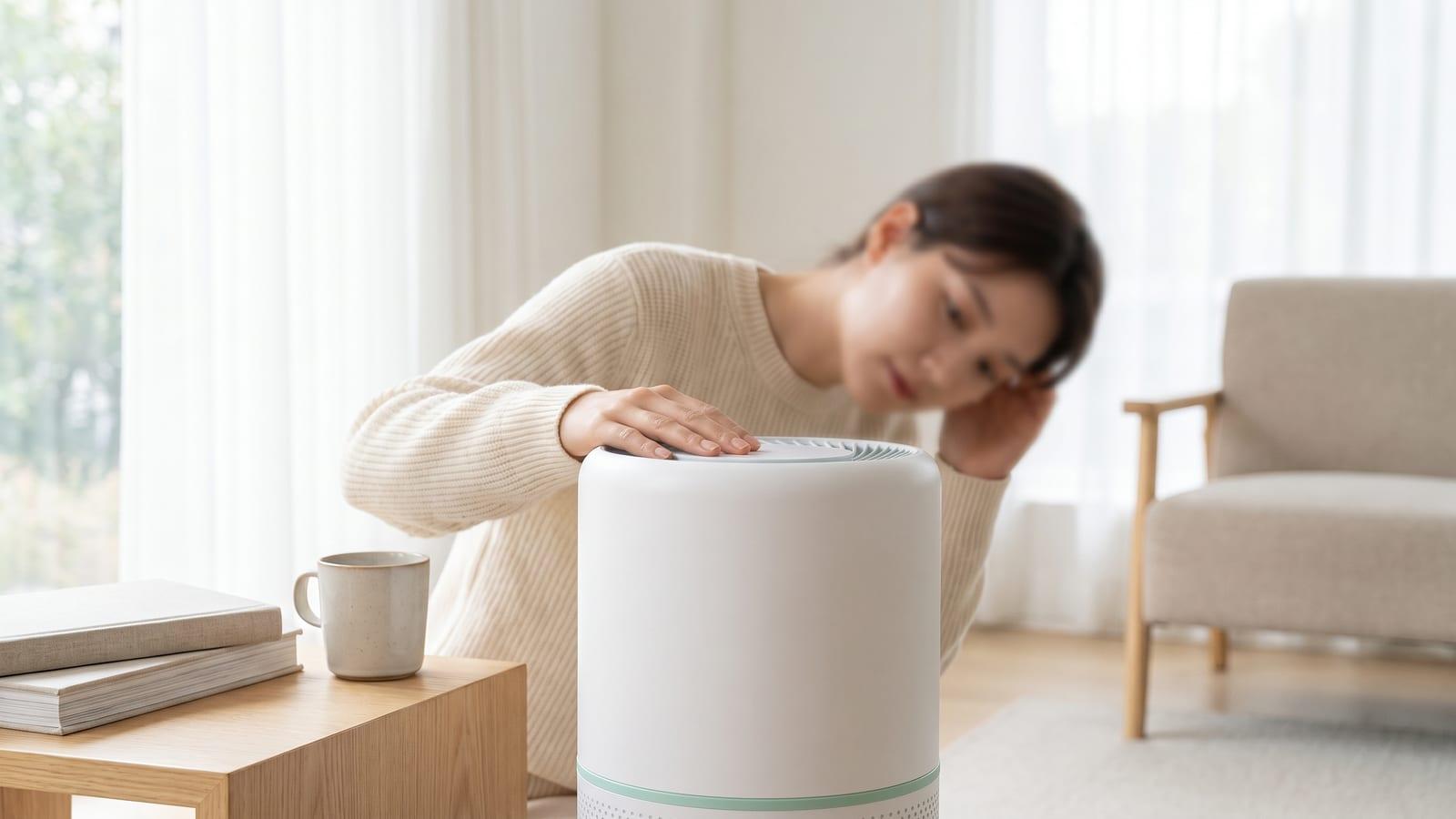
When a Winix Check Filter light won't reset, nine times out of ten the filter itself is fine—the reset timer simply hasn't registered the button press. Winix purifiers don't have a chip in the filter; the Check Filter LED runs on an internal runtime counter that requires a specific sequence to clear.
The 4 reasons a Winix filter reset fails
- The unit is turned off. Every Winix purifier (5300-2, C535, 5500-2, 5510, 5520, 5530, AM90) must be powered ON and running when you hold the reset button. Pressing it in standby does nothing.
- You're missing the tactile micro-switch inside the pinhole. On pinhole models (5500-2, 5300-2, C535, C909), straighten a paperclip and push straight in until you feel a faint click. Keep holding for a full 5 to 6 seconds until the unit beeps and the Check Filter LED shuts off.
- You're holding the wrong button on Wi-Fi models. On newer app-connected models like the Winix 5510, 5520, and 5530, you can also reset filter life inside the Winix Smart app under Filter Life → Reset, or hold the physical Filter Reset button for 5 seconds while powered on.
- The front cover isn't fully seated. Winix units have a small magnetic/mechanical safety interlock on the front panel. Pull the cover off, make sure the HEPA filter isn't protruding past the frame, and snap the cover flush before powering back on.
Double-check you aren't looking at the red Air Quality light
If a large LED bar or ring is glowing solid red, that is the Smart Sensor reacting to cooking fumes, aerosols, humidifiers, or dust—not the Check Filter timer. Wipe the sensor inlet on the side of the housing with a dry cotton swab, crack a window, and run the fan on High for 15 minutes to see if it steps back down to amber and blue.
Match your Winix model to its exact replacement filter
Ordering the wrong look-alike Winix pack is common because the chassis sizes look nearly identical from the outside. Verify your exact part code before reordering:
- Winix 5300-2, 6300-2, C535, P300, AM90, C909: Uses Winix Filter A (115115) (1 True HEPA + 4 carbon sheets).
- Winix 5500-2 & AM80: Uses Winix Filter H (116130) (True HEPA + washable pellet AOC carbon grid).
- Winix 5510, 5520 & 5530: Uses Winix Filter Q (1712-0123-00) (True HEPA + pellet AOC carbon filter).
If you tried the 5-second hold while powered on and the unit still refuses to beep, unplug the machine for 2 full minutes to reboot the control board, power it back on, and repeat the 5-second press once more.
Frequently asked questions
Why won't my Winix Check Filter light turn off after I press the reset button?
The two most common causes are trying to reset the unit while it is powered off (Winix purifiers must be powered ON to register a reset) or not depressing the tiny recessed button straight down for a full 5 seconds until the unit beeps.
Is the red light on my Winix the Check Filter light or the Air Quality sensor?
The Check Filter light is a small dedicated LED labeled 'Check Filter' next to the recessed reset pinhole. The larger glowing ring or bar (blue/amber/red) is the Smart Sensor air-quality indicator and cannot be cleared with the filter reset button.
Which Winix replacement filter matches my model?
Winix 5300-2, 6300-2, C535, AM90, and C909 use Filter A (115115). The Winix 5500-2 uses Filter H (116130) with the washable pellet carbon grid. The newer Winix 5510, 5520, and 5530 use Filter Q (1712-0123-00).